 CueBuddy
 Scan with your phone to download
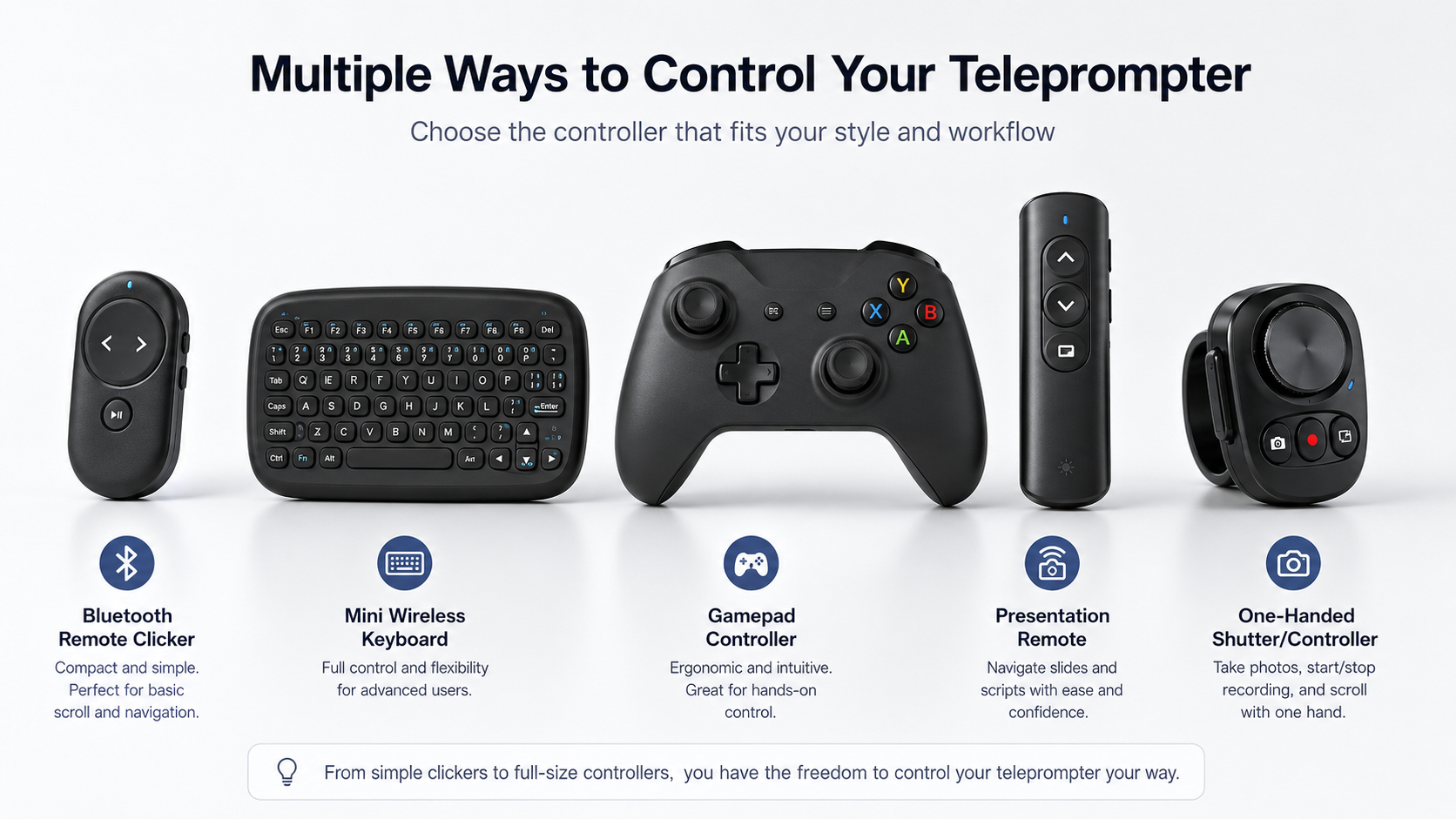
Your teleprompter's control method directly affects recording fluency. There are four mainstream options: Bluetooth remote, foot pedal, gesture control, and voice tracking. Each has its strengths and deal-breaking flaws. Pick wrong, and your entire shoot becomes a fight with your gear.
Head-to-Head Comparison
Bluetooth Remote: Cheap, But Occupies a Hand
A small device in your palm. Press up, press down, script scrolls. Core problem: your hand stays clenched around plastic for the entire recording. The camera can't see it, but the tension leaks into your delivery.
Verdict: Fine for occasional use. Not recommended for daily high-frequency recording.
Foot Pedal: Hands Free, Rhythm Broken
Common in professional studios. Tap to advance. Hands are free. Problem: the timing of a foot tap rarely aligns with natural speaking rhythm. When you want to emphasize a word, your instinct is to pause or raise your voice — not press a pedal. The pedal and your delivery are two separate systems.
Verdict: Works for fixed-position, formal broadcast content. Struggles with conversational delivery.
Gesture Control: Cool in Theory, Unstable in Practice
Wave right to advance, left to go back. Futuristic. In practice, false triggers are rampant. You gesture when you talk — get excited, throw your hands up, and suddenly your script has jumped three paragraphs. You end up spending mental energy suppressing natural movement.
Verdict: Technically interesting, practically unreliable. Not recommended as a primary method.
Voice Tracking: Your Voice Is the Controller
A fundamentally different approach: the teleprompter listens to what you're saying in real time and scrolls to match. You stop, it stops. You speed up, it keeps pace. You jump back to redo a line, it follows. No buttons, no pedals, no gestures needed.
CueBuddy uses this approach through Apple's Speech framework. Recognition availability and network use depend on the device, language, and system. As matching advances, the app moves the highlighted reading position so your hands can remain free for natural gestures.
Verdict: The most natural control method available. Covers 99% of shooting scenarios.
Selection Guide
| Scenario | Recommended Method | Why |
|---|---|---|
| Daily talking-head, solo recording | Voice tracking | Zero extra operation, full attention on delivery |
| Noisy environments (cafe, outdoors) | Bluetooth remote | Manual fallback when voice recognition degrades |
| Professional studio, fixed setup | Foot pedal | Stable for formal, fixed-position recording |
| Presentations, training | Voice tracking + keyboard | Primary + backup coverage |
The Core Principle
Anything that requires extra operation pulls attention away from what you're actually there to do: communicate. Old teleprompters were designed as machines that needed controlling, so they came with controllers. But when a teleprompter is built to work with you, the right interface isn't your hands or your feet — it's your voice.
If you're currently comparing remotes and pedals: don't buy either. Try voice tracking first. What you need might not be a better controller. It might be no controller at all.
CueBuddy is an iOS teleprompter app with AI voice tracking — your words drive the scroll. No login, no ads. Find it on the App Store by searching "CueBuddy" or visit cuebuddy.cn.
Try the free online teleprompter first
If you are solving script, pacing, line-memory, or filming workflow issues, open the browser teleprompter first and test the script there. Use the CueBuddy app when you need a stronger mobile recording workflow.
Start your next recording with CueBuddy
Try the free teleprompter workflow first, then open CueBuddy if you need stronger recording and camera workflows.