A teleprompter built by people who actually record

CueBuddy came out of a very practical problem. Traditional teleprompter setups often assume you have extra gear, more setup time, and a more complicated filming process than most solo creators actually want. We wanted something that could work with the iPhone and Mac devices we already had, while still making teleprompting, recording, and voice-following feel like one connected workflow.

We had also used plenty of teleprompter products that added friction right at the start: account walls, pay-before-you-try prompts, ads, dated interfaces, and cluttered feature paths. So CueBuddy does not force sign-in just to get started, and we keep ads out of the experience because creators already have enough to manage when they are trying to record well.

The friction solo creators feel on camera

The first problem we noticed was not “people need another teleprompter.” It was that a lot of creators already knew what they wanted to say, but kept getting dragged down by missed lines, broken rhythm, visible eye movement, and too many retakes.

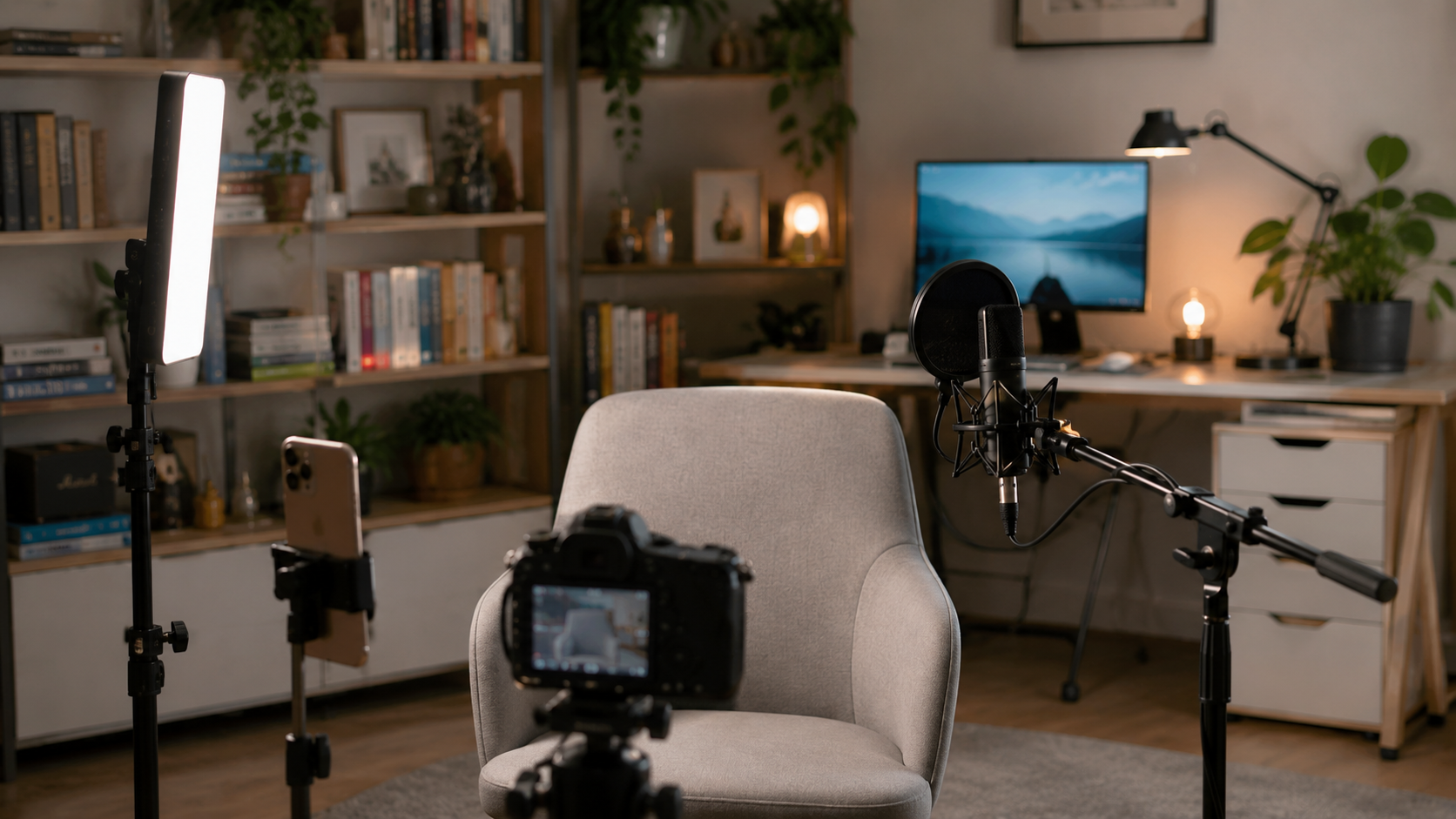
That pressure gets worse when one person is handling the script, the camera, the pacing, and the delivery alone. CueBuddy started from that very real recording setup.

CueBuddy real recording workflow

We are not only trying to make text scroll

What matters to us most is whether speaking feels smoother, not whether the feature list looks longer.

  • fewer missed lines and fewer retakes
  • less pressure to chase a fixed speed
  • less visible eye movement and less “reading from a screen”
  • less friction between scripting, prompting, and filming

Designed for people recording on their own

CueBuddy fits people recording talking-head videos, lessons, explainers, rehearsals, and other speaking-heavy formats where one person often has to do almost everything.

Most of these users do not need help finding ideas. They need a calmer, more reliable way to deliver those ideas clearly.

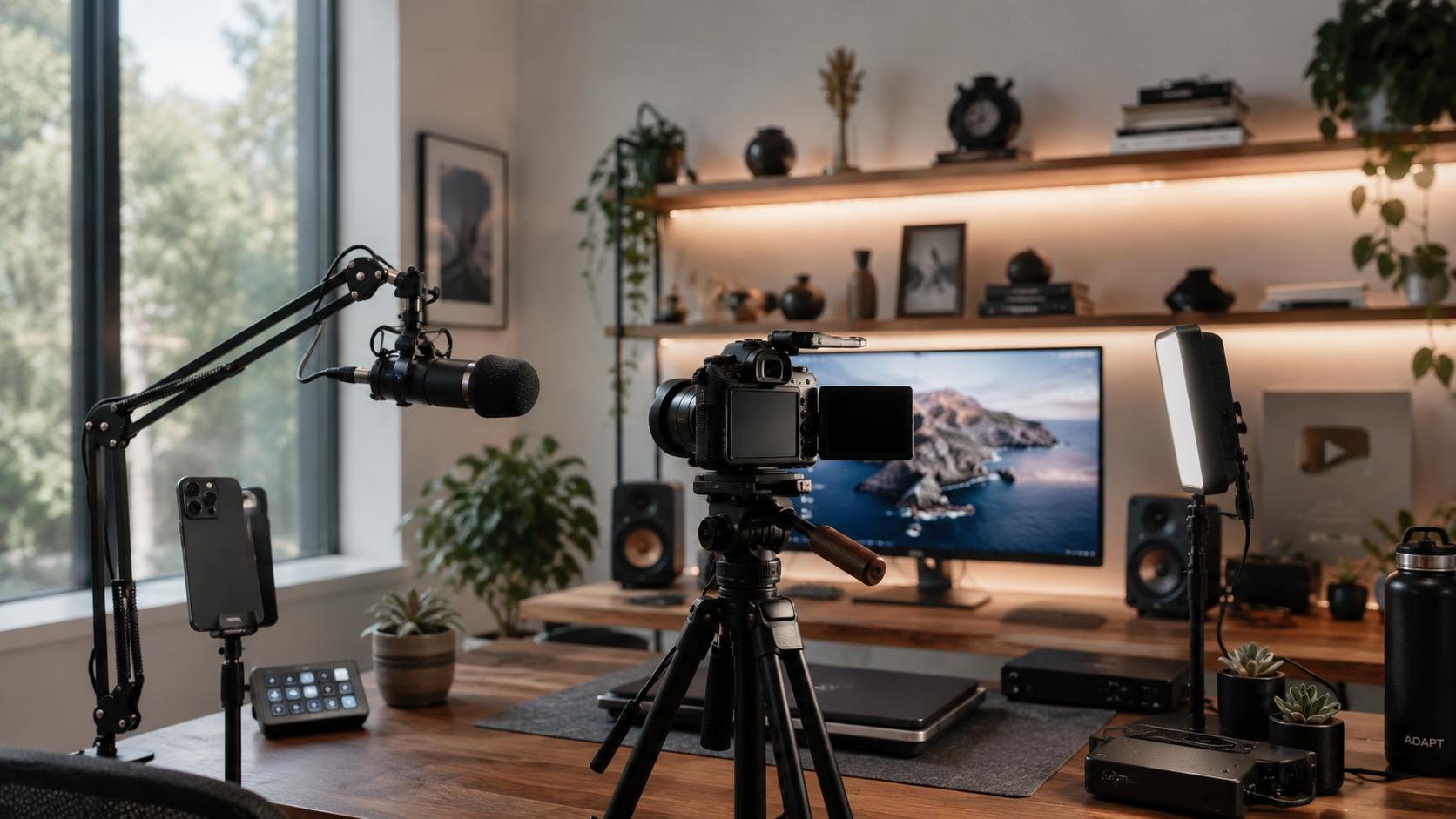
CueBuddy solo creator setup
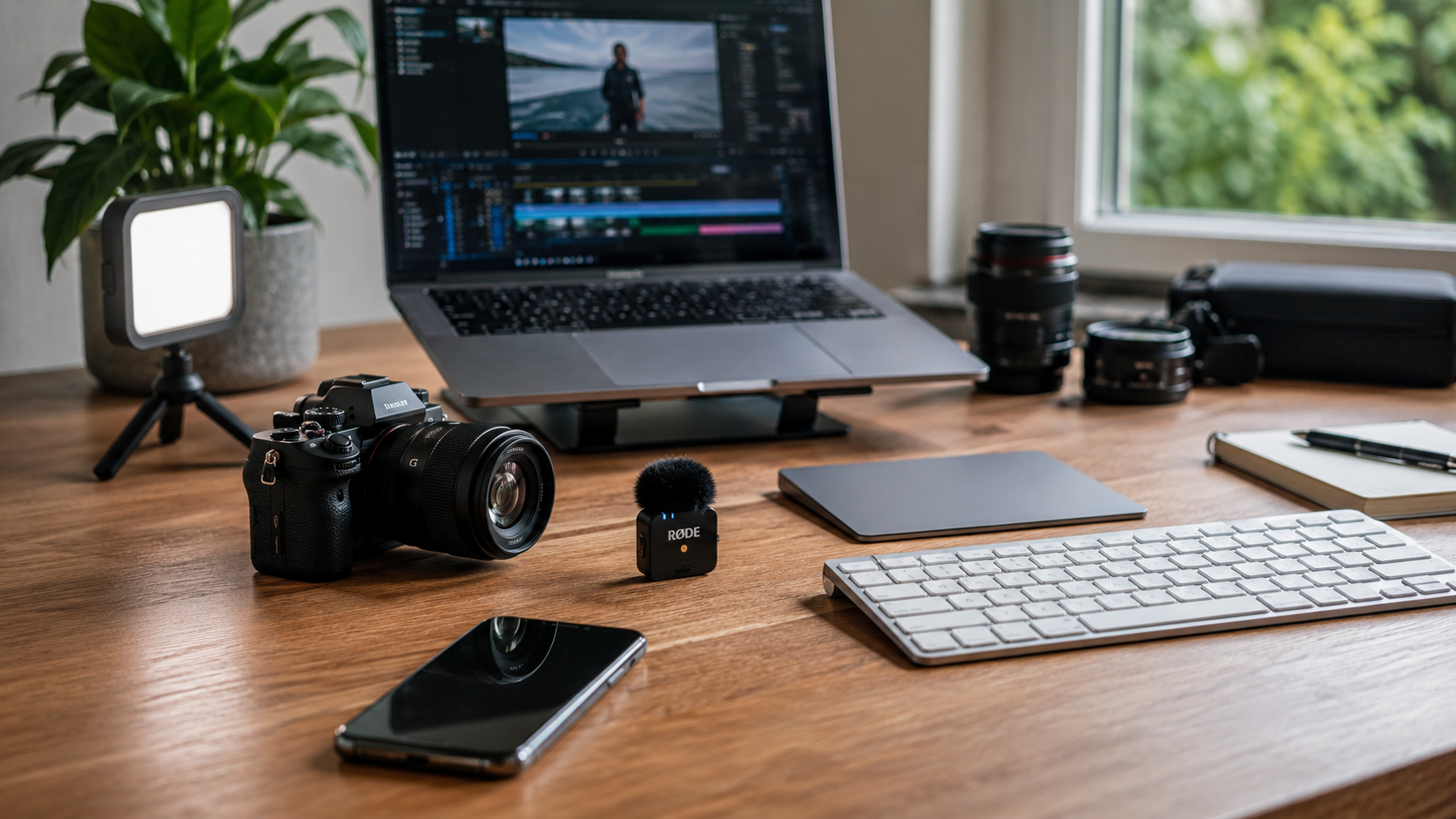
CueBuddy script to recording workflow

One flow from script to shoot

We want scripting, rehearsal, and recording to feel connected instead of scattered across tools that do not really work together.

That is why CueBuddy brings voice-following prompts, full-screen reading, teleprompter recording, PiP, and the web demo into one product flow.

A small team still refining the tool

We do not think of CueBuddy as a pile of features. We think of it as a tool that needs to hold up in real creator workflows.

We keep returning to questions like these:

  • can someone start quickly on a single phone
  • does voice-following feel stable in real speech
  • is teleprompter recording genuinely easier than a traditional setup
  • does the product still feel dependable across different devices and shooting conditions
CueBuddy small team iteration

What we want CueBuddy to become

CueBuddy should not only serve people with a polished studio. It should also help people who have something worth saying and want a lighter way to say it well.

It should be light enough to start right away, and stable enough to support more serious recording work when needed.

Start your next recording with CueBuddy

Try the free teleprompter workflow first, then open CueBuddy if you need stronger recording and camera workflows.

Download on the App Store