 CueBuddy
 Scan with your phone to download
Main Interface
Learn how the CueBuddy web interface handles script input, edit and prompt modes, and the fastest way to start online teleprompting.
Main Interface
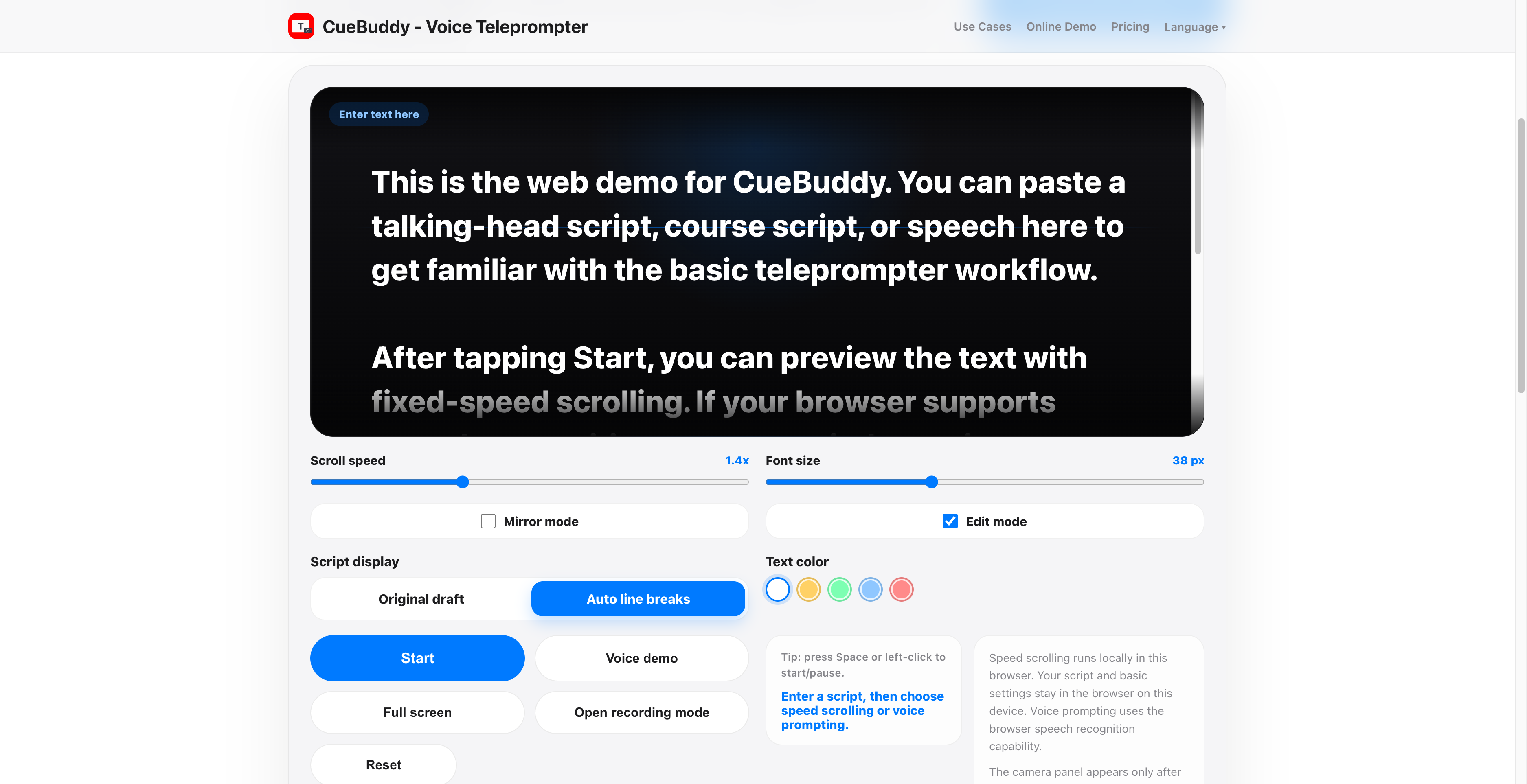
- By default, the teleprompter is in editing mode. In this mode, you can directly edit your script inside the teleprompter text box. Tap Edit again to switch to prompting mode, then tap Start to begin prompting.
- Original Layout displays the script using its default formatting. Auto Line Breaks split lines based on punctuation in the script.
- If you have a long script, there is a separate New Script entry at the bottom of the interface.