 CueBuddy
 Scan with your phone to download
How long does it take to publish a two-minute talking-head video, from opening your phone to hitting publish?
On the "memorize + improvise" track, the breakdown looks like this:
1. Write the script: 30 minutes (draft, tweak wording) 2. Memorize: 40 minutes (read through multiple times, lock in key logic and transitions) 3. Record: 20 minutes (multiple takes — stumbles, forgotten lines, awkward expressions) 4. Select + edit: 15 minutes (cut bad takes, basic trimming) 5. Publish: 5 minutes
Total: roughly 110 minutes. A two-minute video, nearly two hours.
One step eats the most time: memorization.
What Memorization Actually Costs
On the surface, memorization costs time. Forty minutes. Not extreme.
But it costs far more than time.
First, it burns willpower. Memorization demands intense focus. After writing a script, your brain has already done several rounds of thinking. Forcing it into "memorization mode" is a heavy willpower tax. Many people finish their script and get stuck right here — not because they can't memorize, but because they don't want to.
Second, it spends your peak energy. Your best mental state goes into memorizing. By the time you start recording, you're already somewhat drained. Vocal energy, facial expressiveness, emotional fullness — all degrade when you're tired.
Third, and most dangerous: it kills creative momentum. When "recording a video" becomes mentally encoded as "write a script, then memorize it, then do multiple takes, then edit," you increasingly just... don't want to. Many creators go dark not because they ran out of content, but because their production process became too draining.
The Same Video, With a Teleprompter
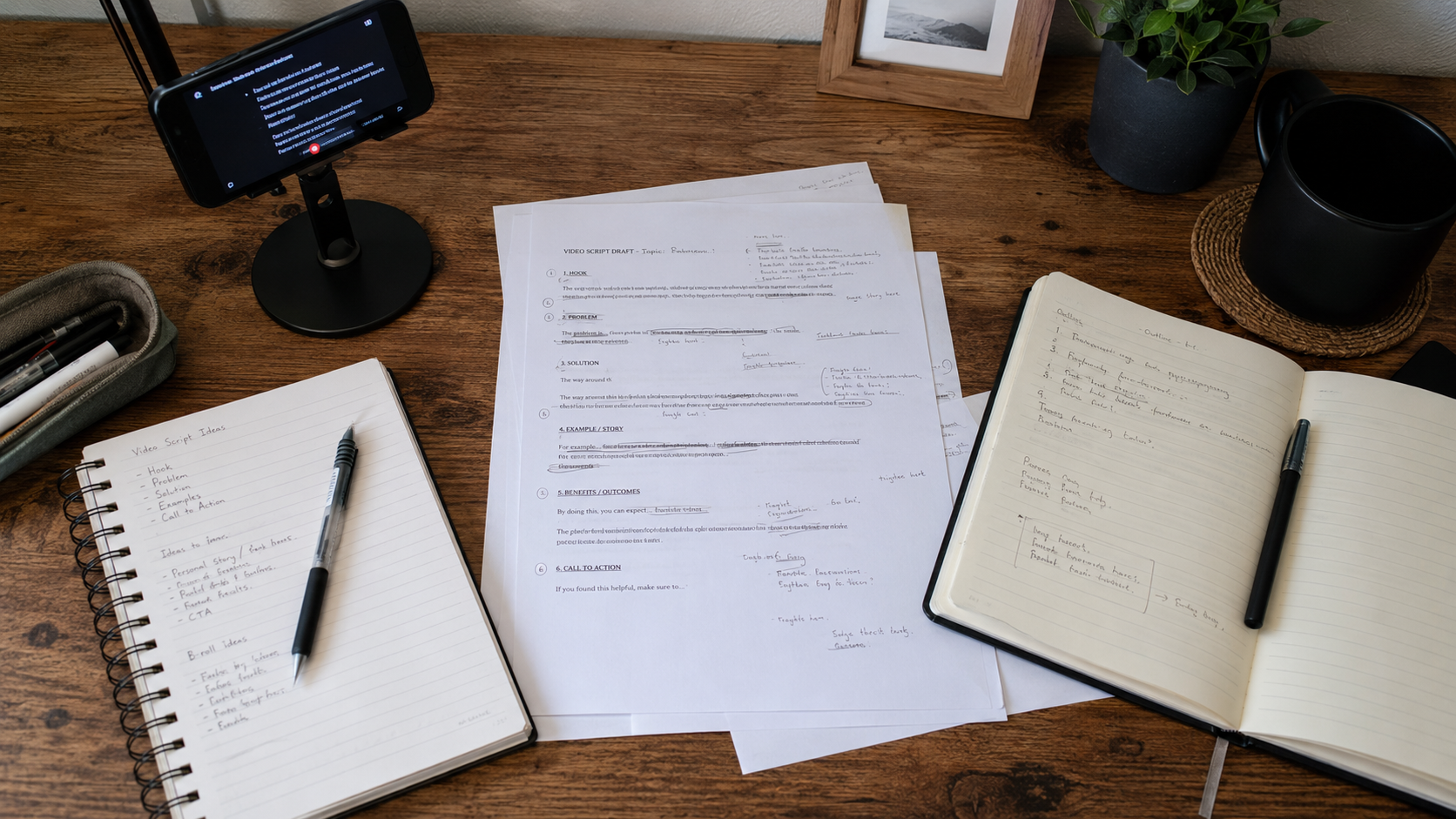
1. Write the script: 30 minutes (same) 2. Load and adjust: 5 minutes (import into the prompter, set font size and scroll speed) 3. Record: 10 minutes (follow the script, 1–2 takes) 4. Select + edit: 10 minutes 5. Publish: 5 minutes
Total: roughly 60 minutes. Nearly half the time.
Notice what didn't get cut: writing. Writing time stays exactly the same — good content still requires good writing. What got eliminated: memorization and the extra takes caused by forgetting lines.
And there's a hidden benefit: delivery quality goes up. When you're not splitting brainpower to remember "what comes next," all your attention goes to how you're saying it — pacing, expression, eye contact. Those are the things your audience actually feels.
The Bigger Math
If you publish three videos a week:
- Without a teleprompter: 110 × 3 = 330 minutes (5.5 hours)
- With a teleprompter: 60 × 3 = 180 minutes (3 hours)
That's 2.5 hours saved per week. 10 hours per month. 120 hours per year — five full days.
With those 120 hours, you could write more scripts, study your craft, analyze competitors, or just rest. Any of those options serves your creative career better than memorizing lines.
For daily posters, the gap widens dramatically. Under a daily cadence, working without a teleprompter is nearly unsustainable. The memorization alone will break you.
Is a Teleprompter "Expensive"?
Let's break down the cost:
Physical teleprompter rig: A typical phone teleprompter mount runs about $20–30. It's a beamsplitter glass and a phone cradle. For phone-only shooting, that's the full hardware cost.
Teleprompter app: Free options exist. Paid apps typically run $2–5 per month. Apps like CueBuddy offer core AI voice tracking for free, with advanced features (4K recording, PiP floating prompter, mirror mode) behind a paywall. A few bucks a month — cheaper than a coffee.
Total cost: Rig ($20–30) + monthly app fee ($2–5) = roughly $30 upfront, then pocket change each month.
Now compare to the time saved: 10 hours per month. Even at minimum wage, 10 hours far exceeds $30.
This isn't a "should I spend this" calculation. It's a "I'm losing money by not spending this" calculation.
Who Benefits Most
Group one: creators going from zero to one. You haven't built recording muscle memory yet. Talking to a camera already drains mental energy, and adding memorization on top makes it dangerously easy to quit in the first week. A teleprompter lowers the starting barrier so you can just get moving.
Group two: professionals with recurring recording needs. Teachers recording online courses. Salespeople recording product demos. Trainers making instructional videos. You have fixed recording tasks every week with fixed content to cover. A teleprompter handles "information completeness" so you can focus on "how do I say this better."
The blunt truth: a teleprompter isn't for people who "can't speak well." It's for people who want to speak better but don't want to spend their life memorizing.
Try the free online teleprompter first
If you are solving script, pacing, line-memory, or filming workflow issues, open the browser teleprompter first and test the script there. Use the CueBuddy app when you need a stronger mobile recording workflow.
Start your next recording with CueBuddy
Try the free teleprompter workflow first, then open CueBuddy if you need stronger recording and camera workflows.