 CueBuddy
 Scan with your phone to download
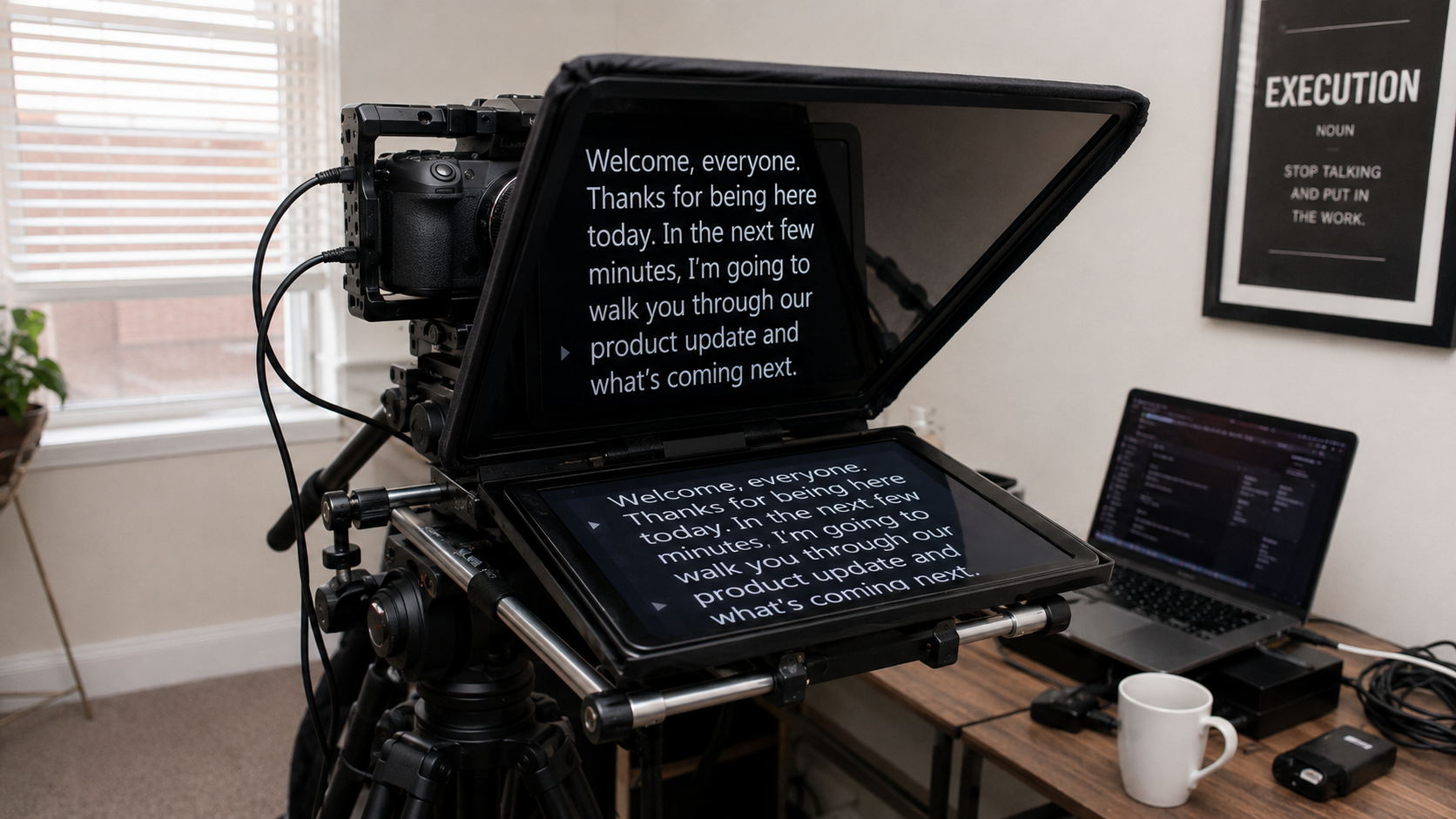
Teleprompter = a machine that reads scripts for you.
If that's your entire understanding, you're probably using about 20% of its value. Here are the five things a teleprompter actually delivers — and a couple might not be what you expect.
1. Memory Offloading: Let Your Brain Do One Thing Well
This is the most basic value, but also the most important.
Common scenario: you write a great script — tight logic, memorable lines — then face the camera and your brain goes blank. Not because the script is hard, but because your brain is trying to do two things at once: remember what comes next and control how you're saying it.
Cognitive psychology's "cognitive load" concept: working memory capacity is roughly 4–7 chunks of information. When that limited capacity is allocated to "recalling the script," less remains for "delivering well."
A teleprompter removes the "recall" task. The script is on screen. No recall needed — a quick glance and you're there.
The effect cascades: stop worrying about forgetting lines → your face relaxes → your tone becomes more varied → the audience perceives you as more genuine.
2. Information Fidelity: Zero Omissions on Critical Content
Casual chatty content can survive a missed sentence here or there. Product specs, legal disclaimers, medical advice, or teaching points — dropping a single word can be a real problem.
A tech reviewer once posted a phone review missing a key specification. Fans called it out in the comments. He had to pin a correction. A solid video took a hit from one omission.
That's "information fidelity": the teleprompter doesn't create content for you, but ensures every piece of content you've prepared gets delivered.
For scenarios requiring precise communication — product launches, course recordings, official statements, client proposals — this value arguably matters more than memory offloading.
Modern teleprompter apps support section markers and color coding, letting you visually chunk your script so you always know where you are in the structure.
3. Expressive Freedom: A Safety Net Makes You Braver
This sounds counterintuitive. Doesn't a teleprompter tie you to the script?
The reality: knowing the script is right there, not going anywhere, actually reduces nervousness. Creators often find themselves naturally adding things not in the script — an improvised metaphor, a sudden thought, a self-deprecating aside.
With voice tracking on an app like CueBuddy, this freedom is even more tangible. Unlike traditional prompters that push text at a fixed speed, it follows you. You speed up, it speeds up. You go off on an improvised tangent, it waits. You return to the script, it catches up. You're not chasing the script — the script is chasing you.
The right way to use a teleprompter: the script is your safety net, not your script. People with a safety net take more risks — the same reason you ride a bike best when someone's holding the back.
4. Efficiency Multiplication: Not a Nice-to-Have, a Make-or-Break
The detailed time math is in article 5. But here's the key point:
The efficiency gain from a teleprompter isn't a "nice optimization." For some people, it's the difference between "I can sustain this" and "I'm going to quit."
Nearly every creator publishing 2–3+ videos a week consistently uses a teleprompter. Not because everyone's lazy, but because without one, the memorization alone grinds creative enthusiasm to dust.
If each session was just "write → paste → record," would you still dread hitting that button?
5. Lowering the Psychological Barrier: Helping More People Find Their Voice
This is the most underrated value.
Content creation has a brutal reality: naturally expressive people have an inherent advantage. They don't need a teleprompter because talking smoothly to a camera is instinctive. But these people are a minority.
More people have something to say but don't know how to say it on camera. For them, the teleprompter isn't about "efficiency" — it's about "making it possible to start."
Consider a nutritionist with ten years of professional experience who wanted to make short videos for two years but never started because she was "scared of freezing on camera." After installing a teleprompter app: week one, seven or eight takes per video. Week two, three or four. A month later, most videos done in one take, with occasional off-script improvisation.
The teleprompter's role: training wheels. You need them at first, and you wobble. But as you go, your legs get stronger, and the training wheels become optional. Eventually, the teleprompter shifts from "necessity" to "backup" — precision on important content, freeform on lighter material.
But without those training wheels, many people never get the chance to take that first ride.
A teleprompter's value extends far beyond "it reads scripts for you." It's a cognitive offloader. An information safety lock. An expressive liberator. An efficiency engine. A starting crutch. Those five values, together, are its complete picture.
Try the free online teleprompter first
If you are solving script, pacing, line-memory, or filming workflow issues, open the browser teleprompter first and test the script there. Use the CueBuddy app when you need a stronger mobile recording workflow.
Start your next recording with CueBuddy
Try the free teleprompter workflow first, then open CueBuddy if you need stronger recording and camera workflows.