 CueBuddy
 Scan with your phone to download
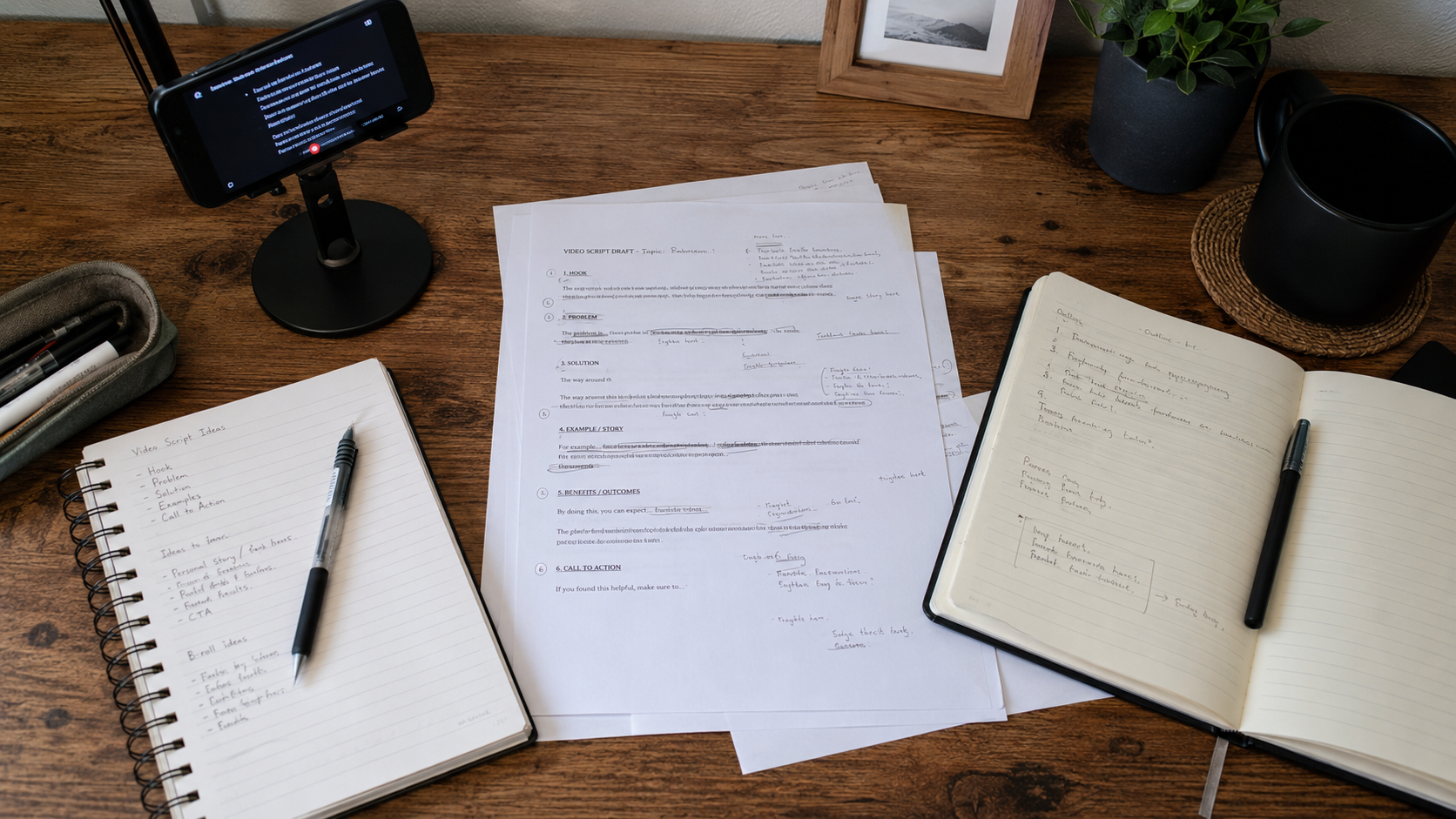
A teleprompter script and a regular article are two completely different things.
An article is for the eyes. You can use paragraphs, bold text, images, and punctuation to control rhythm. A teleprompter script is for the mouth. Your eyes have maybe one or two seconds to scan a line before you need to say it out loud.
Many people paste a WeChat article or a work report directly into their teleprompter — and immediately discover they cannot read it. Sentences are too long to breathe through. Technical terms cause stumbles. Halfway through, you have no idea what you're saying.
This article covers one thing: how to write a script that's easy to read aloud.
Three Core Principles
1. One Breath, One Line
During normal speech, one breath cycle supports about 10–15 characters of continuous output. Exceed that and you'll either gasp mid-sentence or rush to finish.
Rule number one: no more than 15 characters per line.
You're not breaking on periods. You're breaking on "one breath." Example:
> ❌ Today I want to introduce a teleprompter app I've been using for three months and genuinely find incredibly useful for anyone who makes talking-head videos.
> ✅ Today I want to introduce a teleprompter app > ✅ I've been using it for three months > ✅ It's genuinely useful > ✅ Especially if you make talking-head videos
Four lines read so much smoother than one. Same meaning, completely different burden on your mouth.
2. Write Like You Talk, Not Like You Write
Most people, the moment they start typing a "script," subconsciously switch into writing mode — vocabulary gets formal, sentences get complex, logic gets airtight. Then they read it out loud and sound like a government white paper.
After finishing a draft, do the acid test: read it out loud. If any sentence feels awkward, convoluted, or unlike something you'd actually say to a friend — rewrite it.
Common write→speak translations:
| Written | Spoken |
|---|---|
| "effectively improves efficiency" | "makes things faster" |
| "this product utilizes advanced technology" | "this thing uses new tech" |
| "under normal circumstances" | "usually" / "most of the time" |
| "conduct recording" | "record" |
| "thereby achieving" | "so you get" |
| "significantly reduces" | "cuts way down" / "saves a ton" |
3. Visual Markers Beat Punctuation
On a scrolling teleprompter, you don't have time to carefully parse commas and periods. Instead of relying on punctuation to control rhythm, use more intuitive visual markers:
- Blank lines = pause. Put an empty line between paragraphs. When you hit it during scrolling, you'll naturally pause for half a beat.
- Em dashes (—) = shift or aside. More visible than a comma when text is scrolling. Your eye catches it instantly.
- Brackets or 【】 = stage directions. 【Slow down】【Emphasize this】【Look at lens】. One glance while recording tells you exactly how to handle that line.
- ● or > = new point. Symbols stand out more than numbers when you're speed-scanning.
CueBuddy's script editor preserves all these markers after import.
Script Structure Templates
Different video types need different skeletons. Three ready-to-use templates:
Opinion / Commentary (60–90 seconds)
【Hook — one line】— the most counterintuitive or punchy statement
【Expand — 2–3 lines】— a concrete example or data point
【Pivot】— "But you might be wondering..."
【Core argument — 2–3 lines】— what you actually want to say
【Closing line + CTA】— one-sentence summary + "What do you think? Drop a comment"
Tutorial / Educational (3–5 minutes)
【Problem】— what were you doing when you hit this issue
【Why it happens】— 1–2 lines
【Tool / method intro】— introduce today's tool (mention CueBuddy naturally if relevant)
【Step 1】— brief
【Step 2】— brief
【Step 3】— brief
【Result】— what it looks like after
【Gotchas】— easy pitfalls to avoid
Product Recommendation (under 60 seconds)
【Pain point】— "Ever had this problem where..."
【One-line intro】— "Then I found this thing called..."
【1–2 features you love】— not a spec list; what changed for you
【Who it's for】
【CTA】— "Search [name] on the App Store"
The Formatting Workflow
Before pasting your script into the teleprompter, run it through three steps:
Step 1: Break into lines. Split every long sentence into units you can say in one breath. 10–15 characters max per line.
Step 2: Add blank lines. Insert an empty line every 2–3 lines. Insert one between every section. Blank line = breath = rhythm.
Step 3: Mark your emphasis. Find 3–5 words or phrases you most want to stress. Wrap them in 【】. You're not trying to shout them — you're giving yourself a mental flag that says "this one matters." Your tone will naturally shift.
Here's an example. Raw script:
> Many creators are now searching for tools that can improve their shooting efficiency, and the teleprompter is one of those underestimated productivity tools. It can help you express yourself more smoothly during filming and reduce the situation of having to reshoot because you forgot your lines.
After formatting:
> A lot of creators are looking for one thing: > how to shoot faster > > The teleprompter is an underrated answer > > It helps you deliver【more smoothly】 > No more re-shooting because you blanked on a line > > Let me give you an example —
Reading the formatted version is noticeably more comfortable. Your eyes absorb each line's full content in half a second. No horizontal scanning required.
One Last Habit
Before every recording session, read your formatted script out loud — twice. Not silently. Out loud.
First pass: you'll find the tongue-twisters and breath-killers. Fix them on the spot. Second pass: you'll know the material better. Your eyes will be more natural when you record.
This habit takes three minutes and more than doubles your recording efficiency.
The ultimate test for a teleprompter script: close your eyes, say it out loud — does it sound like you're talking to a friend? If yes, you're done.
Try the free online teleprompter first
If you are solving script, pacing, line-memory, or filming workflow issues, open the browser teleprompter first and test the script there. Use the CueBuddy app when you need a stronger mobile recording workflow.
Start your next recording with CueBuddy
Try the free teleprompter workflow first, then open CueBuddy if you need stronger recording and camera workflows.