 CueBuddy
 Scan with your phone to download
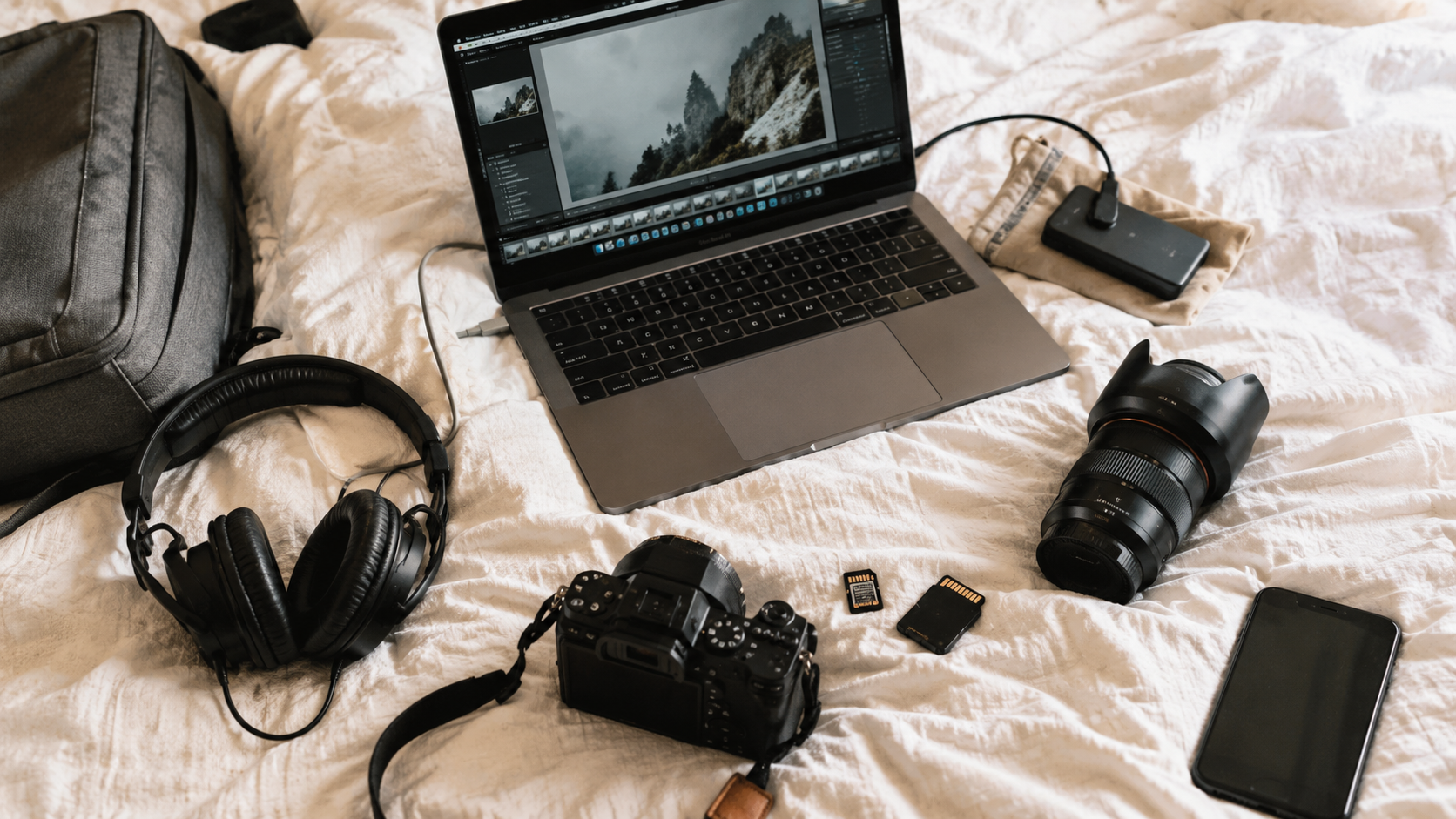
The core difficulty of solo filming isn't gear or technique. It's one word: invisible.
Once you press record, you can't see the frame. You don't know if you're still in the shot, if your expression works, or if something weird crept into the background. Every solo filming technique, at its root, solves the "invisible" problem.
Problem 1: How Do You Nail Composition?
Fix: shoot a test clip first.
Before going for real, stand in position, record 10 seconds, review. Check:
- Are you positioned correctly? (Generally centered, slightly above middle, some headroom.)
- Is the frame level?
- Anything obstructing the shot?
One test clip solves every composition question. Ten seconds saves half an hour of post-production fixes.
Bonus: use a mirror. Position near a mirror or reflective surface to check yourself in real-time. No mirror? Your phone screen gives a faint reflection — not great, but usable.
Problem 2: What If You Forget Your Lines?
The biggest solo filming hurdle. Three approaches:
Option A: Teleprompter. Lowest mental overhead. Load your script into a teleprompter app. CueBuddy is purpose-built for this: AI voice tracking scrolls at your pace, floating window mode keeps your eyes near the lens, and it records up to 4K 60fps while prompting — no app switching. For talking-head content, a teleprompter cuts solo filming difficulty in half.
Option B: Segment shooting. One idea per clip, 30-60 seconds each. Forget a line? Restart that segment from the top. Stitch in post — the audience never knows it was shot in pieces.
Option C: Bullet-point improv. No word-for-word script. Just 3-5 key points. Speak freely around them. Pro: very natural. Con: easy to ramble. Save for when you've made 20+ videos.
Advice: Option B is easiest. Option A is most reliable. Option C needs experience.
Problem 3: Where Do You Look?
Treat the lens like a person's eye.
Not "the lens" — a specific person. Your best friend sitting across from you, listening. Direct your eye contact, tone, and gestures at that person.
Practical tip: stick a small photo or sticker next to the lens as "that person's face." Your eyes find a natural focal point.
Problem 4: How Do You Know If the Take Was Good?
After each complete section, review the first clip and the last clip.
First clip confirms technicals (composition, audio, focus). Last clip confirms energy hasn't dropped (tired voice? frozen expression?).
Middle takes don't need individual review.
Problem 5: Running Back and Forth to Press Record
Solutions:
- Apple Watch remote: see the feed and trigger recording from your wrist. Not everyone has one.
- Countdown timer: built-in 3-second or 10-second timer. Press, walk to spot. Downside: running back and forth.
- Bluetooth remote: costs a few dollars. Hold in hand. Downside: hand may creep into frame.
- Pad head and tail: leave 3 extra seconds before speaking and after finishing. That 6-second buffer lets you cut the walk-in/walk-out in post.
Recommended: countdown + padding. Simple, no extra gear.
Problem 6: How Do You Shoot B-Roll Alone?
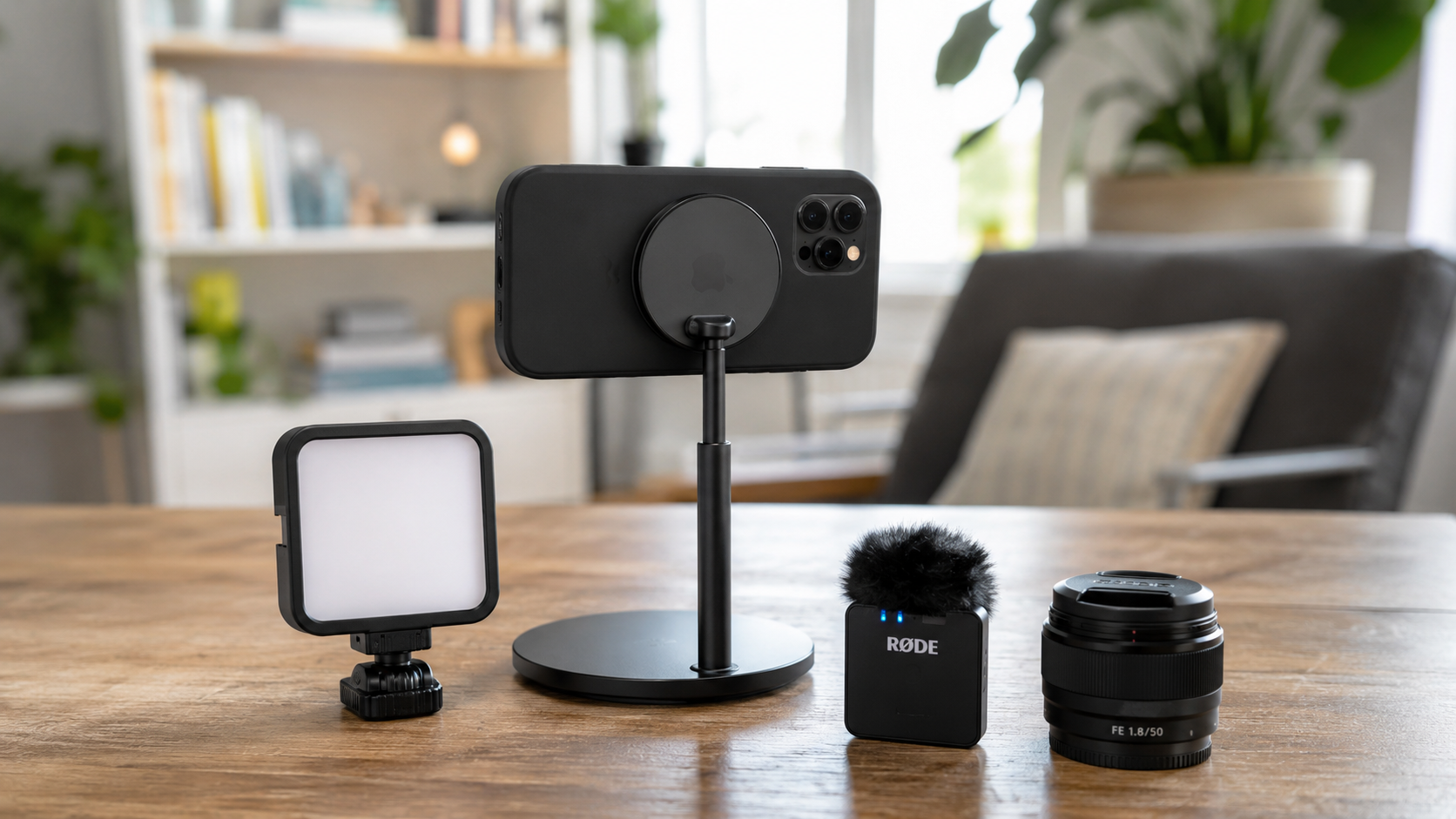
B-roll is the supplementary footage illustrating what you're saying. Solo workflow:
1. Record all A-roll (talking to camera) first 2. Listen back, note every spot needing B-roll 3. Film those shots separately, 10-15 seconds each
Don't talk and perform simultaneously. Shoot separately, layer B-roll over audio in post. Each shot gets full attention.
The Complete Solo Filming Workflow
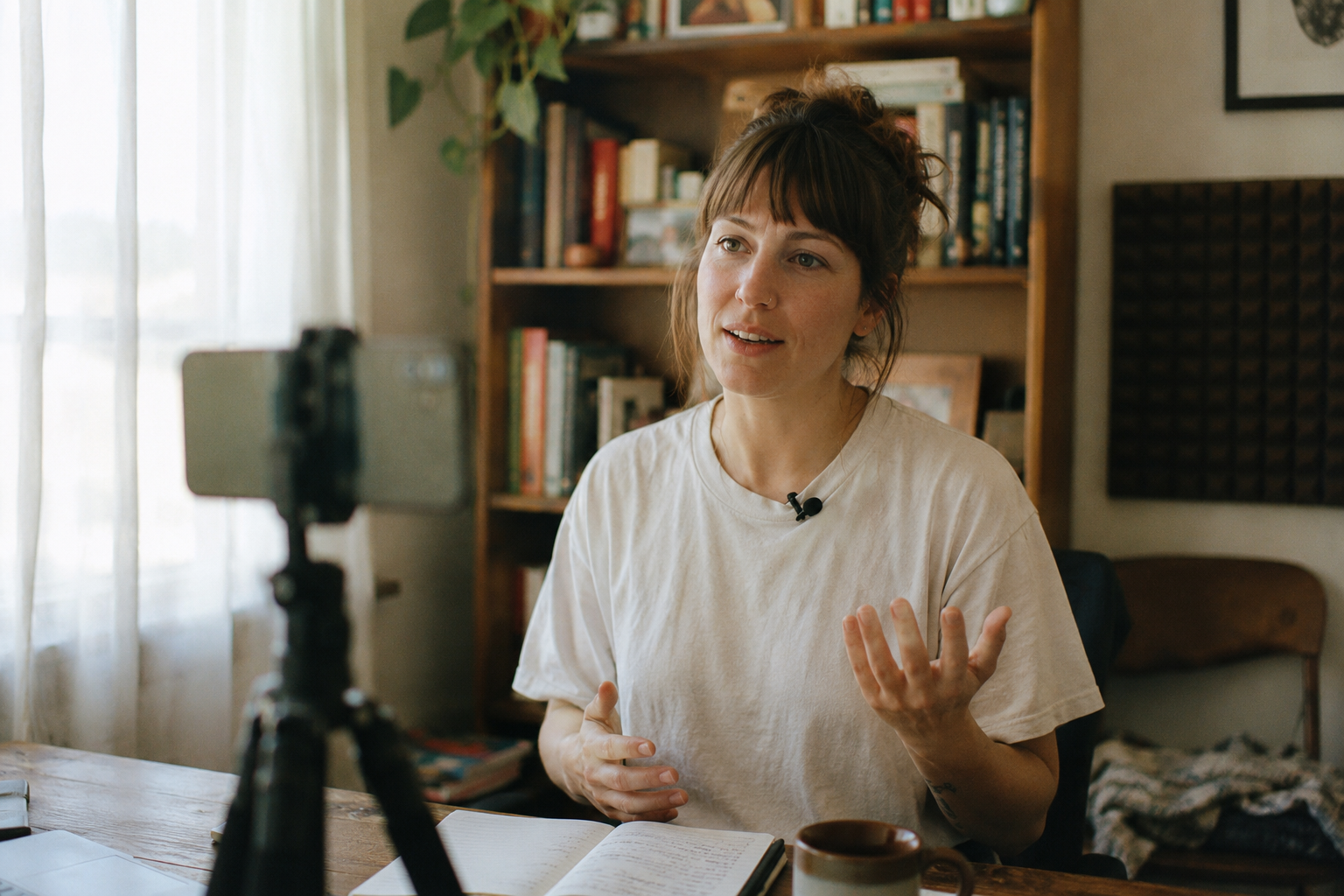
1. Prep: script/outline ready, teleprompter loaded (if using), light and audio checked 2. Test: 10-second test, review framing and sound 3. A-roll: shoot talking-to-camera segments. Review first and last clip of each batch 4. B-roll: based on A-roll content, shoot supplementary footage separately 5. Wrap check: scan all footage, confirm no fatal issues (no audio, out of focus, corrupted files)
Solo filming is harder than filming with someone. But there's an upside: no scheduling coordination, no explaining your vision, no compromising.
More importantly, creators who can shoot great videos alone tend to have stronger creative muscles — because they've had to figure out every single piece themselves.
Try the free online teleprompter first
If you are solving script, pacing, line-memory, or filming workflow issues, open the browser teleprompter first and test the script there. Use the CueBuddy app when you need a stronger mobile recording workflow.
Start your next recording with CueBuddy
Try the free teleprompter workflow first, then open CueBuddy if you need stronger recording and camera workflows.