 CueBuddy
 Scan with your phone to download
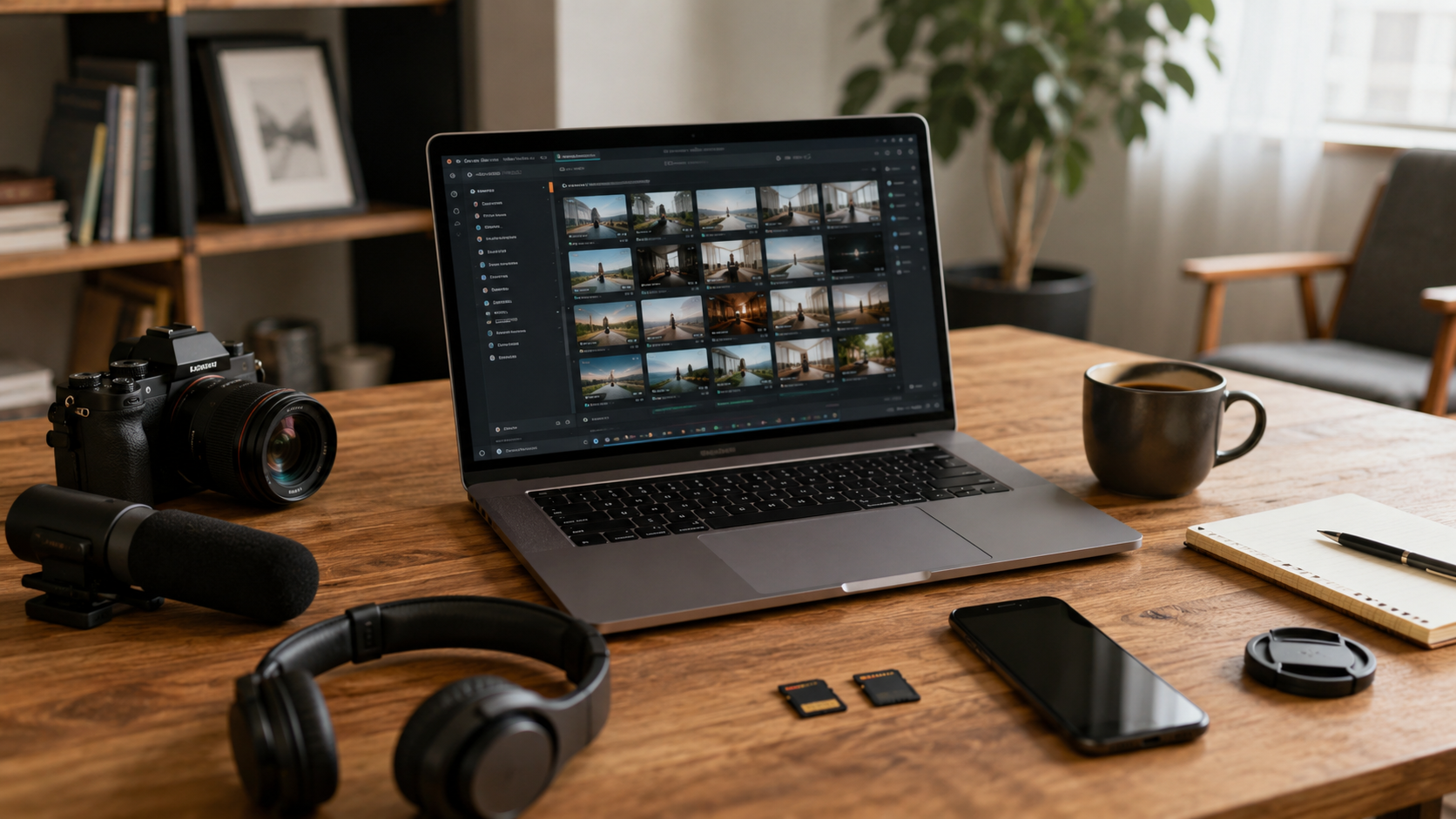
The most frustrating video shoot failures aren't bad scripts or sloppy editing. They're preventable setup mistakes: smudged lens, ruined audio, wrong orientation, or a mid-shoot "Storage Full" alert.
None of this relates to skill. It relates to whether you do a pre-shoot check. This checklist takes five minutes and cuts your failure rate by at least half.
1. Clean Your Lens (5 seconds)
Foggy, hazy footage with a gauze-like look means one thing: the lens wasn't wiped.
Finger oil. Pocket dust. Desk grime. You don't need lens wipes — the corner of your shirt solves 90% of the problem.
2. Check Storage Space (10 seconds)
4K video consumes about 400MB per minute. Before shooting, confirm at least 20 minutes of space. If not, delete files or lower quality.
"Storage Full" mid-shoot can mean losing everything already recorded.
3. Confirm Orientation (5 seconds)
Know your platform: TikTok vertical, YouTube horizontal, Instagram Reels vertical.
Confirm before shooting. Cropping afterward is a major operation.
4. Check Your Frame (30 seconds)
Scan for things that shouldn't be there:
- Laundry, delivery boxes, messy cables in the background
- Objects "growing" out of your head (lamp posts, picture frames, plants)
- Is the frame level? Turn on grid lines and check.
Thirty seconds of checking saves cropping away a third of your frame in post.
5. Test Lighting (30 seconds)
Record a 10-second test clip, review:
- Is your face bright or dark?
- Is the background blown out?
- Weird shadows on your face?
Face too dark? Turn toward a window or switch on a lamp. Background overexposed? Close curtains or change angle. Strange shadows? Move the light source.
6. Test Audio (1 minute)
The most important item on this list.
Record test audio at your actual speaking volume and distance. Listen with headphones:
- Wind noise? Close windows, turn off fans.
- Fridge/AC hum? Shut them off temporarily.
- Echo? Move to a room with soft furnishings (curtains, rugs, couch).
- Voice unclear? Get closer — mouth 20-30cm from the phone.
Post-production noise reduction can help but it's a patch, not a cure.
7. Check Your Teleprompter / Script (30 seconds)
Using a teleprompter: confirm the script is loaded and font size is readable.
Using paper: place it directly below or above the lens to minimize eye movement.
CueBuddy's floating window mode overlays the script on the camera interface, keeping eyes nearly fixed on the lens while recording.
8. Enable Airplane Mode (10 seconds)
Phone calls, notifications, message pings — any of these mid-take can ruin a clip. Turn on airplane mode or at least Do Not Disturb.
9. Final Check: Who Are You Talking To? (30 seconds)
This is about headspace, not equipment.
Before starting, remind yourself: who is this video for? What tone fits?
Take a breath. You're not "making a video." You're sharing something useful or interesting with another person.
The Full Checklist (Screenshot This)
Run through in order. Five minutes:
☐ Clean the lens ☐ Check storage space ☐ Confirm orientation (vertical or horizontal) ☐ Check composition (clutter / level / objects behind head) ☐ Test lighting (record 10 seconds, review) ☐ Test audio (record a clip, listen with headphones) ☐ Check teleprompter / script ☐ Enable airplane mode ☐ Confirm: who is this video for?
Disasters almost always happen on the small things. Five minutes before every shoot. Make it a habit.
Try the free online teleprompter first
If you are solving script, pacing, line-memory, or filming workflow issues, open the browser teleprompter first and test the script there. Use the CueBuddy app when you need a stronger mobile recording workflow.
Start your next recording with CueBuddy
Try the free teleprompter workflow first, then open CueBuddy if you need stronger recording and camera workflows.