 CueBuddy
 Scan with your phone to download
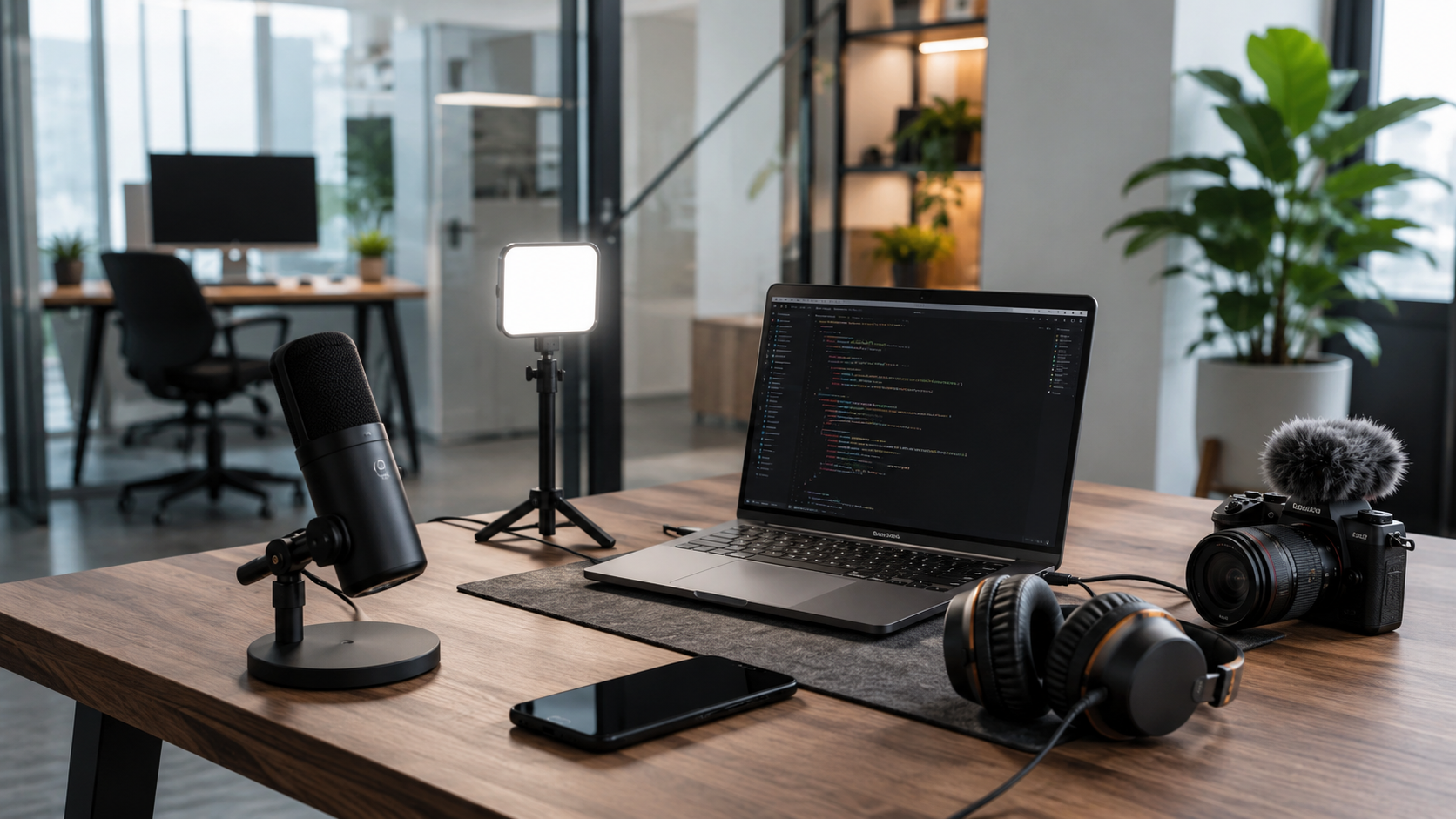
Thirty immediately actionable tips covering scripting, shooting, audio, editing, and publishing. Each one comes from real production experience. At least one will save you from a painful mistake.
Scripting
1. Speak first, write later. Open voice memos, talk through your idea, transcribe, clean it up. Three times faster than staring at a blank document.
2. Boil the topic down to one sentence. If you can't explain your video in a single sentence, your audience won't get it either. Compress the core message first, then expand.
3. One video, one idea. "Today I'm sharing five productivity tips" is weaker than "Today: how to plan your day in two minutes." Less is more.
4. The hook lives in the first three seconds. Not the first three sentences. The first three seconds. Your opening line decides whether they stay or scroll.
5. Write like you're sending a voice message to a friend. Tone, word choice, pauses — all should match that. Nobody uses formal language with friends.
6. Every video needs a call to action. "What do you think? Tell me in the comments." "Try this and let me know how it went." Never "thanks for watching."
Shooting
7. Clean your lens. Wipe it with your shirt before hitting record. This tip alone is worth a thousand dollars.
8. Shoot horizontal. Unless you only post to vertical-only platforms. You can crop horizontal to vertical. Not the reverse.
9. No single shot longer than 15 seconds. Attention spans are short. Nothing changes for 15 seconds, thumbs start swiping.
10. Shoot each take three times. First: warm-up. Second: most natural. Third: backup. Rarely need more.
11. Flub a line? Don't restart. Pause one beat, redo that sentence. Post fixes it in a second.
12. Grab extra B-roll. Walking, drinking water, flipping pages, typing — filler shots that save edits.
13. Light matters more than your camera. Overcast window light beats a $2,000 camera in bad light. Every time.
14. Don't backlight yourself. Unless intentional. Window behind you = face becomes a silhouette. Move or add front light.
15. Handheld? Tuck elbows into your body. Like bracing a rifle. Stability improves instantly.
Audio
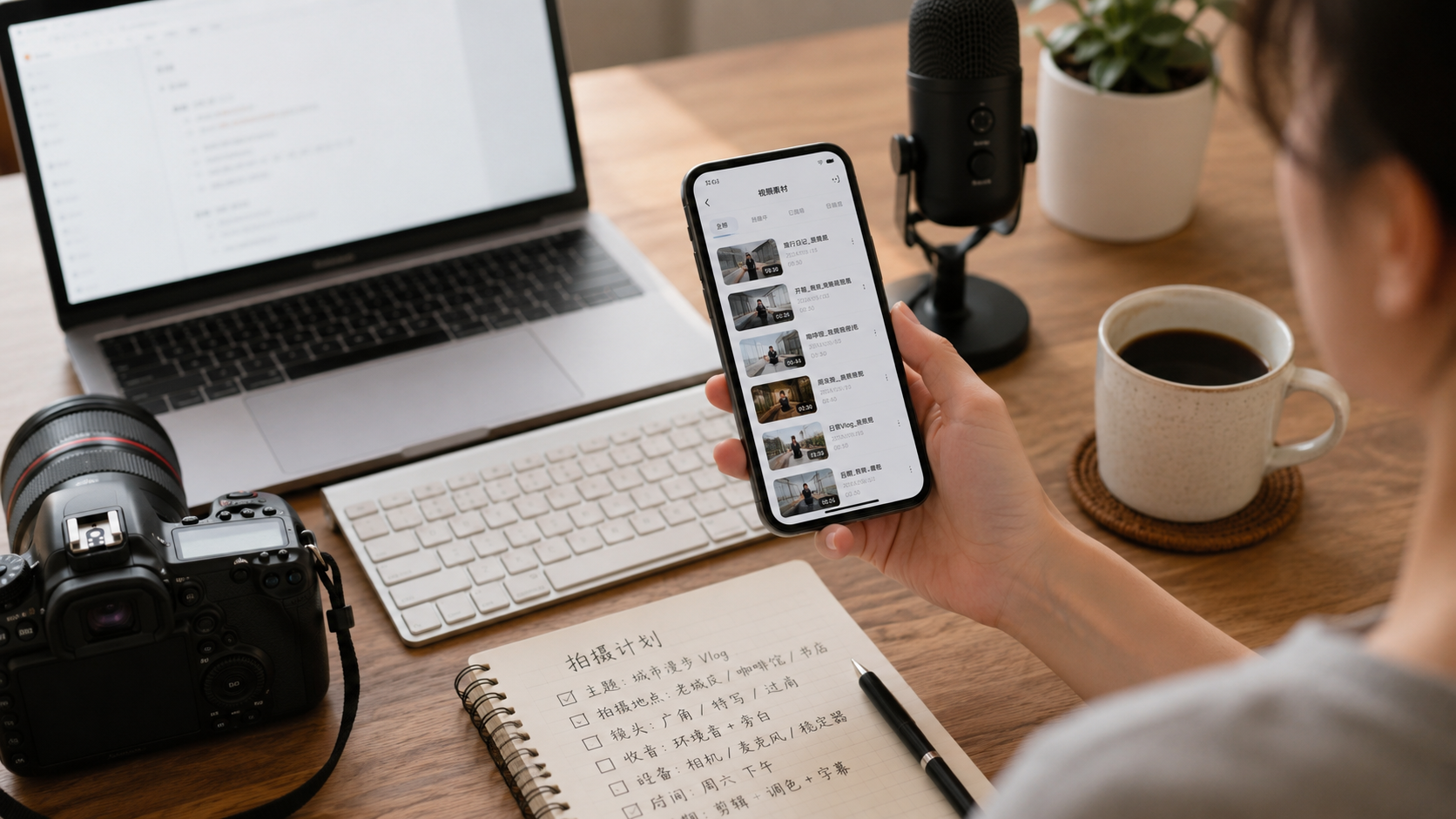
16. Viewers forgive bad video. They won't forgive bad audio. Iron law.
17. Quiet room + phone close to mouth > cheap mic in noisy room. Control environment before upgrading gear.
18. After editing, listen with headphones. Phone speakers hide background noise.
19. Background music: no more than 15% of voice volume. You're not making a music video.
20. Speak with slightly more energy than normal. About 10% extra. Recording flattens emotion — that push brings it back.
Editing
21. Separate rough cut from fine cut. First pass: arrange and delete junk. Second pass: refine. Mixing them kills efficiency.
22. CapCut is enough. It'll carry you to 100K followers.
23. Don't abuse transitions. Hard cuts are the most natural transition. Flashy ones look like PowerPoint.
24. Proofread auto-generated captions. AI turns "teleprompter" into nonsense. Viewers notice.
25. Export at highest quality your storage allows. Platforms compress. Give them extra. 1080p minimum.
26. Don't obsess over color grading on your first video. Get the content cut right. Pretty comes later.
Publishing
27. Spend as much time on your title as the video. The best video gets zero views with a bad title.
28. Thumbnail text must be huge. On a phone screen, thumbnails are fingernail-sized. Small text is invisible.
29. Consistency beats timing. Wednesday 8pm vs. Saturday 10am barely matters. Posting today then waiting a month is lethal.
30. After publishing, stop refreshing stats. Go to sleep. Check tomorrow. Refreshing won't change numbers, but ruins sleep.
If you remember only one thing:
Just shoot 10 videos first. Every tip is theory until you've made ten of your own. After ten, you won't need lists like this — you'll have your own experience.
Try the free online teleprompter first
If you are solving script, pacing, line-memory, or filming workflow issues, open the browser teleprompter first and test the script there. Use the CueBuddy app when you need a stronger mobile recording workflow.
Start your next recording with CueBuddy
Try the free teleprompter workflow first, then open CueBuddy if you need stronger recording and camera workflows.