 CueBuddy
 Scan with your phone to download
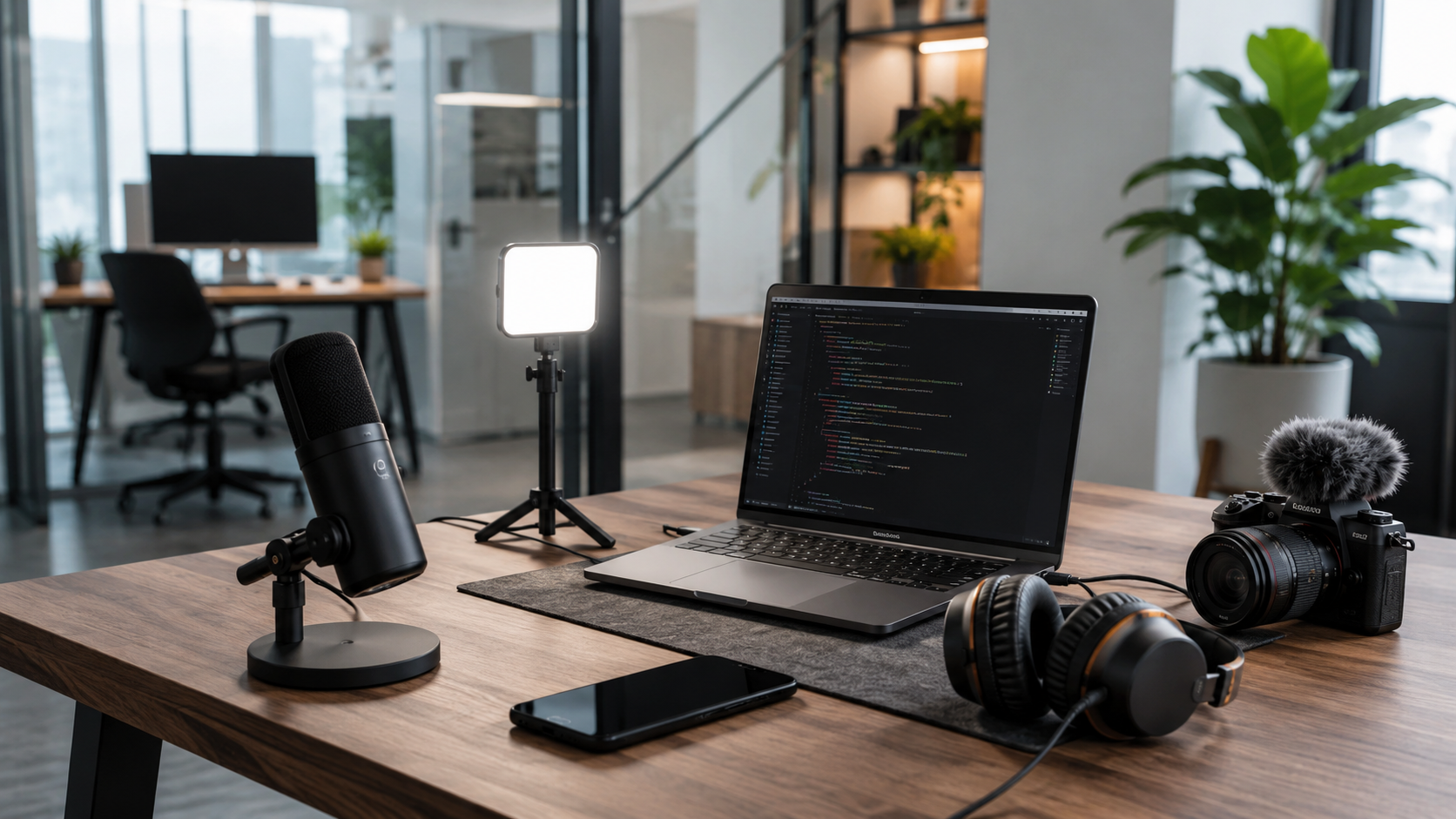
For solo creators — shooting, editing, writing, publishing, and replying to comments alone — the key to consistent output without burnout isn't more expensive gear. It's ensuring every item earns its place by noticeably reducing friction.
This checklist is ranked by priority. Total outlay: under $80.
Camera Gear
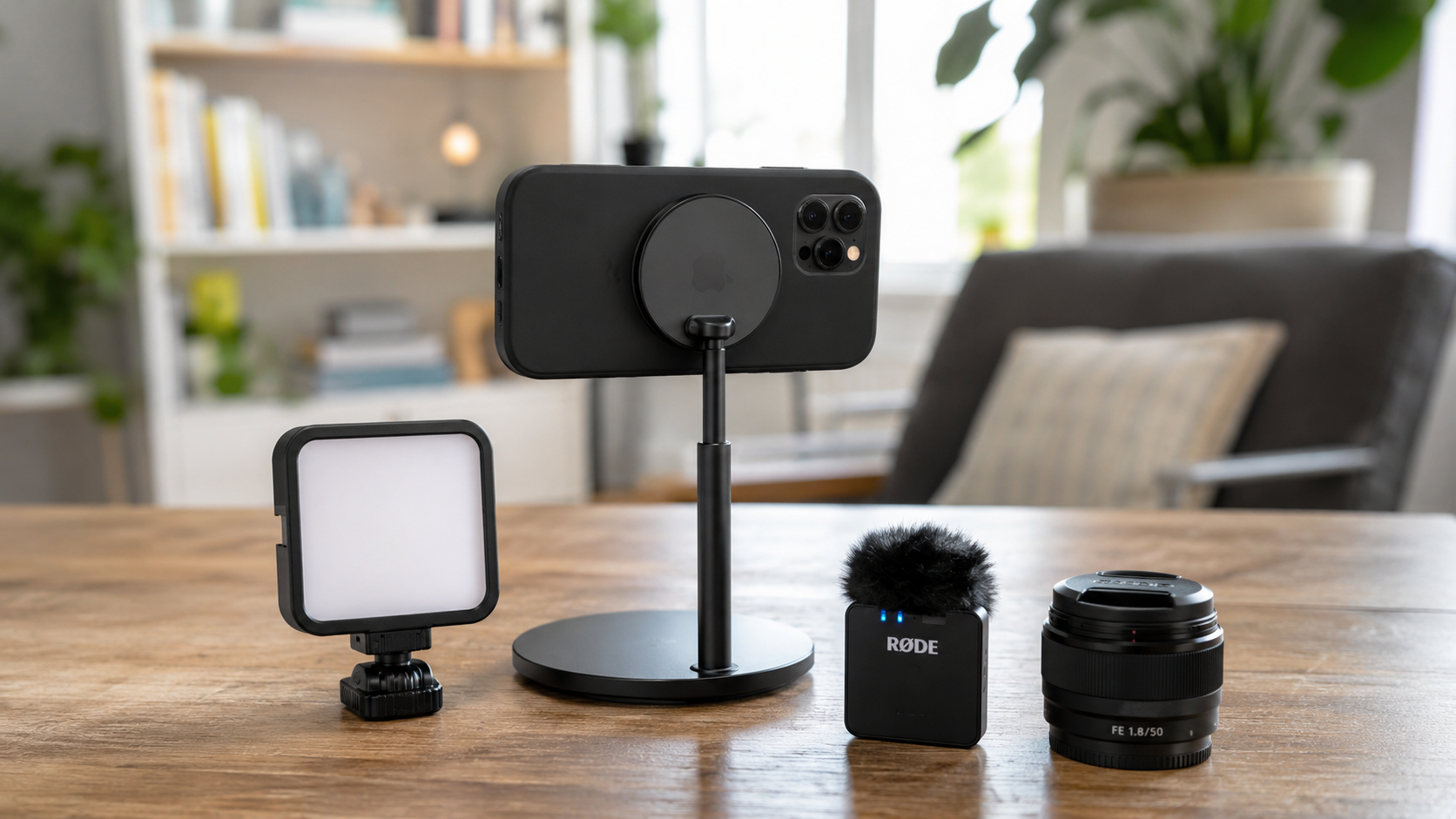
Primary: Your Phone
For weekly or daily creators, phones have one overwhelming advantage over dedicated cameras: you just pick it up and shoot. A camera needs powering on, dialing in, lens swapping, importing, transcoding — every step erodes your impulse to create. Your phone: unlock, open camera, record. Three seconds.
Most viewers watch on phones. They can't tell what you shot on. But they can tell if you're speaking naturally — and that has nothing to do with gear.
Accessory: A Phone Tripod (~$5)
A cheap tripod is all you need. Stable, adjustable, portable. Skip Bluetooth remotes.
Audio
Indoors: Built-in Phone Mic
In a quiet room, phone about 30cm from your mouth — the built-in mic is more than adequate.
Outdoors / Noisy Environments: Lavalier Mic ($15-30)
Budget allows: Rode Wireless GO. Tighter budget: search "lavalier microphone USB-C" — sub-$15 options work. The audio improvement is more dramatic than a camera upgrade.
Common mistake: spending hundreds on a new camera while audio remains terrible. Viewers forgive mediocre visuals. They won't forgive bad sound. Fix audio first.
Lighting
Daytime: Window Light
The best light is free. Face the window, position the phone between you and the glass. Even, soft, zero cost.
Night / Overcast: Desk Lamp + White Paper Bounce
One desk lamp at 45° to your face. White paper or a wall on the opposite side for fill. Looks more natural than most ring lights.
When to buy a proper light? After six consistent months and you genuinely can't shoot during daylight. At that point, an LED panel around $30 with adjustable color temperature works.
Teleprompter
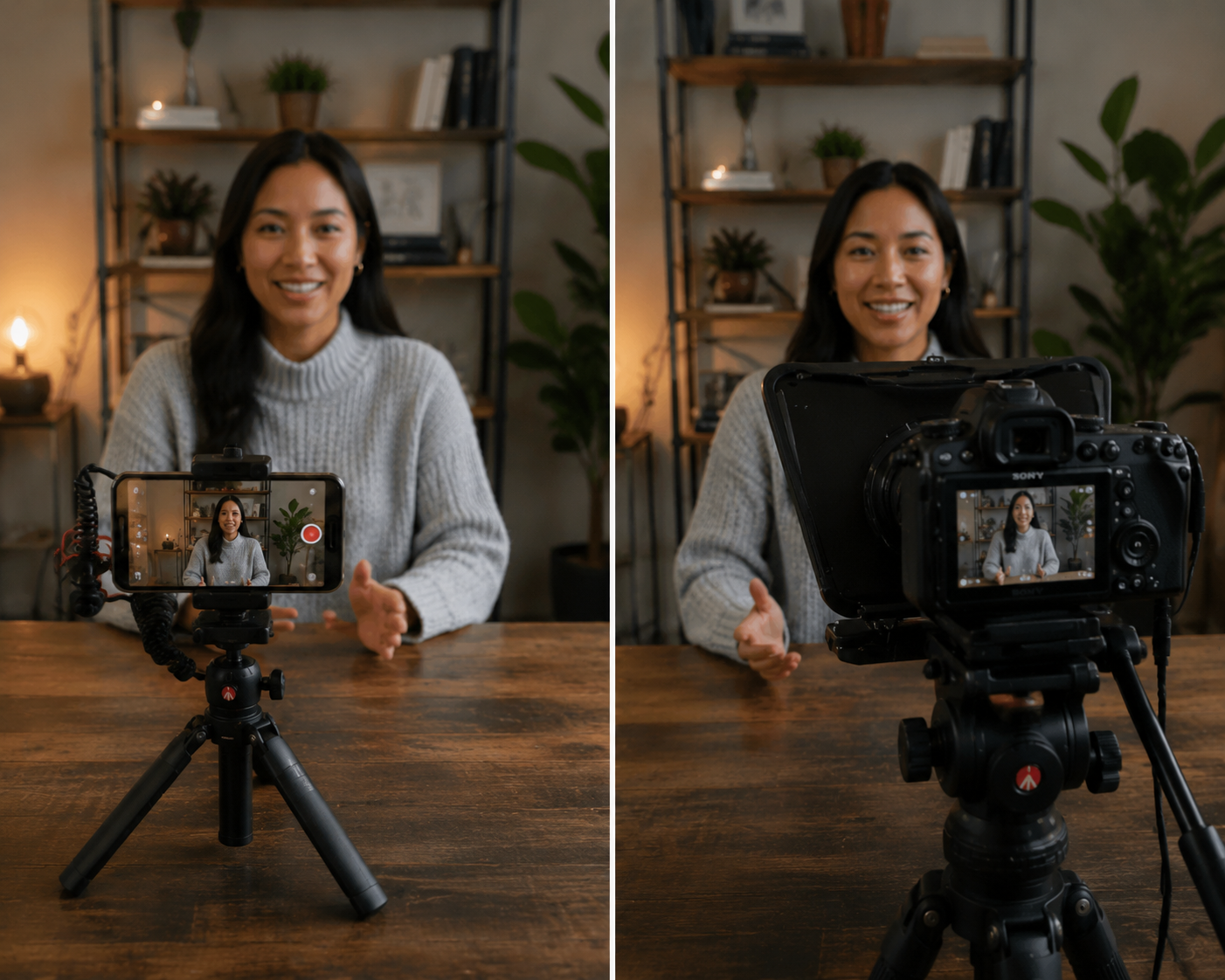
For talking-head content, a teleprompter is a leverage tool.
Memorizing scripts leads to burnout. Improvising leads to rambling. A two-minute video takes 40 minutes not because you can't speak, but because you forget the next line mid-sentence.
CueBuddy addresses this with:
- AI voice tracking: the script scrolls as you speak. Speed up, it speeds up. Pause, it pauses. No remote needed.
- Record + prompt in one app: shoots up to 4K 60fps while the script scrolls. No app switching.
- Floating window mode: script overlays the camera interface, minimizing eye drift.
No ads, no login, no data collection.
Editing Software
CapCut (mobile or desktop)
Auto-captions, stock assets, templates, one-tap color grading — time machines for solo creators. Pro software isn't needed.
Storage & Backup
iCloud or any cloud backup with auto-sync
Losing footage isn't unfortunate — it's a disaster. Set up automatic backups.
Efficiency Tools (Not Hardware, But More Important)
- Notes app / Notion: idea bank. Capture ideas instantly. Don't trust memory.
- Voice-to-text (CapCut or any transcription tool): speak first drafts, transcribe, clean up. Three times faster than typing.
Full List by Priority
| Priority | Item | Cost |
|---|---|---|
| Essential | Your phone | Already owned |
| Essential | Phone tripod | ~$5 |
| Strongly recommended | Teleprompter app (CueBuddy) | Free to try |
| Recommended | Lavalier mic | $15-30 |
| Optional | LED panel light | ~$30 |
| Optional | Cloud backup | Already owned |
Total outlay: under $80.
The Principle
Gear serves content, not the other way around.
People with desks full of equipment who haven't posted in six months exist. People with just a phone who hit 100K followers also exist. The difference isn't gear. It's showing up.
Try the free online teleprompter first
If you are solving script, pacing, line-memory, or filming workflow issues, open the browser teleprompter first and test the script there. Use the CueBuddy app when you need a stronger mobile recording workflow.
Start your next recording with CueBuddy
Try the free teleprompter workflow first, then open CueBuddy if you need stronger recording and camera workflows.