 CueBuddy
 Scan with your phone to download
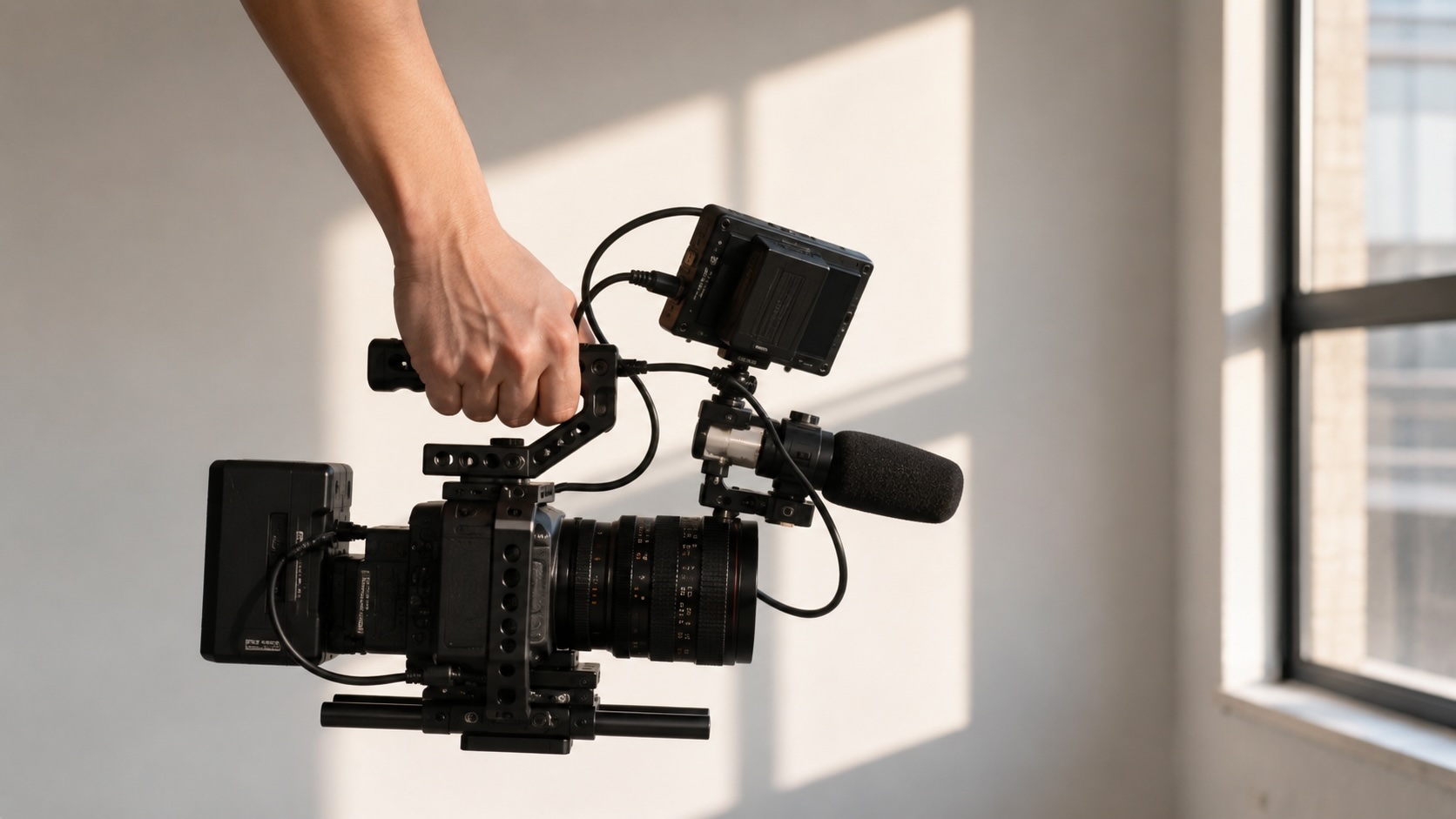
When video quality disappoints, the first thoughts are: "My camera isn't good enough." "I need a new phone."
Those are factors 1 and 2: sensor size and lens quality. Ninety percent of online discussion circles these two points. But after upgrading gear, did quality actually improve?
Image quality is a chain. Swap the first two links — the other five still drag behind.
Factor 1: Sensor — Important, But Overrated
Larger sensors have real advantages: better low light, wider dynamic range, more natural blur. But phone sensors have improved dramatically. An iPhone 15 Pro sensor holds its ground against a dedicated camera from five years ago. For most content creators, the sensor isn't the bottleneck.
Factor 2: Lens — Matters More Than You Think
Lens quality determines clarity — that sense of transparency and crispness. A good lens resolves fine detail, controls flare, stays sharp edge to edge. Phone users: you can't swap the lens, so don't stress. Camera users on a budget: put money into glass, not the body. A great lens on an entry-level body produces far better images than a kit lens on a flagship body.
Factor 3: Lighting — The Cheapest, Most Effective Upgrade
Same gear, good light versus bad light — different planets. When light is scarce, the sensor boosts ISO and noise arrives. On a phone screen it may not look terrible. Upload to a platform, get hit with compression, and dark areas become a mess of blocky artifacts.
Lighting should be a higher priority than gear upgrades — the most counterintuitive cost-to-benefit ratio champion.
Factor 4: Bitrate — The Invisible Quality Thief
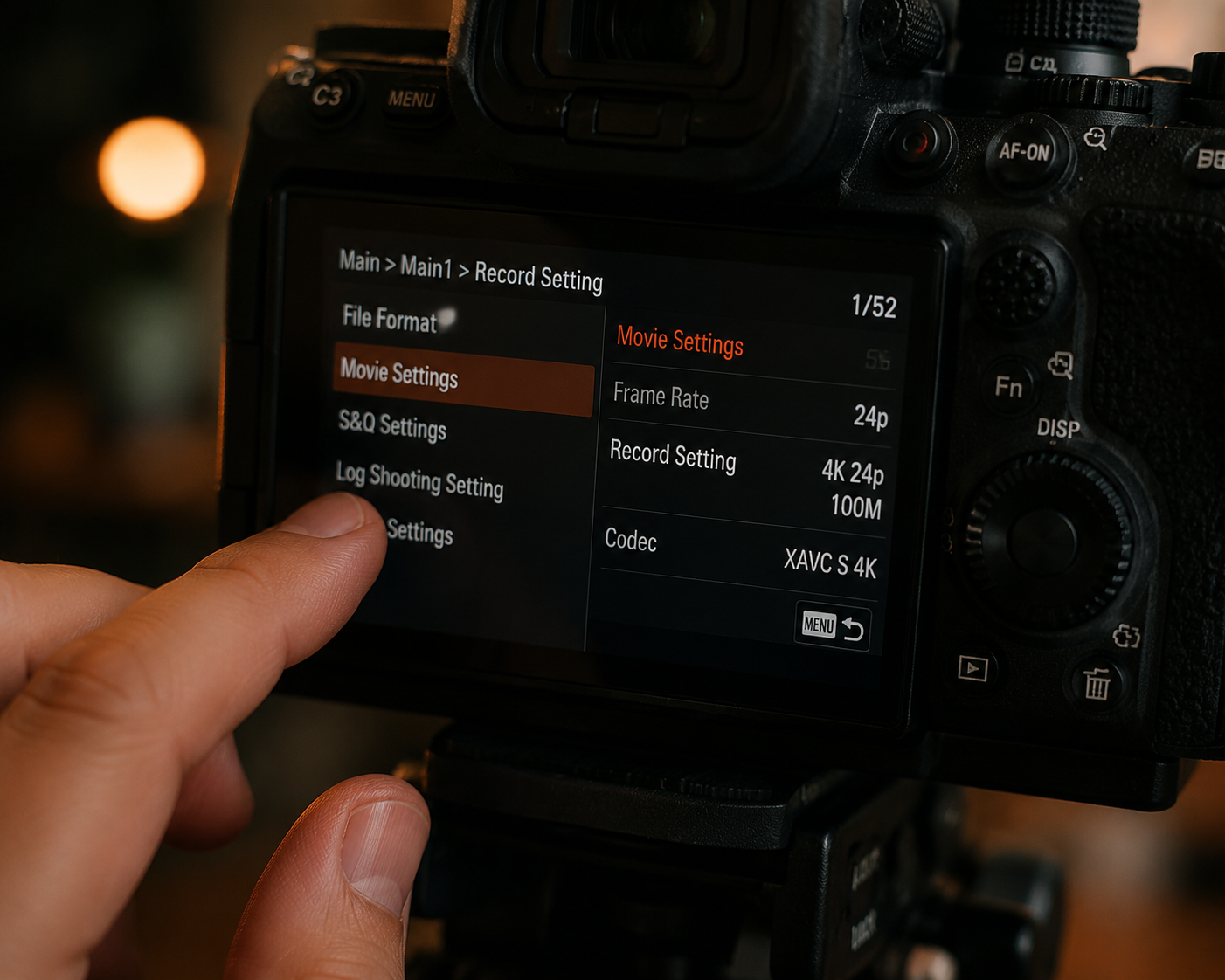
If bitrate is too low, everything else is wasted. Pristine 4K footage encoded at 8 Mbps turns to mush with any movement. Streaming platforms add a second round of compression on top.
Critical note: never send video through WhatsApp / WeChat / Messenger. These apps apply brutal compression. Use cloud storage, AirDrop, or direct cable transfer. Send the original file.
Factor 5: Stability — Shake Destroys Encoding Efficiency
Beyond the encoding cost of camera shake: a tripod is the most underrated image quality tool. Put your device on a tripod — even a cheap $10 desktop one — and quality jumps immediately. When every frame is nearly identical to the last, compression efficiency peaks. Same bitrate, best possible image.
Factor 6: Focus — Soft Focus Is Worse Than Noise
Autofocus isn't magic. In low light, it hunts. When something moves in the background, focus can get pulled away. Face detection has off days.
Lock focus manually, or tap the screen to lock focus and exposure before starting. A little noise in the shadows? Viewers tolerate it. A soft face? Viewers check out in one second.
Factor 7: Post-Processing — Over-Grading Is Reverse Optimization
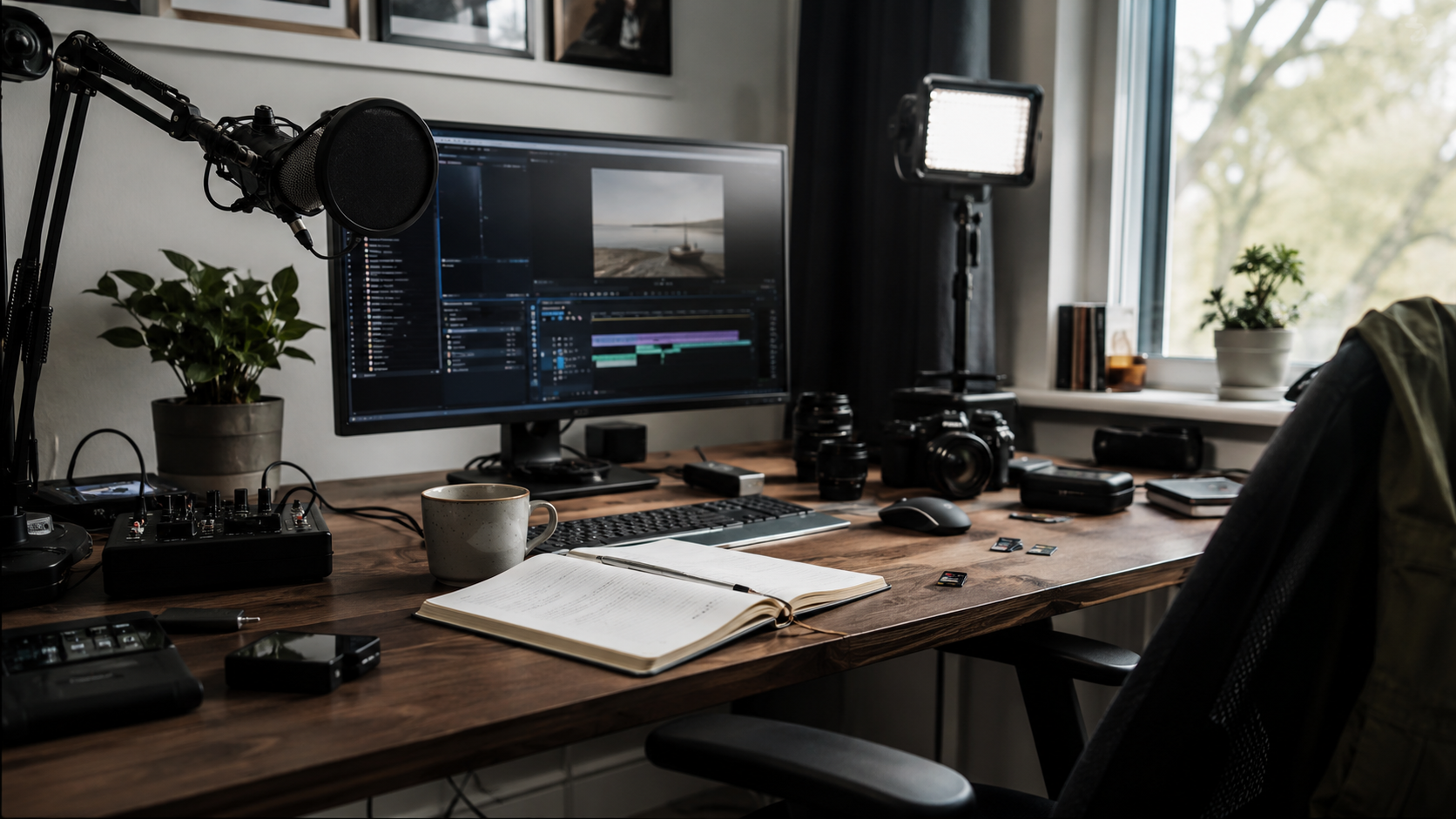
Sharpening cranked too high: white halos and noise everywhere. Saturation pushed too far: skin tones look poisonous. Noise reduction on maximum: faces turn into oil paintings.
The golden rule of color grading: make it "not bad" before you try to make it "beautiful." Correct exposure. Fix white balance so skin looks natural. Keep saturation in check. Nail these three and you've defended your quality floor.
The Priority Order
Lighting > Clean Lens > Bitrate Settings > Stability > Sensor > Focus Lock > Post-Processing.
The first four cost nothing or almost nothing. The last three involve gear and habits.
Next time image quality disappoints, don't immediately browse new gear reviews. Check if your light is right. Check if your lens is clean. Check if your export bitrate got silently set to some pathetic default by your editing software.
Get the free stuff right first. Then think about spending money.
Try the free online teleprompter first
If you are solving script, pacing, line-memory, or filming workflow issues, open the browser teleprompter first and test the script there. Use the CueBuddy app when you need a stronger mobile recording workflow.
Start your next recording with CueBuddy
Try the free teleprompter workflow first, then open CueBuddy if you need stronger recording and camera workflows.