 CueBuddy
 Scan with your phone to download
Backgrounds either help or hurt your video. There's no neutral. Even with zero budget, spending thirty minutes on your background is worth it.
Here are four setups, from no-cost to investment-level.
Setup 1: Zero Cost — Use What's Already In Your Home
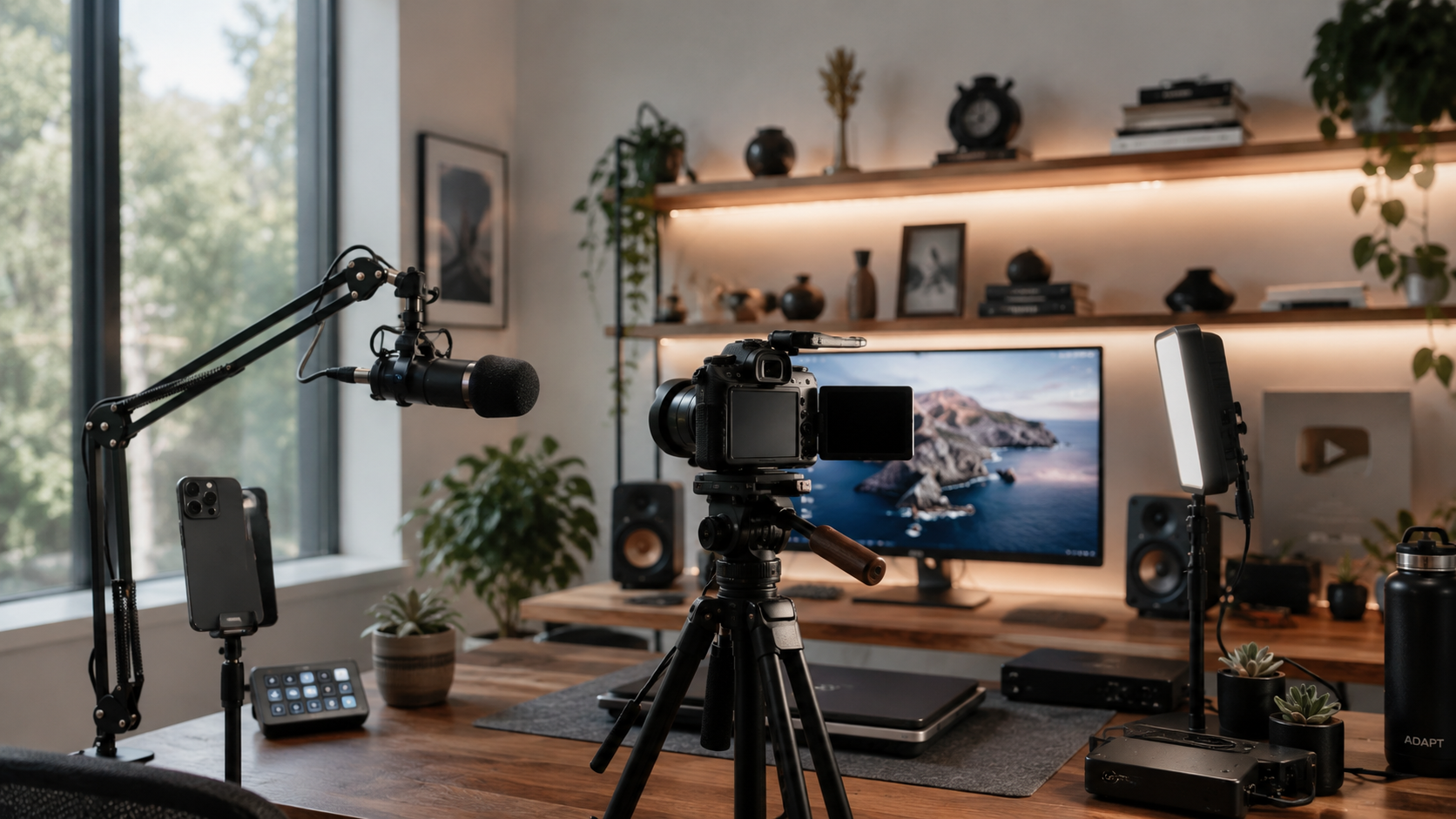
Look at your space with fresh eyes.
Bookshelf: the easiest win. But avoid the trap of randomly stuffed colorful books — spines create visual noise that pulls the viewer's eye. Better approach: pick a few books with matching spines, face covers outward, turn the rest spine-in. The frame gets clean fast.
Window spot: sit facing a window — natural light from behind creates a soft rim around your figure. Watch exposure: if your phone meters off the window, your face becomes a silhouette. Fix: angle your face so side light hits it, or add a small front light.
Plants: a monstera or fiddle-leaf fig placed slightly behind and to one side adds depth without stealing attention. This is "designed but not trying too hard."
Workspace: film in your actual work environment. Computer, notebook, coffee cup on the desk. Talk to the camera like you're in a meeting. "Workspace as background" makes viewers instinctively feel you're in work mode — not dressed up to perform.
Core idea across all zero-cost approaches: you're not settling because you're broke. You're using what's already there to create a "this is just my life" feel.
Setup 2: Under $15 — Solid-Color Backdrop Paper + Distance Control
A roll of seamless backdrop paper (about 1.5m wide) costs a few dollars. Go with gray. Then dark blue. Don't buy white — white needs dedicated lighting to look even, otherwise shadows look messy.
The real trick isn't the paper. It's the distance between you and the background.
The closer you are, the more visible the shadows, wrinkles, and flaws. Step back an extra meter. Open your aperture slightly (or use Portrait mode). The background softens naturally. Creases and dust disappear. Most tutorials skip this, but it matters more than how much you spend on paper.
Another sub-$15 option: LED strip lights. Tuck a warm-toned strip behind a bookshelf or along a wall edge. Suddenly your frame has depth.
Setup 3: Under $50 — Foldable Backdrop Panel / Light-Absorbing Fabric
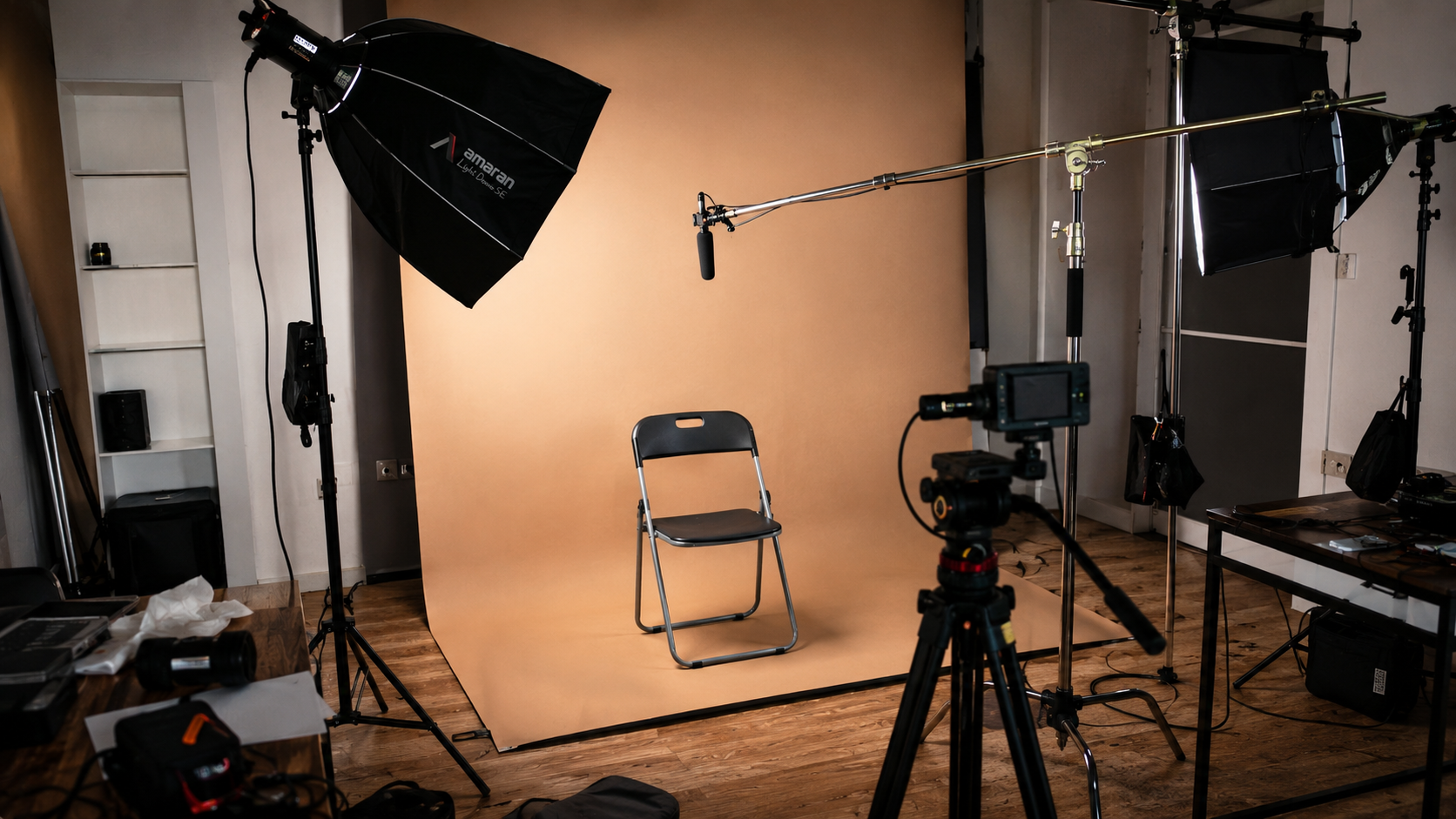
For talking-head content, a collapsible backdrop panel is worth it. Black side (light-absorbing) for interview-style, subject-forward shots. White side (soft reflection) for clean product explainers. Folds up, stores under the bed.
Critical detail: size. Don't buy 1m × 1.5m thinking it's enough. You can't sit flush against it — step back and the edges creep into frame. Minimum: 1.5m × 2m.
Even cheaper: black velvet fabric. Search "photography light-absorbing cloth." A large piece costs almost nothing. Hang it behind you, pair with one key light, and the result approaches a studio look. Velvet absorbs light completely — your phone sees near-pure black behind you. Very clean. Downside: it attracts lint. Cat owners, think twice.
Setup 4: Investment-Level — The Styled Environment
Design a space that telegraphs who you are.
Book content? Floor-to-ceiling bookshelf + warm desk lamp + tea. Tech content? RGB lighting + clean desk + monitor array. Food content? The kitchen island is your stage.
The core of a styled environment isn't "looking good." It's matching the expectation your audience has of you. Who are you? What do you do? Your background should be consistent with those answers. A tech reviewer in front of a traditional landscape painting isn't ugly — but the information mismatches.
Budget ranges from a hundred to a few hundred dollars. Payback period is long — once set up, it lasts for years. Viewers start to recognize "that corner."
Four setups. The practical path: start with what's already in your home (Setup 1). Not enough? Add gray backdrop paper (Setup 2, about ten dollars). Going long-term? Build a permanent shooting corner (Setup 3/4).
If you're stuck on backgrounds right now, start with Setup 1: tidy a bookshelf, move near a window, try two takes. Most of the time, what feels like "bad gear" is actually "I haven't fully used the space I already have."
Money can wait. "Just try something" can happen right now.
Try the free online teleprompter first
If you are solving script, pacing, line-memory, or filming workflow issues, open the browser teleprompter first and test the script there. Use the CueBuddy app when you need a stronger mobile recording workflow.
Start your next recording with CueBuddy
Try the free teleprompter workflow first, then open CueBuddy if you need stronger recording and camera workflows.