 CueBuddy
 Scan with your phone to download
"Golden spirals." "Fibonacci curves." Composition gets treated like some mystical art, but for short-form video, you don't need any of that.
Here are six composition rules that are simple, effective, and require no overlay lines.
1. Center Framing — The Most Underrated Move
Put the subject dead center. That's it.
The power of center framing: it locks the viewer's entire attention onto your face. No wandering eye movement. No distracting negative space. You are the only point of focus in the frame.
- Use it for: Talking-head videos, opinion pieces, any time you want the viewer locked onto you.
- Skip it when: Your background is worth showing. Center framing wastes a good backdrop. But if your background isn't deliberately designed, center framing is your safest bet.
2. Rule of Thirds — The Classic All-Rounder
Divide the frame into nine equal rectangles — three across, three down. Place your eyes along the upper horizontal line, and position yourself on the left or right vertical line.
In plain terms: don't put yourself in the middle. Be about a third of the way from either edge.
The benefit is breathing room. You sit on one side; the other side reveals environment, props, or clean negative space. The viewer's eyes have somewhere to rest — it's less fatiguing.
Eight out of ten creators on TikTok and Xiaohongshu use rule of thirds for talking-head shots. Not because it's fancy — because it never goes wrong.
3. Leading Lines — Make Your Background Do the Work
Use visible lines in your frame to guide the viewer's eye toward your face.
What can serve as a leading line? Bookshelf horizontals. Window frames. The edge of a desk. A corridor stretching into depth. If there's a prominent line in your shot, position it so it points toward you.
Example: a creator filming in a study — the horizontal grain of the bookshelf runs naturally into the shoulders, and vertical lines of books frame the head. Nobody could articulate why the shot felt so good — but leading lines were doing all the silent work.
4. Frame Within a Frame — Instant Depth
Place a natural "frame" around or in front of your subject.
A doorway. A window frame. The gap between two bookshelves. Two potted plants with space between them. The job of a frame: tell the viewer where to look. Put the important thing inside the box, and their eyes get locked in automatically.
This trick shines during scene transitions. Push in from a wide shot to a medium shot through a doorway — layered depth hits instantly.
On a phone, this is remarkably easy. Hold a coffee cup near the bottom of the lens and let its rim create a soft, out-of-focus foreground frame. Zero cost.
5. Negative Space — For Mood and Atmosphere
Negative space is "the area with nothing in it." A big patch of sky. A blank wall. A blurred-out background.
Put your subject on one side, leave the rest to negative space. This reads as "thoughtful," "independent," "detached."
- Not for: Comedy or fast-paced daily vlogs.
- Ideal for: Narrative or emotional short videos — it jumps your visual quality an entire tier.
Bonus: negative space composition works especially well on phones. Small screens make big empty areas feel clean and intentional rather than hollow.
6. Headroom — The Detail Everyone Gets Wrong
Technically not a "composition rule," but it ruins more shots than the previous five combined.
Headroom is the space between the top of your head and the upper edge of the frame. Two extremes: head jammed against the top, or half a person's worth of empty space above. Both look uncomfortable.
The right amount: leave roughly a forehead's height between your hairline and the top edge. About the distance from your eyebrows to your hairline. At this spacing, you don't look decapitated and you don't look like you're sinking into the bottom of the screen.
How to Practice
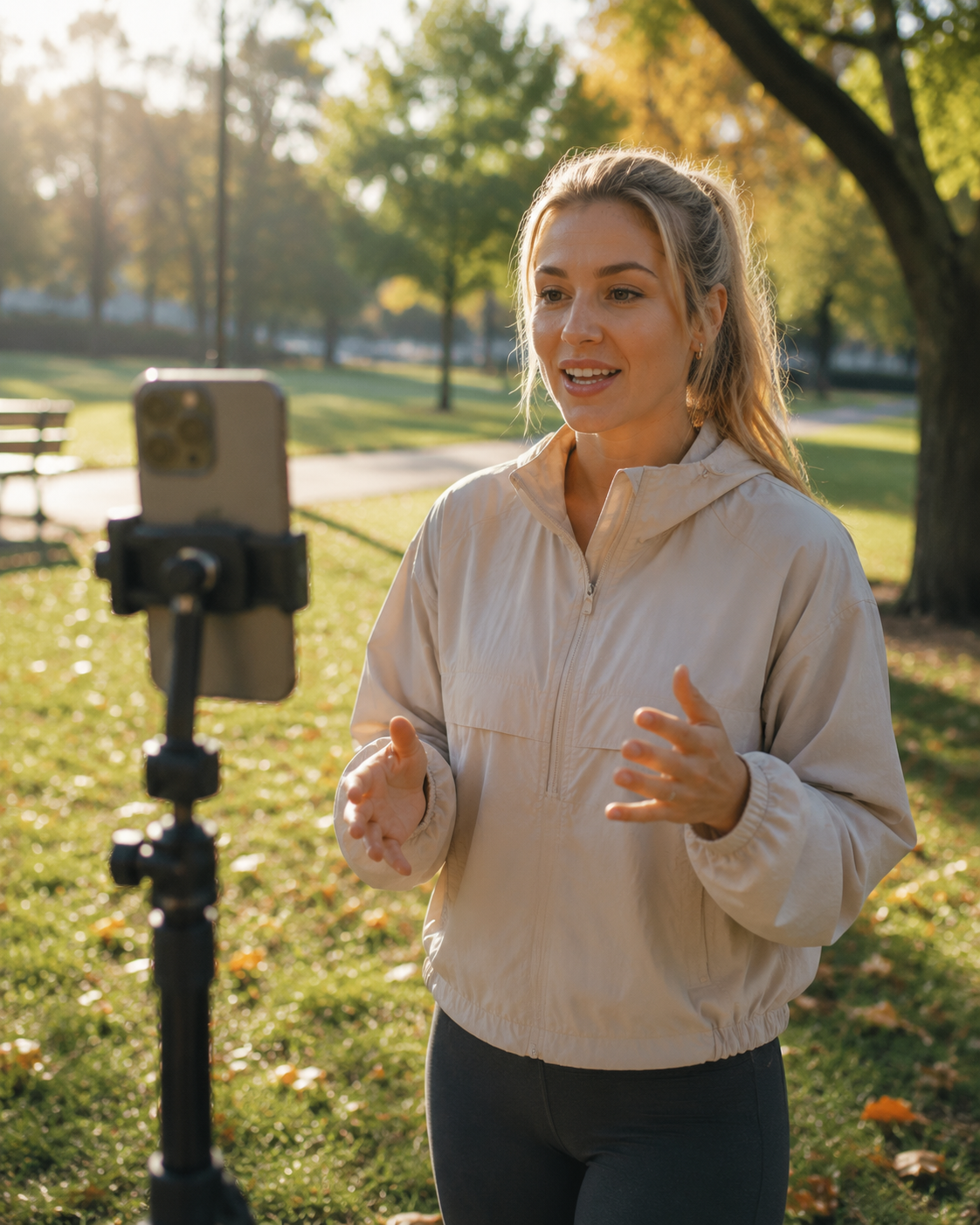
Watching tutorials never beats shooting footage yourself. Take each of the six compositions and shoot 30 seconds of test footage. Play it back. Compare. Most of the time, center framing and rule of thirds will cover you. Knowing the other four gives you options when a specific scene calls for something different.
Composition isn't magic. It's the engineering of making people's eyes feel comfortable.
Try the free online teleprompter first
If you are solving script, pacing, line-memory, or filming workflow issues, open the browser teleprompter first and test the script there. Use the CueBuddy app when you need a stronger mobile recording workflow.
Start your next recording with CueBuddy
Try the free teleprompter workflow first, then open CueBuddy if you need stronger recording and camera workflows.