 CueBuddy
 Scan with your phone to download
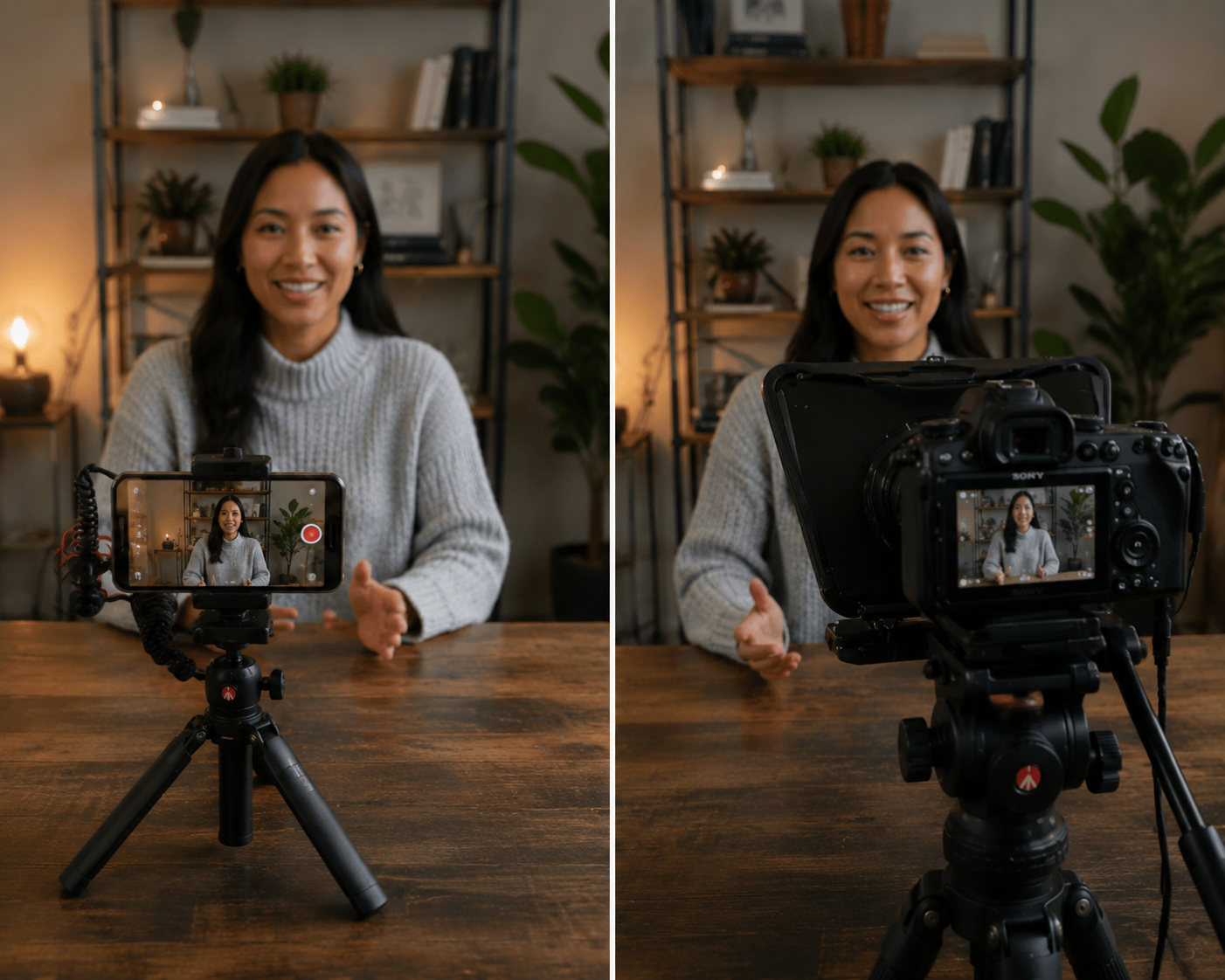
Let's be clear upfront: your phone cannot shoot an actual movie. The sensor is physically tiny. The lens optics are what they are. No amount of settings tweaking bridges that gap.
But "cinematic look" and "cinema" are two different things. A cinematic look is a feeling — footage that looks considered and intentional. Like someone cared. That, your phone can absolutely do.
Secret #1: It's Not Resolution — It's Frame Rate
This is the most counterintuitive one.
Most people assume "cinematic" means sharp, high-res, ultra-clear. It doesn't. Movies have never been "ultra-clear" — watch a 35mm film in a theater and there's even a subtle layer of grain.
The first technical ingredient of the cinematic look is 24fps.
Why 24? Because 24 frames per second creates motion blur that most closely matches how the human eye perceives movement. 60fps is too smooth, too sharp — motion has zero drag. It reads as "TV" or "phone commercial." You watch sports at 60fps. You watch movies at 24fps. Your brain has been trained.
Set your phone to 24fps (iPhone: Settings → Camera → Record Video → "4K at 24 fps"). The whole mood of your footage changes instantly.
Secret #2: Shallow Depth of Field
A signature of cinematic images: blurred background, sharp subject. That separation is an optical effect, not a post-production trick.
Three ways to achieve it on a phone:
- Portrait mode (easiest): Turn it on while recording. Background blurs automatically. Don't max out the blur — it'll look like a green-screen cutout.
- Get closer to your subject (most natural): The nearer your phone is to the person, the more the background falls out of focus.
- Use the telephoto lens (if you have one): The telephoto on iPhone Pro models has inherently shallower depth of field than the wide lens.
Secret #3: Light for Contrast, Not for Brightness
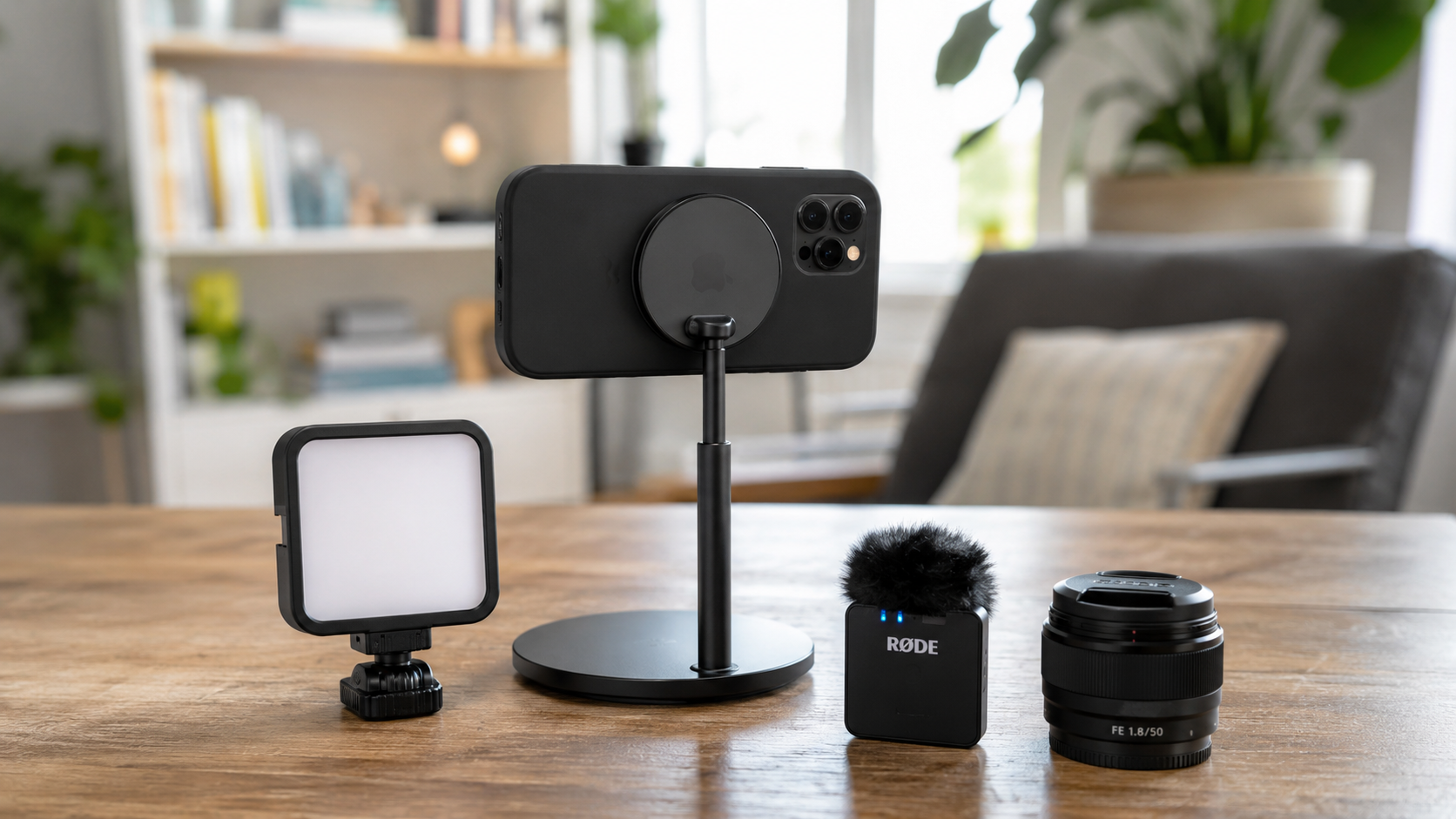
The biggest difference between streaming-style lighting and film-style lighting: streaming wants "bright, even, no shadows." Film wants "light and shadow, contrast, direction."
The easiest cinematic lighting setup on a phone: side light. One light at 45 degrees. The other side gets little to no fill. Half the face lit, half in shadow. That's Rembrandt lighting — painters have used it for four centuries, and it still works.
If all you have is a window — sit next to it. Let the light come from the side. If the sun is too harsh, pull the curtain halfway for a soft gradient. This effect shot on a phone already has genuine character.
Secret #4: Stability — It's More Than "Not Shaky"
Cinematic footage has almost zero handheld feel. It's either locked on a tripod, or moving on a slider, Steadicam, or crane. The goal isn't just "stabilization" — it's creating smooth motion, free from the human body's micro-jitters.
Simplest phone solution: a $10-20 phone tripod. Lock it down. Shoot from a fixed position. Don't move the camera. This is the most common shot in cinema: the locked-off frame. Nothing moves. All the viewer's attention goes to the content.
If you want camera movement — a slow push-in or lateral slide — get a phone gimbal ($50-150 range has solid options). The crucial technique: move slower than you think necessary, then halve that speed. Phone camera moves fail most often from being too fast — the sensor's rolling shutter warps the image and breaks the illusion.
Secret #5: Sound Matters as Much as Picture
You can nail the visuals, but if your audio is recorded through the phone's built-in mic — hiss, echo, spatial chaos — the viewer checks out in one second. At least half the cinematic feel lives in the sound. For serious "cinematic" video, get at least a budget lavalier mic or a basic shotgun mic. $20-50 is enough to start.
Also, if your video involves speaking to the camera, fluent delivery is part of the package. Stumbling over words, eyes darting around searching for the next line, choppy rhythm — none of that can be saved by good visuals. Write your script beforehand. Rehearse it. Or use a teleprompter — it frees you to focus on tone and expression instead of wondering what comes next.
A Simple "Cinematic Look" Checklist
Before your next phone video, run through this:
- [ ] Frame rate set to 24fps
- [ ] Portrait mode on, or get physically closer for shallow depth of field
- [ ] Light hitting from the side — chase contrast, not evenness
- [ ] Phone locked on a tripod — no handheld
- [ ] Audio captured through an external mic
- [ ] In post: don't over-grade. Pull saturation down slightly, add a subtle vignette
Everything on this list is free except maybe item five, which might cost $20. But do all six, show the footage to someone who doesn't know much about video, and there's a good chance they'll ask: "Wait, what camera did you use?"
That's the cinematic look. It's not about what gear you shot on. It's about whether you did one extra thing at each step of the process.
Try the free online teleprompter first
If you are solving script, pacing, line-memory, or filming workflow issues, open the browser teleprompter first and test the script there. Use the CueBuddy app when you need a stronger mobile recording workflow.
Start your next recording with CueBuddy
Try the free teleprompter workflow first, then open CueBuddy if you need stronger recording and camera workflows.