 CueBuddy - Voice Teleprompter
 Scan with your phone to download
Remote Control
Learn how to connect CueBuddy remote controls for scrolling and pause, including Bluetooth remotes, network remote control, and common operation methods.
Remote Control
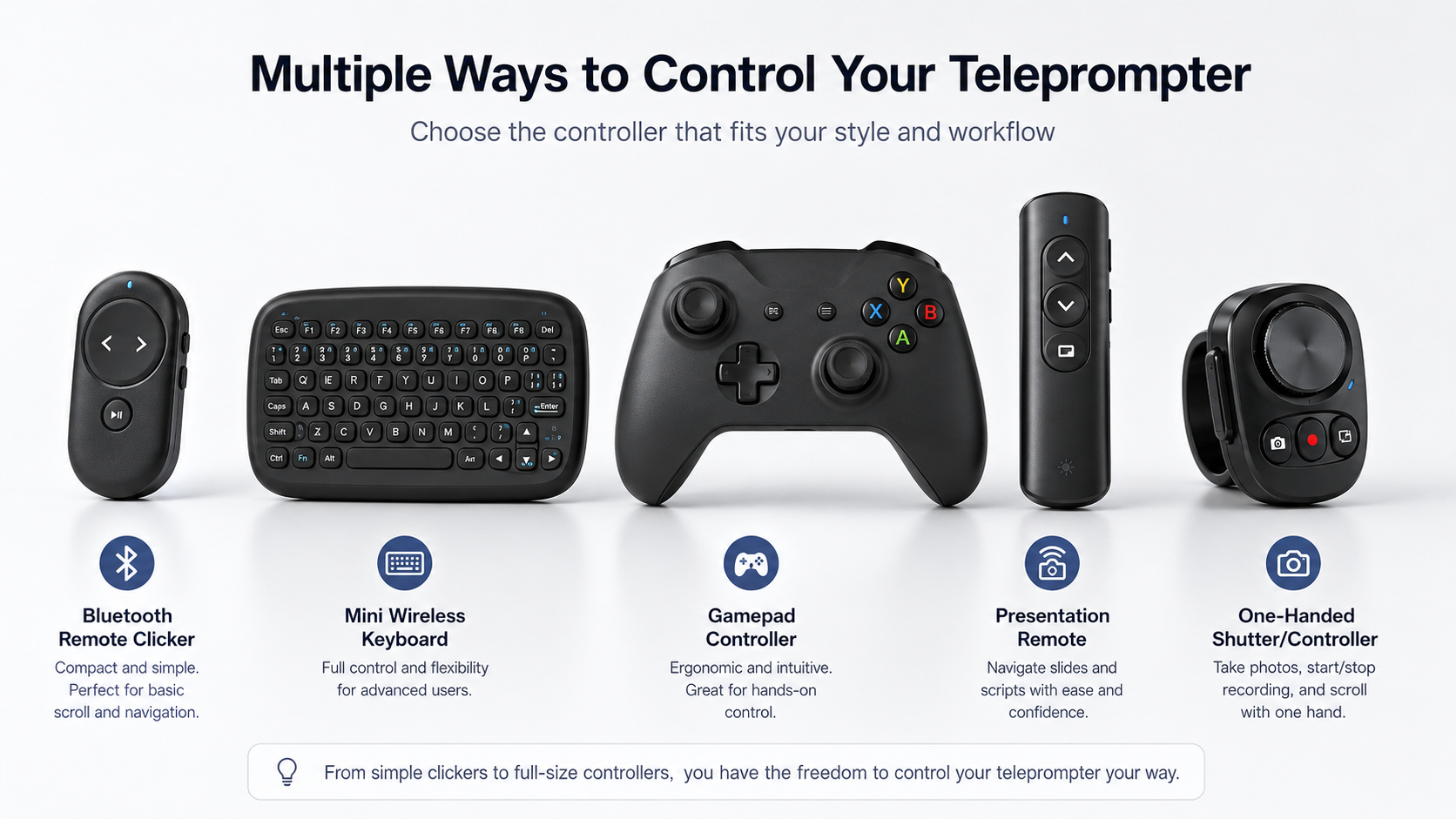
CueBuddy supports various remote controls for controlling teleprompter scrolling, playback, and pause.
Network Remote Control
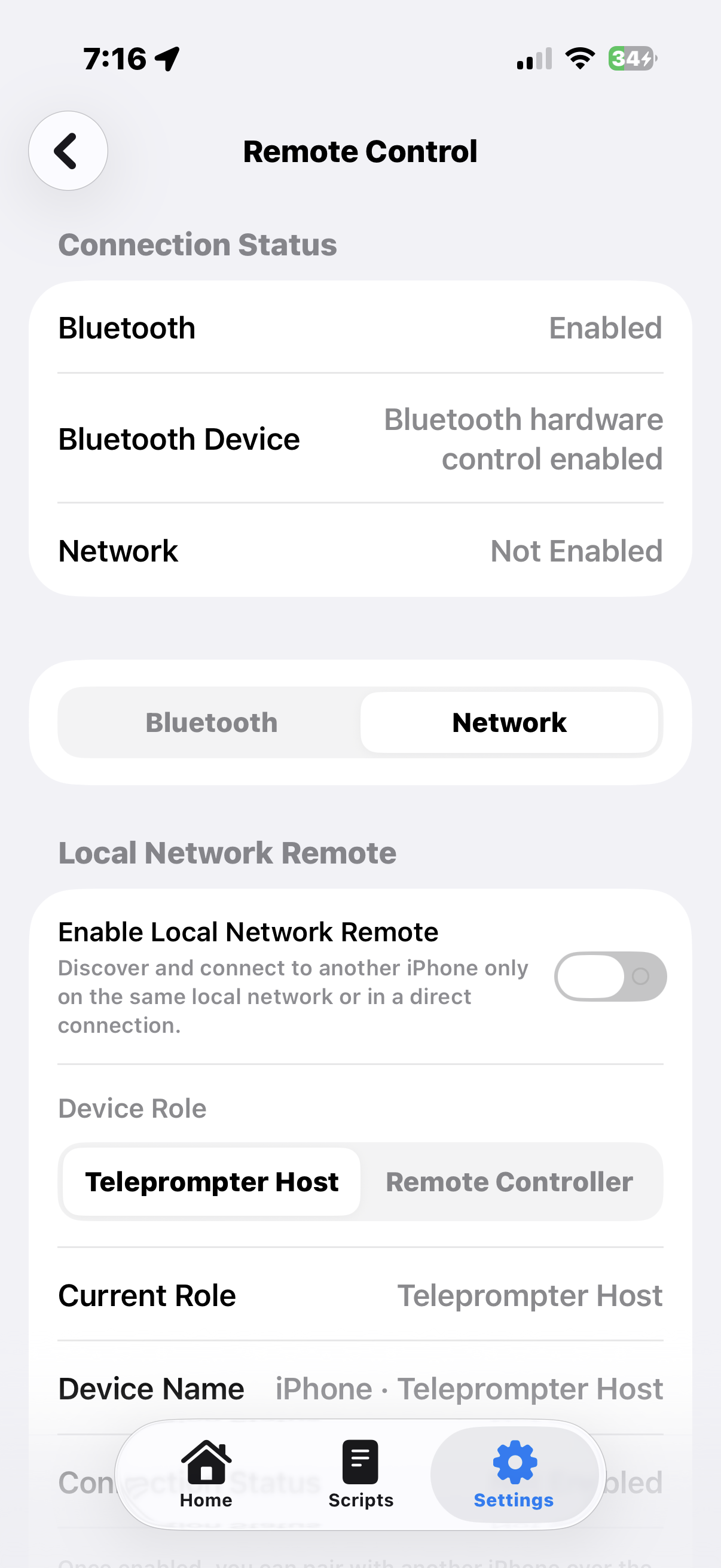
Requires CueBuddy App to be installed on two iOS devices.
Video Demonstration:
- Both devices need to be on the same local network or connected through the same network group.
- For first-time pairing, you need to enter the 4-digit code shown on the controlled device for verification. After the devices have been paired, the 4-digit verification code is no longer required for future use.
- One device is used as the display device, also known as the controlled device. The other device is used as the controller, also known as the remote control.