 CueBuddy
 Scan with your phone to download
The two most annoying things about filming outdoors: people staring at you, and not being able to remember your lines. You're in a park, at a mall, on a street corner — phone in hand, recording one sentence, forgetting the next, checking your Notes app between every take.
The solution is already in your pocket. Your phone itself.
Why Mobile Filming Needs a Teleprompter
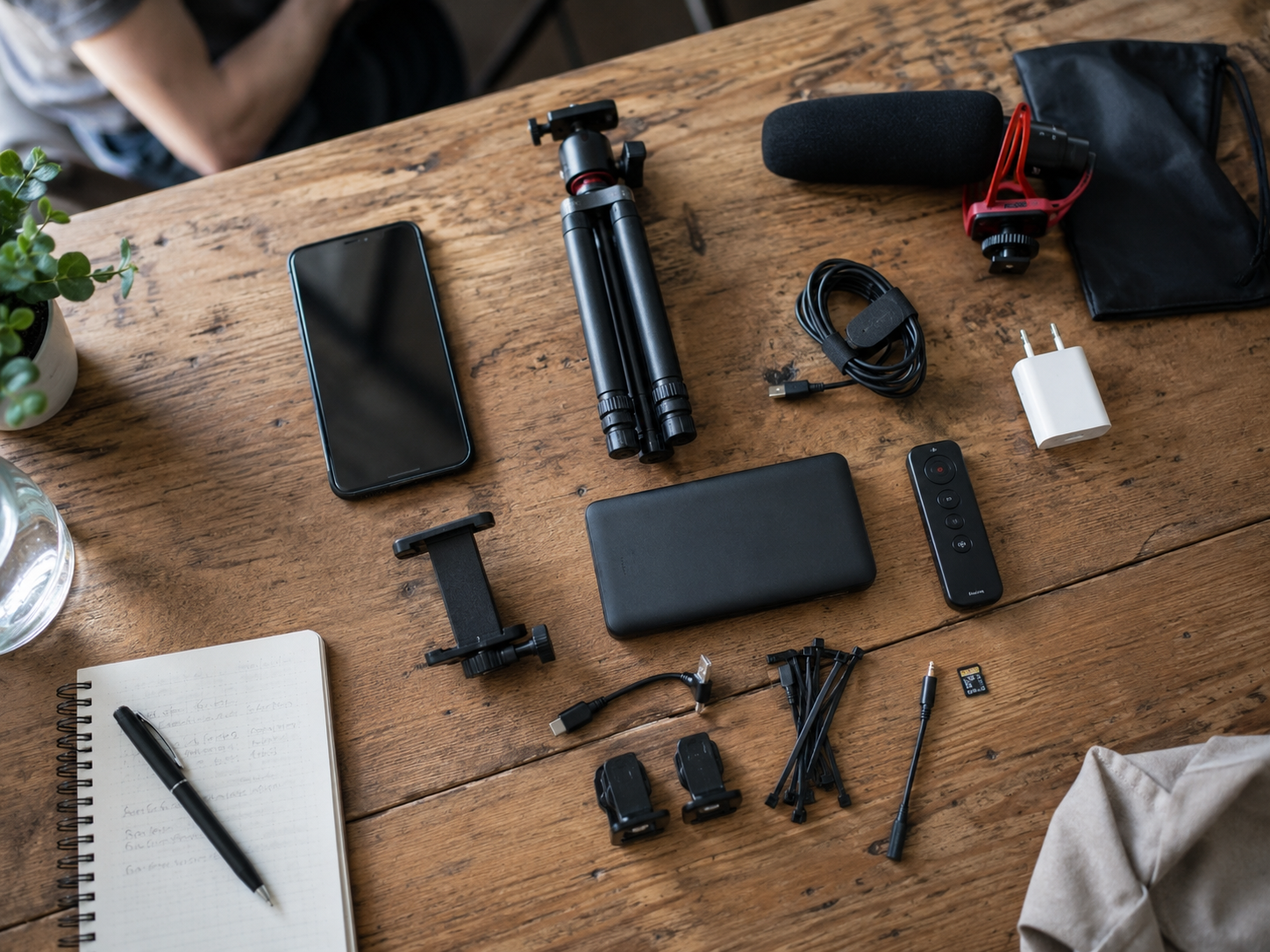
The traditional mental image of a teleprompter is a big studio rig — a beam-splitter glass angled in front of a camera, text reflected from a screen below, a news anchor reading effortlessly. That setup is bulky, expensive, and needs an operator.
But more video gets shot outdoors now. Knowledge creators walking and talking. Food reviewers recording intros outside restaurants. Real estate agents describing floor plans on-site. These scenarios share three traits:
1. No fixed position. Park today, mall tomorrow, street corner the day after. 2. You're alone. No one's holding cue cards for you. 3. It needs to look natural. You can't sit stiffly like a news anchor. You need to walk and chat like a normal person.
The phone in your pocket is already the best teleprompter for this.
Three Ways Your Phone Doubles as a Teleprompter
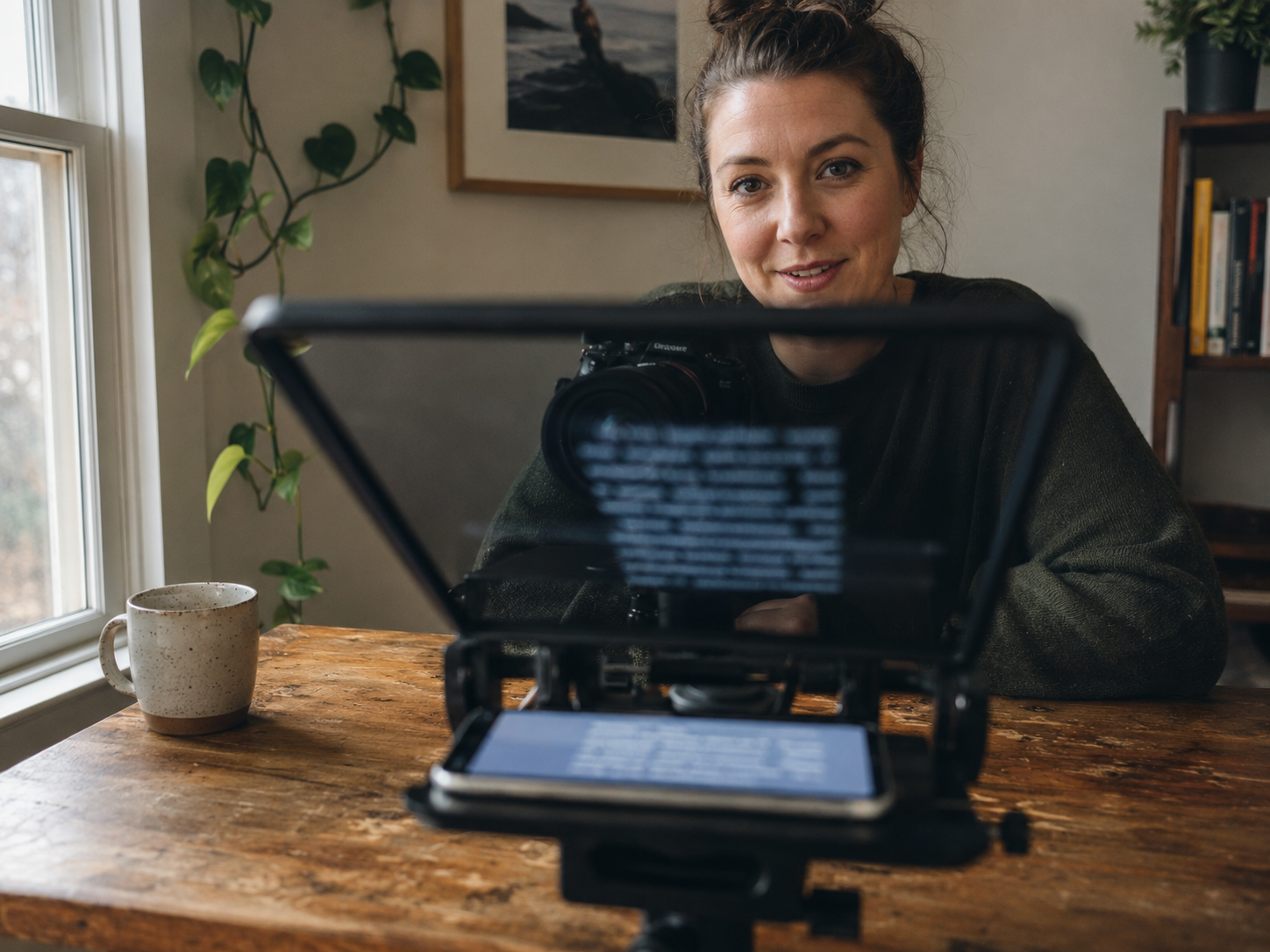
Not all mobile filming is the same, so "using your phone as a prompter" isn't one-size-fits-all.
Setup 1: Fixed Position, Full-Screen Prompting
Tripod set up. Phone mounted. You stand in front of the lens and talk. The most common approach.
The obvious tension: if your phone is the prompter, how do you look at the lens and read the text? Two solutions. Position the phone close enough to the lens that the eye-line difference is imperceptible. Or use a second device — an old phone or iPad — placed directly behind the camera as a dedicated prompter.
Most people don't carry two devices to a shoot.
Some apps now keep prompter text in a strip near the top of the screen, with the camera lens right above or below. Your eyes shift maybe 5–10 degrees. Viewers can't tell. CueBuddy's full-screen prompter mode does exactly this — the camera preview and prompter text are layered on one screen. No app-switching, no second device.
Setup 2: Walk-and-Talk, Window Prompting
Handheld phone, walking and talking. No tripod, no fixed position.
Text can't fill the whole screen here — you need to see your framing. A small window floats in one corner. You glance at it occasionally.
The keys: text big enough, scrolling smooth, window position natural. Top half of the screen usually works best — the front camera is up there too, so looking up = looking at lens ≈ looking at text.
Setup 3: True Mobile — Floating (PiP) Prompting
If you're filming yourself with the front camera and need prompter text simultaneously, picture-in-picture is the answer. The prompter window floats over your preview like a video call mini-window.
This is the lightest setup possible. No extra hardware. No stand. No desk. Pull out your phone, hit record, and the floating text sits at the edge of the frame. One glance, you're back on track.
CueBuddy's floating prompter mode (PiP) is designed for exactly this. The text window is draggable, resizable, with adjustable opacity. Put it anywhere. Built-in recording — prompting and filming in one app.
The Hidden Perk of Phone-as-Prompter
There's an underrated advantage: your phone is invisible.
Hold up a 10-inch iPad in front of your face at the park, and people glance over. But a phone? Everyone's holding a phone. Nobody thinks you're "reading a script." For the socially anxious creator, this matters.
Even more important: it removes friction. Shooting outdoors is already enough hassle — charge your battery, pack a power bank, bring a tripod, bring a mic, scout a location. Add a dedicated teleprompter device to that list and you'll talk yourself out of it before leaving the house. The phone consolidates everything. Fewer devices, more action.
When Phone Prompting Isn't Enough
Screen size is the hard limit. A 6.1-inch iPhone only gives so much real estate, no matter the font size. If your eyesight isn't great, it's a struggle. Shooting from more than two meters away? You'll want an iPad or a proper rig.
Also: battery anxiety. Running the prompter and camera simultaneously drains your phone fast, and it heats up. Bring a power bank, or keep individual takes under five to eight minutes.
What to Look for in a Tool
Three things to check in a teleprompter app:
- Can it prompt and record at the same time? Some apps only do prompting — you have to switch to the camera app. That defeats the purpose.
- Is the scrolling smooth? Jittery, stuttering text throws off your speaking rhythm.
- Is the interface clean? An app full of buttons and banner ads will drive you insane mid-recording.
CueBuddy's positioning on the App Store is "smart teleprompter." The core idea: your phone is your prompter and your camera, no extra gear, no complicated setup. The free version covers the essentials.
The biggest enemy of mobile filming isn't bad gear. It's the friction of getting out the door. When your teleprompter lives inside your phone, that's one less thing to carry, one less reason to procrastinate. Your audience doesn't care what equipment you used. They care whether what you said was interesting.
Try the free online teleprompter first
If you are solving script, pacing, line-memory, or filming workflow issues, open the browser teleprompter first and test the script there. Use the CueBuddy app when you need a stronger mobile recording workflow.
Start your next recording with CueBuddy
Try the free teleprompter workflow first, then open CueBuddy if you need stronger recording and camera workflows.