 CueBuddy
 Scan with your phone to download
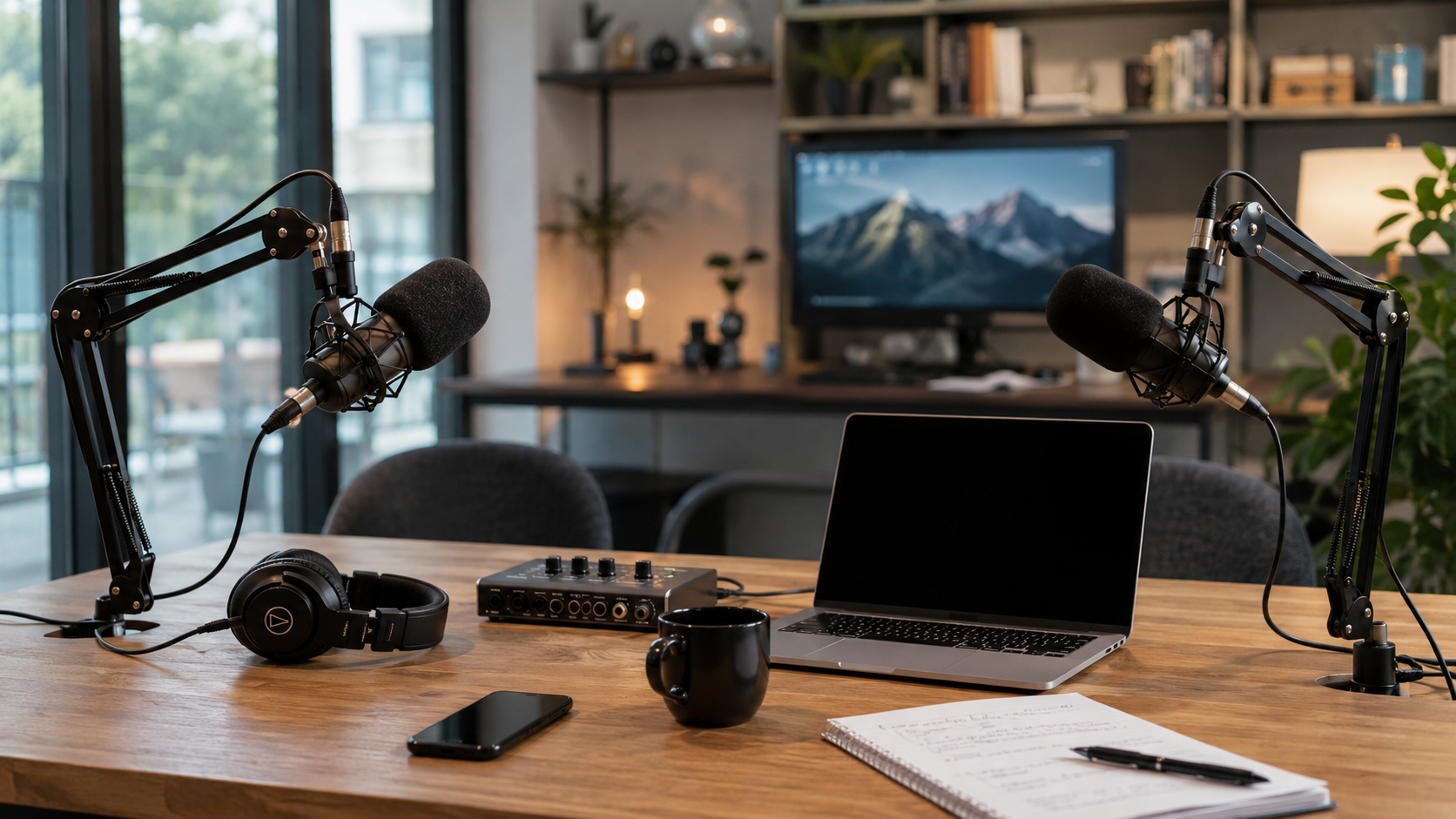
Workplace communication has one defining trait: low fault tolerance.
Mess up a short video? Do another take. Say something wrong on a livestream? Laugh it off. But get a number wrong at a product launch. Flub a conclusion in a board meeting. Drop a key point during a client pitch — the cost can be enormous.
The teleprompter's role in professional settings isn't helping you "get by." It's helping you "not screw up."
Internal Meetings: The "Invisible Speech" Nobody Talks About
Company meeting contributions are essentially micro-presentations. They're just not called that — they're "quick syncs," "status updates," "let me walk you through this proposal."
The trap: you think you don't need to prepare. It's just a meeting. Then you start talking, lose your logic halfway through, skip key data, get asked a follow-up and give a vague number, and have to send a correction message afterward.
If you need to systematically present a proposal, research finding, or project retrospective, preparing a teleprompter outline is the professional move. Not a word-for-word script — a structure script.
Weekly · Q2 Growth Plan Presentation (5 min)
1. Context (30s) → Q1 organic growth plateaued. Paid ROI dropped from 3.2 to 1.8
2. Core Plan (2 min) → Shift from "broad" to "precision" targeting. Focus on 3 high-intent channels → Budget unchanged. Target ROI recovery to 2.5+
3. Risks & Mitigation (1 min) → New channel cold start: 2-3 weeks. Possible short-term retention dip → Mitigation: gradual reduction on old channels, not a hard cut
4. What We Need (30s) → Design team: 3 asset sets, due next Wednesday
Five key points. Five minutes. Hard to get the logic wrong.
Using a teleprompter for internal meetings has a bonus: it forces you to clarify your thinking beforehand. The prompter only fits key information — when you're forced to compress an hour's worth of material into ten trigger words, you naturally identify what actually matters.
Product Launches: No Second Chances
Product launches are not internal meetings. You can't say "I'll get back to you on that number." In a launch — even if it's just a few dozen people on Zoom — a wrong number gets screenshotted, shared, and treated as fact.
The teleprompter's role here isn't "reminding you of the next line." It's "catching you if you fall."
You can have a full script ready. You can deliver mostly off-script. The prompter just sits there quietly. When you don't need it, it doesn't exist. When you do, one glance and you're back in flow.
Online product launches have a natural advantage: you only face a camera. Below the camera is the teleprompter. Above it are the attendees. They see a prepared, articulate, data-accurate presenter.
Launch teleprompter tips:
Section markers. Launch scripts are long. Scrolling end to end means you can't find your place mid-flow. Add prominent markers at each chapter transition (e.g., === Part 2: Product Demo ===) so you can jump to any section instantly.
Widen the highlight zone. Some prompters highlight the current line. Under launch nerves, you might fixate on it. Widen the highlight to three lines — gives your eyes room to roam, and your lens-contact frequency naturally increases.
Rehearse with the prompter. Don't practice off-script then turn on the prompter for the real thing. Adapt to the "glance and deliver" rhythm during rehearsal. First-time prompter use in a high-stakes setting makes you more nervous, not less.
Video Meetings: The Daily Teleprompter
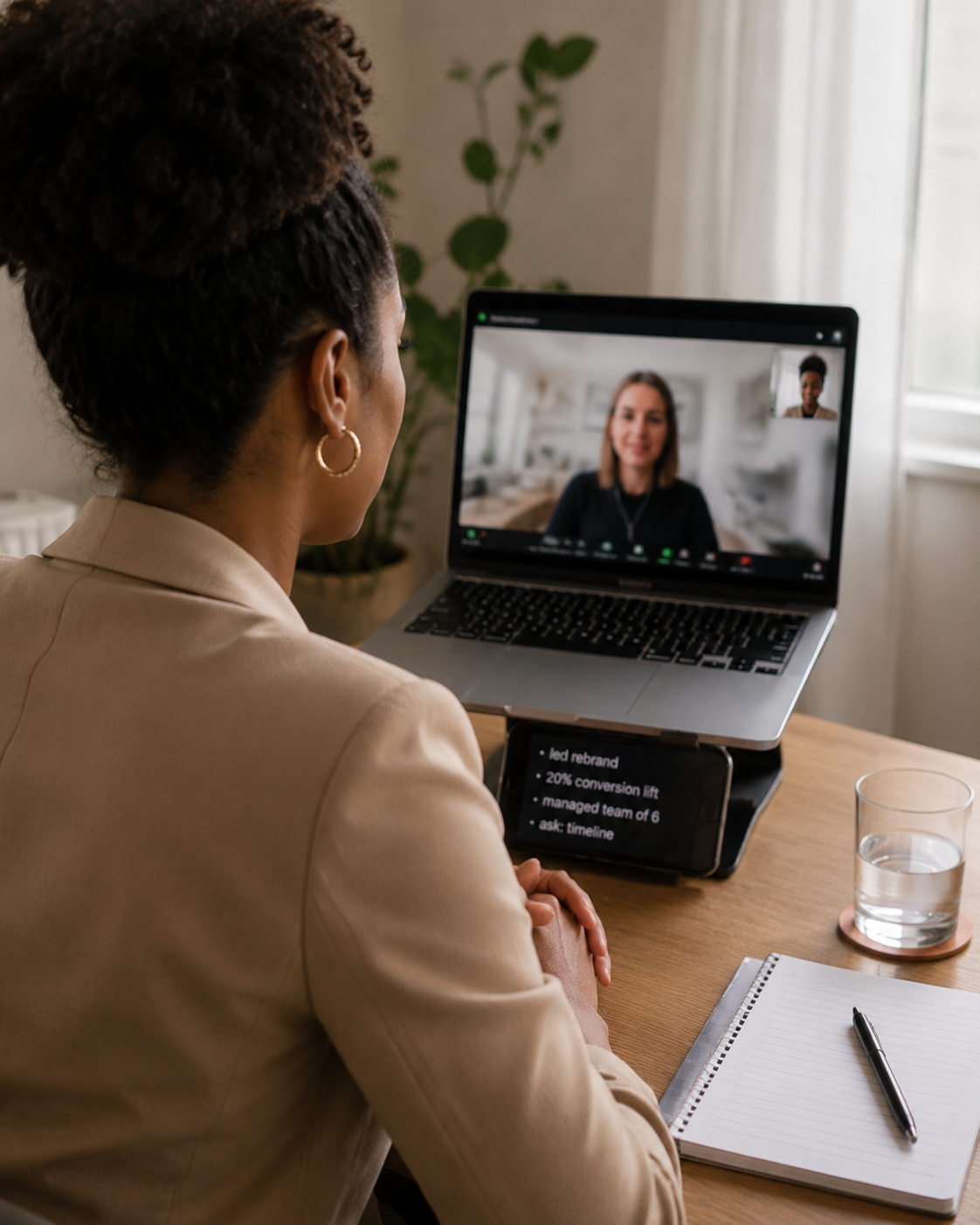
Most video meetings don't need a teleprompter. Casual conversations don't require preparation.
But some meetings are different: presenting to senior leadership, pitching a client, cross-team alignment on complex projects. If the communication fails, the consequences are real — proposals rejected, budgets cut, misunderstandings deepened.
For meetings where you're the primary speaker, a teleprompter manages "what I need to say" so your brain can focus on "what the other person is thinking" — reading reactions, judging whether to adjust your approach.
The method is simple: computer runs the video call, phone runs the teleprompter beside it. The outline doesn't need to be complex — key data points, core conclusions, must-mention details. That's enough.
Client Pitches: Reducing "Blank Brain" Risk to Zero
Client pitches may have the lowest fault tolerance of any workplace communication.
Weeks of preparation. A one-hour meeting. Decision-makers across from you. You misstate a number. You skip a core selling point. Your brain shorts out during Q&A. The entire pitch suffers.
How to use a teleprompter in a pitch:
During the formal presentation: Full outline + key data on the prompter. Follow the logical flow. Ensure every section gets covered — especially pricing, contract terms, and delivery timelines. These cannot be wrong and cannot be skipped.
During Q&A: Pre-load talking points for common questions. When a client asks something, you respond with a structured, accurate answer — because the bullet points are already written.
This isn't about "not knowing your material." Even when you know the content cold, pitch-room nerves can short-circuit anyone. The teleprompter is there so you don't short-circuit — because it remembers everything for you.
Workplace Teleprompter Principles
Using a teleprompter in professional settings differs from content creation in key ways:
First: simpler is better. Short-form video prompting can be word-for-word. Workplace prompting should be keywords. Professional communication needs to feel natural. Reading full sentences robs too much authenticity.
Second: text must be large. You need to absorb information in an instant. If the font is small enough that you have to stare to read it, your eye movement will give you away.
Third: do a dry run. Don't let your first teleprompter experience be the real thing. Run through your content beforehand. Get a feel for whether the scroll rhythm matches your speaking pace. If using voice tracking (like CueBuddy's AI tracking), test it at your natural speed.
Fourth: the prompter is backup, not the star. In the workplace, your judgment, presence, and real-time reactions are always the main act. The teleprompter just quietly hands you the next card when you need it. Don't let it become a wall between you and your audience.
From short-form creators to executives, from livestream rooms to boardrooms — the teleprompter's range is far broader than most people imagine. It's not specialized equipment or an industry tool. It's an expressive capability booster that anyone who needs to communicate precisely should have in their toolkit.
Try the free online teleprompter first
If you are solving script, pacing, line-memory, or filming workflow issues, open the browser teleprompter first and test the script there. Use the CueBuddy app when you need a stronger mobile recording workflow.
Start your next recording with CueBuddy
Try the free teleprompter workflow first, then open CueBuddy if you need stronger recording and camera workflows.