 CueBuddy
 Scan with your phone to download
"Stitching anxiety" is this: you don't want to cut your video, but you have to — because you forgot what comes next. And every cut chips away at the emotional continuity. One segment is animated and energetic, the next (post-cut, post-reset) is flatter. The audience can't pinpoint why, but they feel it: "the second half wasn't as interesting."
What Makes Single-Take Shooting Hard
Single-take ability doesn't depend on how articulate you are. It depends on two things:
One: Can you hold the entire script in your head? A five-minute talk is roughly 800-1,000 words. The hard part isn't memorizing 800 words — it's recalling each point, number, and precise phrasing while maintaining eye contact, managing expression, and sounding human — all simultaneously.
Two: When you slip, can you recover gracefully? Single-take doesn't mean error-free. It means when you stumble, you keep moving instead of derailing entirely. This requires either serious on-camera instincts, or something to catch you.
The Truth About Single-Take Videos
Many of those "effortless" single-take videos have a teleprompter sitting right below the lens.
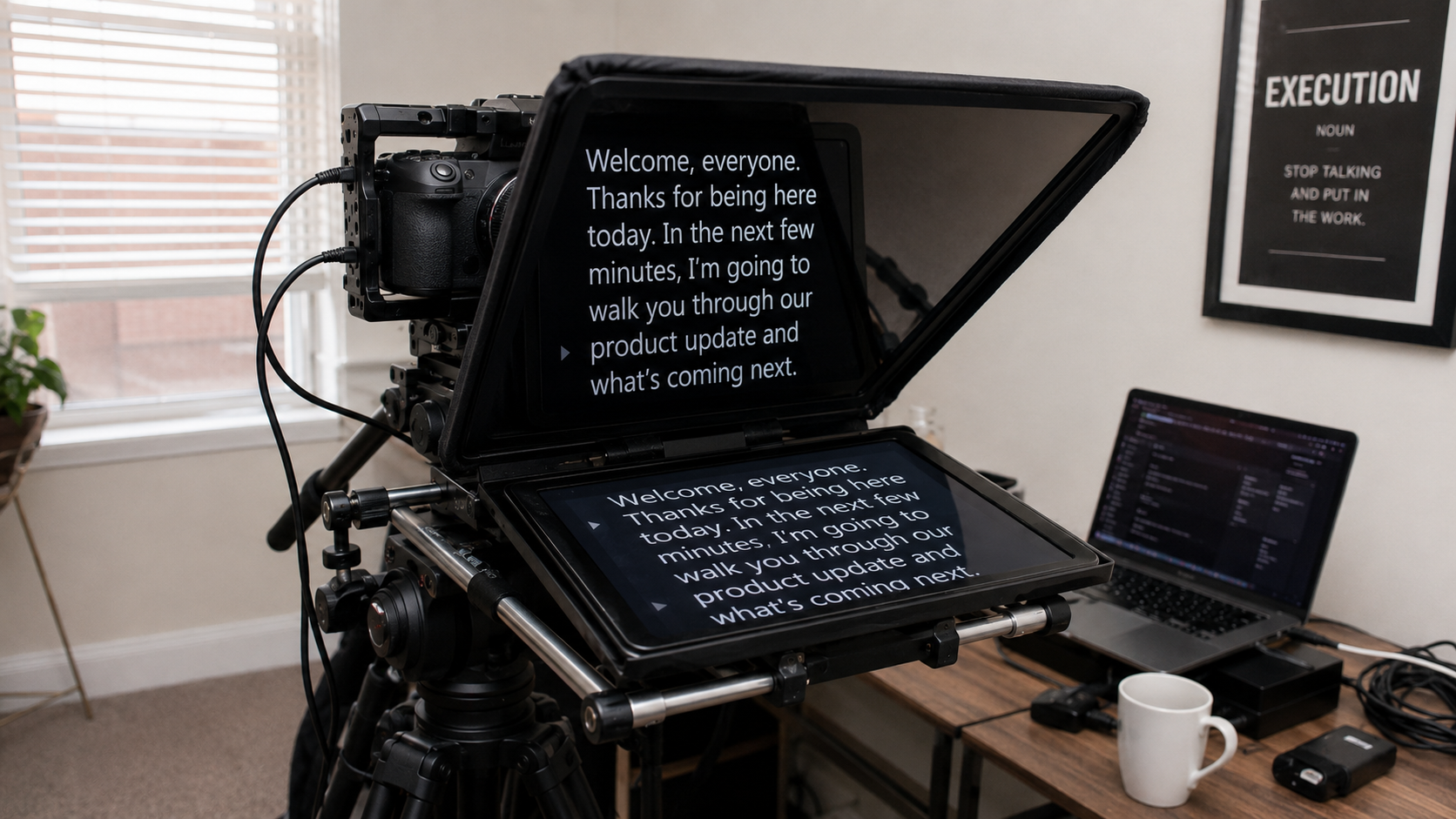
The common pro setup: camera in front, a tiny rig just below the lens holding an iPhone with text scrolling. Creator glances at the script, looks at the lens, speaks. The prompter sits tight to the lens — eyeline offset is nearly invisible. Viewers never spot it.
The secret to single-take isn't talent. It's a teleprompter.
What Kind of Teleprompter Works for Single-Take?
1. Stable, Responsive Scrolling
If the scroll stutters or lags, your delivery can suffer. Voice following uses Apple Speech framework results to match your place in the script; connection needs and responsiveness vary by device, language, system version, and environment.
2. Flexible Display Modes
Single-take shooting spans different contexts. CueBuddy offers three:
- Full-screen: Words big and clear, for fixed-position recording
- Windowed: Compact view, clean desktop
- Floating PiP: Hovers over any app — walk and talk
3. Mirror Mode
For professional teleprompter rigs with 45-degree beam-splitter glass, text needs horizontal flipping. One-tap mirroring — small feature, non-negotiable in pro setups.
The Single-Take Workflow
1. Write a word-for-word script, rewrite conversationally. Keep it under 800 words (~5 minutes). 2. Load into CueBuddy. Preview once, check pacing and breaks. 3. Position phone directly below the camera lens. 4. Enable voice tracking. 5. Deep breath. Record.
Eyes stay in the lens zone — the script is right below. If you flub a word mid-sentence, don't stop. Keep going. Voice tracking follows to the new position. The audience won't catch the mistake — they don't know what your script says. As long as delivery stays natural, a minor word swap is invisible.
How Stitching Anxiety Disappears
After about two months with a teleprompter, the anxiety is gone. Not because every shoot is single-take — occasionally something goes wrong and a segment gets re-recorded.
What changed is why you cut. Before, stitching was survival — you had no choice. Now, it's a creative decision — you want to optimize. Completely different feeling.
And single-take ability compounds: first time nailing three minutes feels like unlocking something. A month later, five minutes is easy. Eventually, you start improvising within the single take — because you know the script is beneath you. You can wander and always find your way back.
CueBuddy is an iOS teleprompter with AI voice tracking, three display modes (full-screen, window, floating PiP), mirror mode, and built-in 4K 60FPS recording with portrait blur. No login, no ads. Search "CueBuddy" on the App Store or visit cuebuddy.cn.
Try the free online teleprompter first
If you are solving script, pacing, line-memory, or filming workflow issues, open the browser teleprompter first and test the script there. Use the CueBuddy app when you need a stronger mobile recording workflow.
Start your next recording with CueBuddy
Try the free teleprompter workflow first, then open CueBuddy if you need stronger recording and camera workflows.