 CueBuddy
 Scan with your phone to download
When people hear "teleprompter," most picture the same thing: someone in front of their phone recording a short video, script scrolling just below the lens.
That image isn't wrong — it's just a fraction of the picture. Here are three underrated scenarios where a teleprompter solves distinct problems: livestreaming, online teaching, and interviews.
Livestreaming: Not a "Script Reader," an "Information Hub"
Livestreaming looks spontaneous — the host chats, answers questions, demos products. Where's the script?
But watch a professional shopping livestream closely. On the host's desk or beside their phone, there's usually an iPad or second phone — packed with product information.
The key difference: a livestream "script" isn't word-for-word. It's an information checklist.
Here's what a beauty streamer's teleprompter might look like:
[Product A · Foundation]
- Shades: 4 (Ivory / Natural / Warm / Cool Pink)
- SPF30 PA+++
- Key selling points: 12hr wear, no oxidation, squalane-infused
- Regular price $42 → Stream price $28
- Stock: 800 units
- Best for: dry/combination skin. Oily skin: caution
This checklist isn't meant to be "read." It's meant to be "scanned." The host chats with viewers, glances at the list, and makes sure every point gets covered — specs reported, warnings given, nothing skipped.
Livestream information density is sky-high and changes constantly — different products today, different pricing tomorrow. Relying on memory alone is a matter of when, not if, something gets dropped.
CueBuddy's PiP floating prompter mode makes perfect sense here: the script hovers as a small overlay on screen. You see your live feed, incoming comments, and your notes — all at once. No second device, no constant head-dipping toward an iPad.
Online Courses: From "Reading the Textbook" to "Structured Delivery"
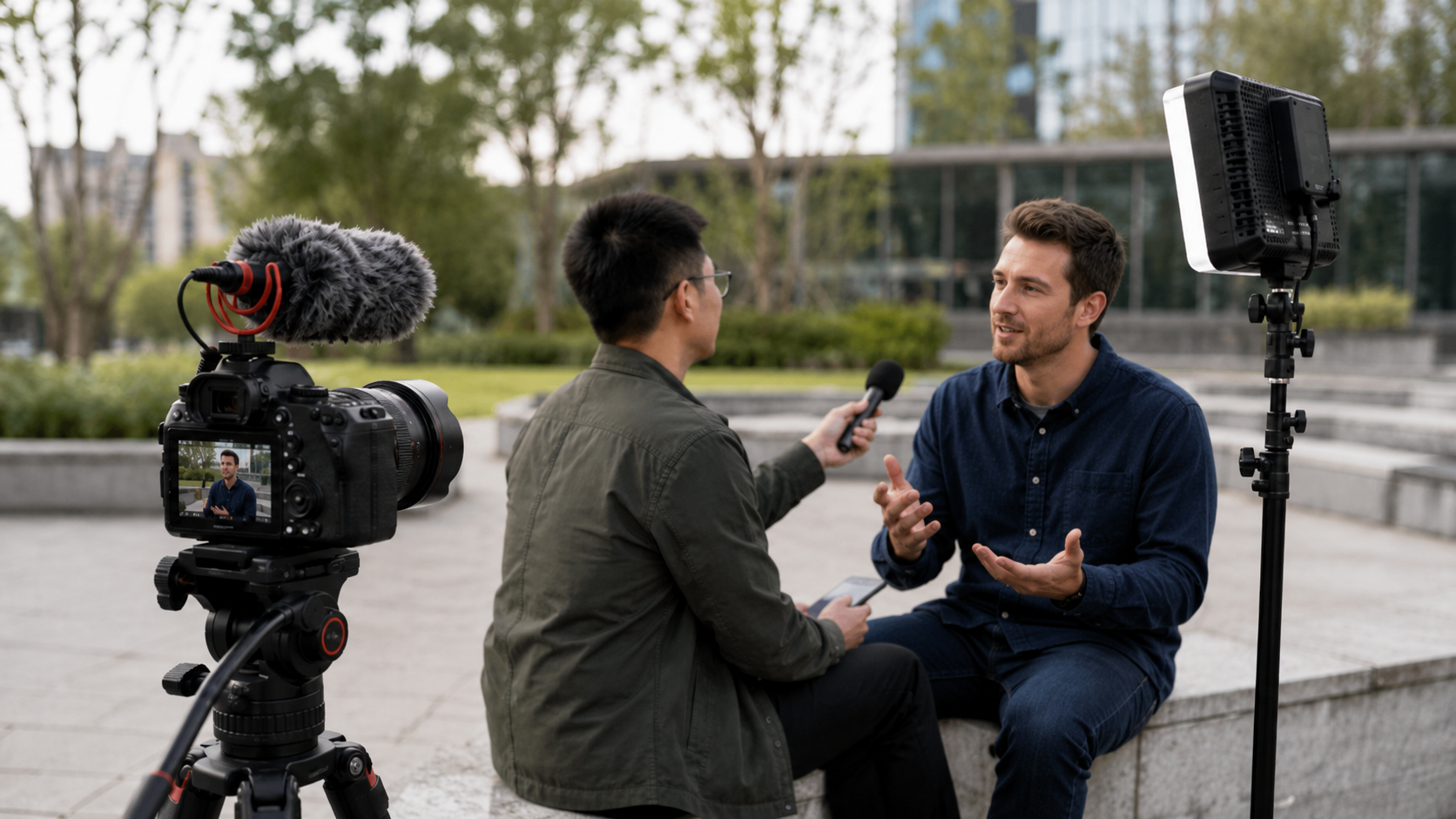
Recording a 45-minute lecture is fundamentally different from a two-minute short video. You can't write a full 45-minute script and read it — that exhausts you, and students tune out.
But going in totally unprepared doesn't work either. Without a framework, lectures drift. Tangents take over. Key points get skipped. Examples are forgotten. Time runs out.
The right approach for online courses: "structured cues."
Break the lesson into modules. Put only keywords and key numbers on the prompter. Here's what a "User Growth Models" lecture might look like:
Module 1: AARRR Overview (5 min)
- Acquisition → Activation → Retention → Revenue → Referral
- Key metric: CAC should be ≤ 30% of LTV
Module 2: Acquisition Channels (10 min)
- Organic vs paid
- Case study: SaaS company cut CAC 60% via SEO
Module 3: ...
Seeing "CAC should be ≤ 30% of LTV" triggers a three-to-five-minute expansion in your own words. You're not reading. You're being triggered.
This is the same principle as speaker cue cards — a few words on the card, a full segment delivered. The teleprompter just digitized the cards and swapped manual flipping for automatic scrolling.
Voice tracking is especially useful for teaching because instructors frequently pause to ask questions or let students reflect. Fixed-speed scrolling derails at these spontaneous pauses. Voice tracking doesn't.
Interviews: A Safety Net for High-Pressure Moments
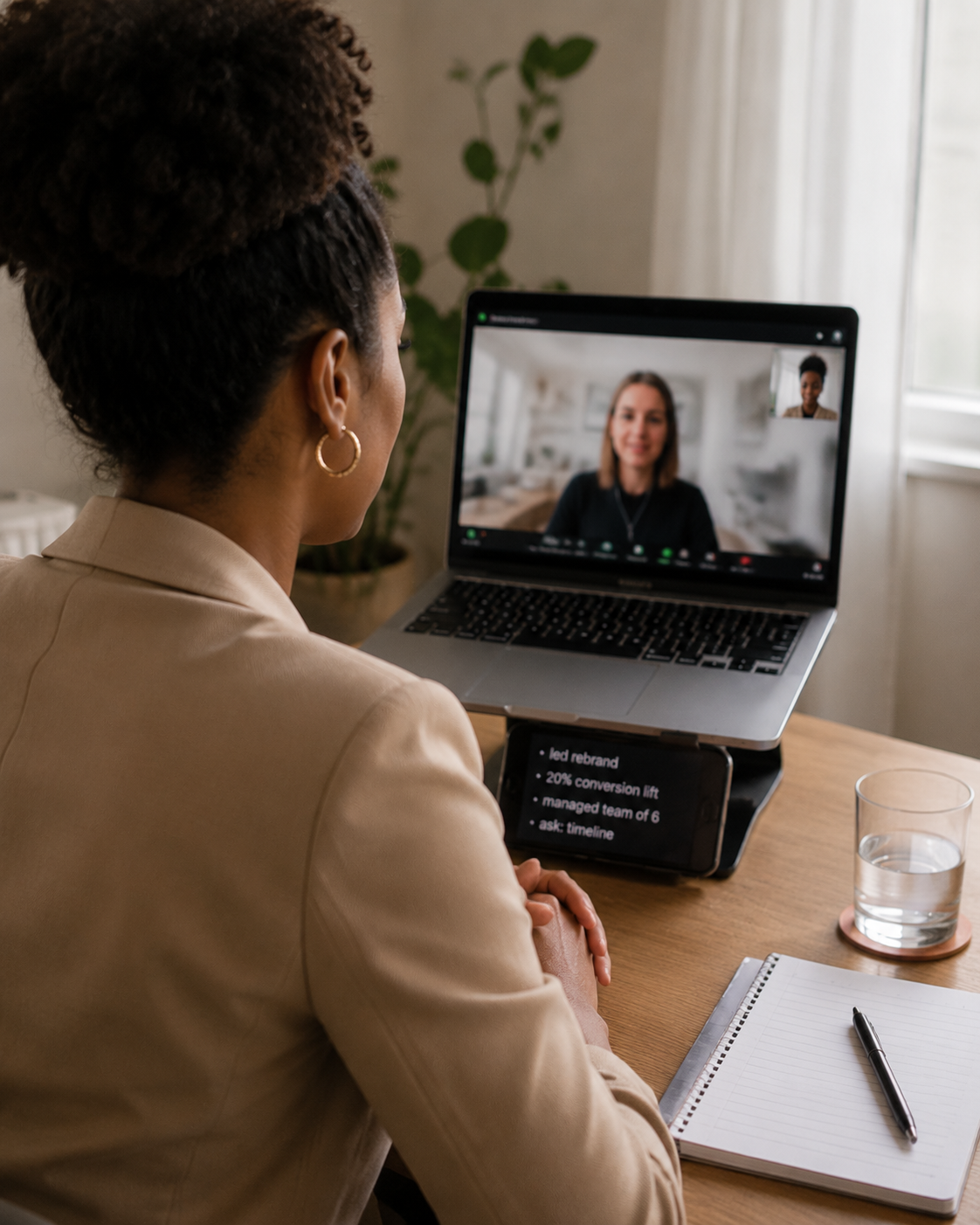
Using a teleprompter in interviews means video interviews — you can't pull out a phone during an in-person interview.
The logic: you've prepared key information — self-introduction highlights, quantified project results, questions to ask the company, salary floor. During the interview, this information is your safety net.
But the critical difference: interview prompter content should be keywords only, never full sentences. Word-for-word scripts cause rapid side-to-side eye movement that interviewers can spot instantly.
Principle: one word triggers a full segment from memory.
Self-intro (2 min)
- 3 yrs Product / B2B SaaS
- Built XX system 0→1 (100K DAU)
- Led 5-person team
Project highlights
- XX project: GMV +27%
- Key move: redesigned checkout flow
Ask them
- Team size & division
- Biggest product challenge right now
Salary floor
- Not below XX
The interviewer says "tell me about yourself." You glance at "3 yrs Product / B2B SaaS / 0→1 / led team." Four triggers, two seconds to absorb, then you look at the camera and deliver a smooth two-minute self-introduction in your own words.
Practical details:
Text must be large. Nerves narrow your attention. Small text won't cut it — set the font size so you can read it from a meter away.
No full sentences. Reading triggers the "recite" instinct, not the "speak" instinct. Interviewers hear the difference instantly.
Rehearse first. Don't let your first teleprompter experience be a real interview. Do a mock session with a friend. Get comfortable with the "glance and speak" rhythm.
Add a buffer cue. For unexpected questions: "Pause. Breathe. Repeat the question to confirm understanding." Not an answer — just a circuit breaker so you don't panic-ramble.
Different Scenarios, Same Underlying Logic
Livestreaming, online courses, interviews — three scenarios that seem worlds apart. But the teleprompter plays the same role in all of them: it doesn't speak for you. It manages information for you.
In livestreaming: product lists and pricing. In online courses: knowledge frameworks and key data. In interviews: core selling points and critical questions.
You know how to speak. You just need someone beside you, at the right moment, to whisper: "Don't forget this."
That's what a teleprompter is. Quiet. Unobtrusive. Always there.
Try the free online teleprompter first
If you are solving script, pacing, line-memory, or filming workflow issues, open the browser teleprompter first and test the script there. Use the CueBuddy app when you need a stronger mobile recording workflow.
Start your next recording with CueBuddy
Try the free teleprompter workflow first, then open CueBuddy if you need stronger recording and camera workflows.