 CueBuddy
 Scan with your phone to download
The scenarios and numbers illustrate a workflow, not measured CueBuddy success rates, time savings or device results. Outcomes depend on the script, device, practice and environment.
The root cause of repeated retakes on talking-head video: your brain is simultaneously memorizing and performing — two tasks that compete for the same cognitive resources. A teleprompter offloads the memorization, freeing your mind for delivery. Going from 20 takes to 1 isn't about practice. It's about switching tools.
The Anatomy of a Retake Spiral
A 3-minute product intro, filmed without a teleprompter. The common trajectory:
- Take 1: Said the first sentence. Can't remember the second.
- Take 3: Remembered both. Said them in the wrong order.
- Take 7: Words finally right. But eyes darting everywhere — mentally scrambling for what came next.
- Take 11: Words there, delivery sounds like a hostage reading a statement.
- Take 15: Full frustration. Face management gone.
- Take 20: Used take 7. Called it "good enough."
Three minutes of content. Fifty minutes of recording. Shipped a "fine, I guess" version.
This isn't bad memory. Professional talking-head creators nearly all use teleprompters — not because they can't remember, but because they understand attention is finite. Every bit of brain power spent on recall is brain power not spent on emotion, timing, and presence.
The One-Take Workflow
1. Write everything down, then rewrite it out loud until it sounds like speech 2. Load it into CueBuddy, adjust font size and spacing 3. Position phone directly below the camera lens (minimal eyeline offset) 4. Enable voice tracking 5. Record
CueBuddy's voice tracking is what makes this workflow reliable. You don't set a scroll speed — your speaking speed is the scroll speed. Talk faster, it moves faster. Slow down for emphasis, it slows with you. Stop for water, it waits. It's not pushing you — it's following you.
Script Rules for Teleprompter Use
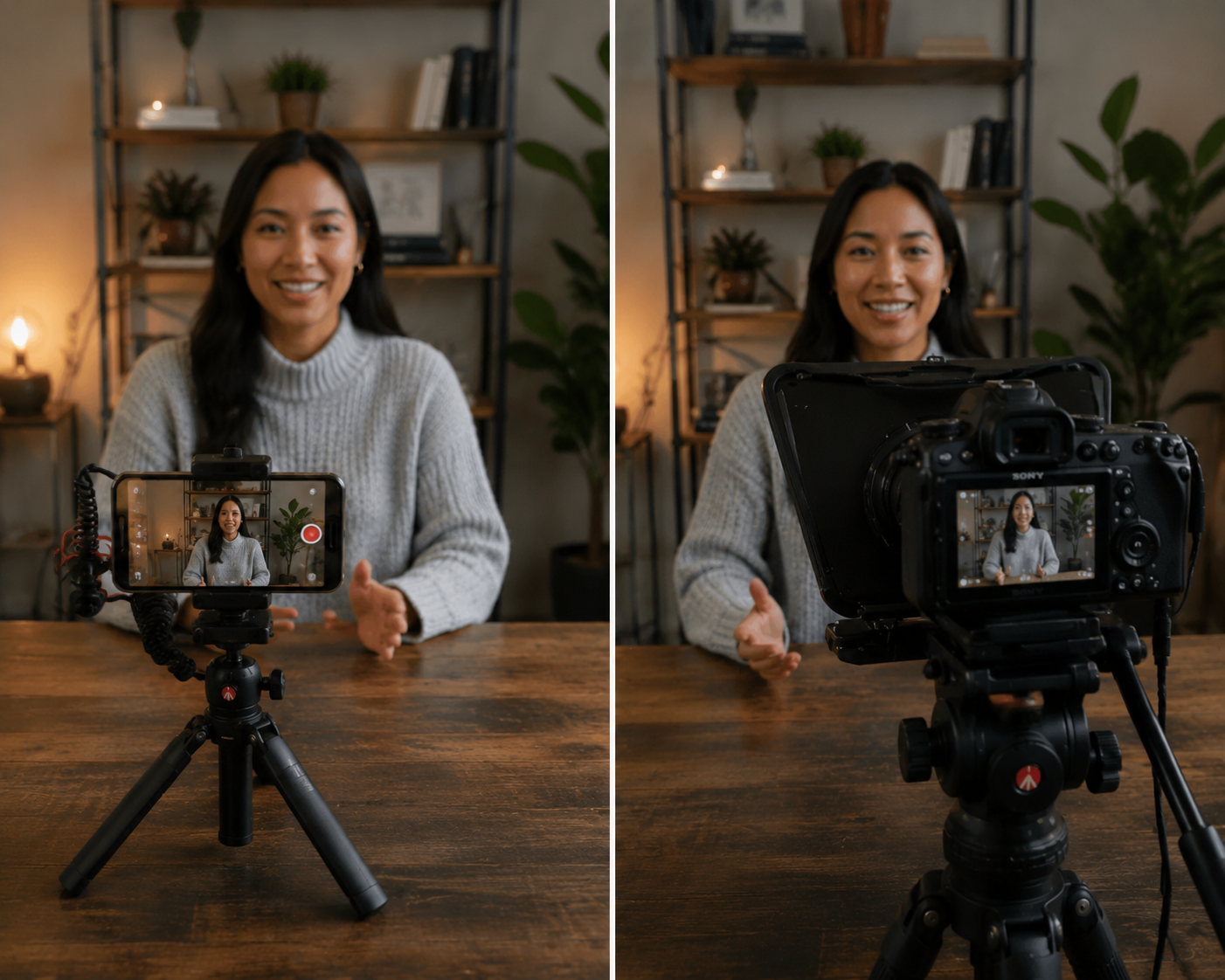
One-take shooting only works if the script is good. Teleprompter scripts follow different rules than regular writing:
1. Short sentences: Under 25 words. Long sentences break into two or three. Rhythm takes care of itself. 2. Conversational language: Write what you'd text a friend about the product. Not "this product delivers exceptional performance metrics" — "this thing is fast." 3. Breathing room: Three to four sentences per paragraph, then a blank line. That blank line = natural pause for breath, lens contact, expression reset.
"Won't I Sound Like I'm Reading?"
Depends entirely on the script. Write it like a white paper and read it word-for-word — yes, you'll sound stiff. Write it like a conversation and deliver it with natural rhythm, and your audience won't know the difference. Good spoken delivery and good reading sound identical when the words are right.
Efficiency Data
| Metric | Without Prompter | With Prompter | Gain |
|---|---|---|---|
| Takes (3-min segment) | 20 | 1-2 | 10-20x |
| Overall production speed | Baseline | ~3x | 3x |
| Retake reason | Forgetting lines | "I can do it better" | Qualitative shift |
The more important change: before, filming felt like "please let this one work." Now it's "script's ready, let's go." That certainty is worth more than the hours saved.
CueBuddy is an iOS teleprompter with AI voice tracking and built-in recording (4K 60FPS, portrait blur). No login, no ads, local script management; see the privacy policy for data handling. Search "CueBuddy" on the App Store or visit cuebuddy.cn.
Try the free online teleprompter first
If you are solving script, pacing, line-memory, or filming workflow issues, open the browser teleprompter first and test the script there. Use the CueBuddy app when you need a stronger mobile recording workflow.
Start your next recording with CueBuddy
Try the free teleprompter workflow first, then open CueBuddy if you need stronger recording and camera workflows.