 CueBuddy
 Scan with your phone to download
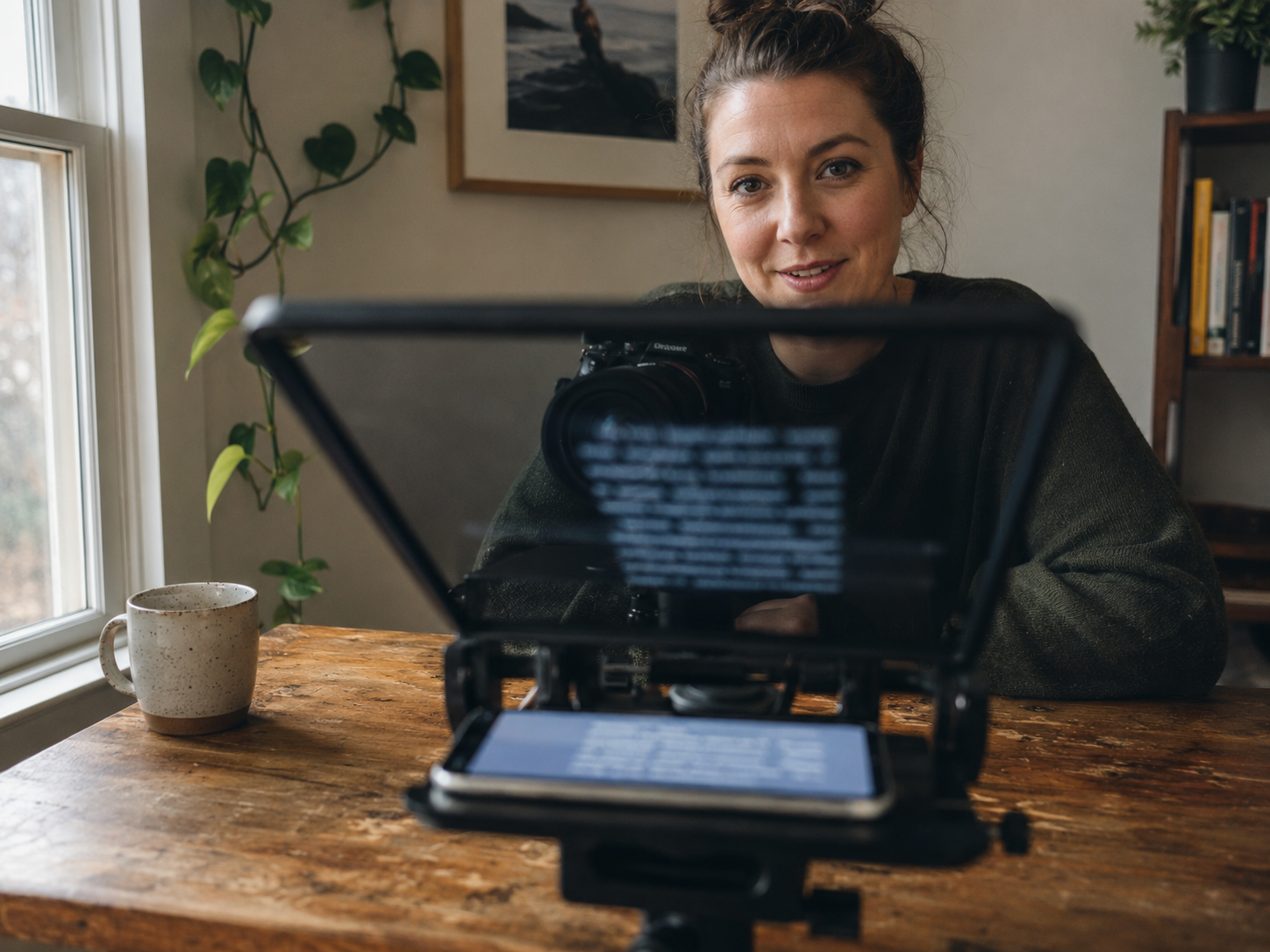
Traditional teleprompters have a structural flaw: you have to tell them how fast you talk. Most apps use a WPM (words per minute) setting. The problem — most people don't know their words per minute.
The Fixed-Speed Problem
The typical experience with a fixed-speed teleprompter:
1. Guess a number. Set it to 150 WPM. Start recording. 2. Ten seconds in: 150 is too slow. You're waiting for lines to crawl into view. 3. Bump to 180. Now it's too fast — next line is center-screen before you've finished the current one. 4. Dial back to 170. Close enough. For about a minute. 5. Then you hit an exciting section, your natural pace quickens, and 170 is lagging again.
The entire shoot becomes a tug-of-war. You adapt to the machine, not the other way around.
Voice Tracking: Let the Machine Adapt to You
Apple's Speech framework can provide live recognition results from microphone audio. Whether recognition is available on-device or needs a network depends on the recognizer, language, system, and request configuration. A teleprompter can compare those results with nearby script text to estimate reading position.
CueBuddy's approach: it doesn't ask "how fast do you talk?" — it listens.
How it works: 1. The app taps into iPhone's built-in speech recognition engine (same tech as Siri), converts voice to text in real time 2. Matches recognized text against your script 3. Matched words highlight green. The entire scroll is driven by your voice.
Key experience detail: current-word highlighting (not current-line). With line highlighting, your eyes hunt through seven or eight words to find position. Each hunt takes a fraction of a second — over hundreds of words, this becomes persistent friction. With current-word highlighting, only one or two words glow. Peripheral vision locks position instantly. Gaze slides naturally to the next word.
Three Scenario Advantages
1. Speed Freedom
No speed setting exists. Fast, slow — it's all you. The concept of "wrong speed" disappears.
2. Pause Freedom
Never stop mid-recording to adjust. Freeze, and it waits. Resume, and it follows.
3. Retake Freedom
On paragraph three, delivery isn't landing. With a traditional prompter: manually drag back, find the start, reposition. With voice tracking: just start speaking from the top of that paragraph again. It hears you, recognizes the jump, and snaps back to where you are.
Limitations and Fallbacks
Noisy environments degrade recognition accuracy. CueBuddy keeps manual options — Bluetooth remote, keyboard control, drag-to-scroll — for edge cases. But for the vast majority of shoots, voice tracking is all you need.
Bottom Line
Auto-scrolling isn't just about convenience. It reverses the relationship between person and tool. Before, you adapted to the machine. Now, the machine adapts to you. And that reversal runs on the chip already inside your iPhone.
CueBuddy is an iOS teleprompter with voice following based on Apple's Speech framework. Recognition availability and network use vary by device, language, and system support. No CueBuddy account is required and the app has no ads.
Try the free online teleprompter first
If you are solving script, pacing, line-memory, or filming workflow issues, open the browser teleprompter first and test the script there. Use the CueBuddy app when you need a stronger mobile recording workflow.
Start your next recording with CueBuddy
Try the free teleprompter workflow first, then open CueBuddy if you need stronger recording and camera workflows.