 CueBuddy
 Scan with your phone to download
The core dilemma of talking to a camera can be stated in one line: you're trying to do two things that actively fight each other — be accurate and be natural.
Off-script: natural, but inaccurate. Reading: accurate, but stiff. Until this contradiction is resolved, talking-head efficiency stays stuck.
What Separates an AI Teleprompter from a Regular One
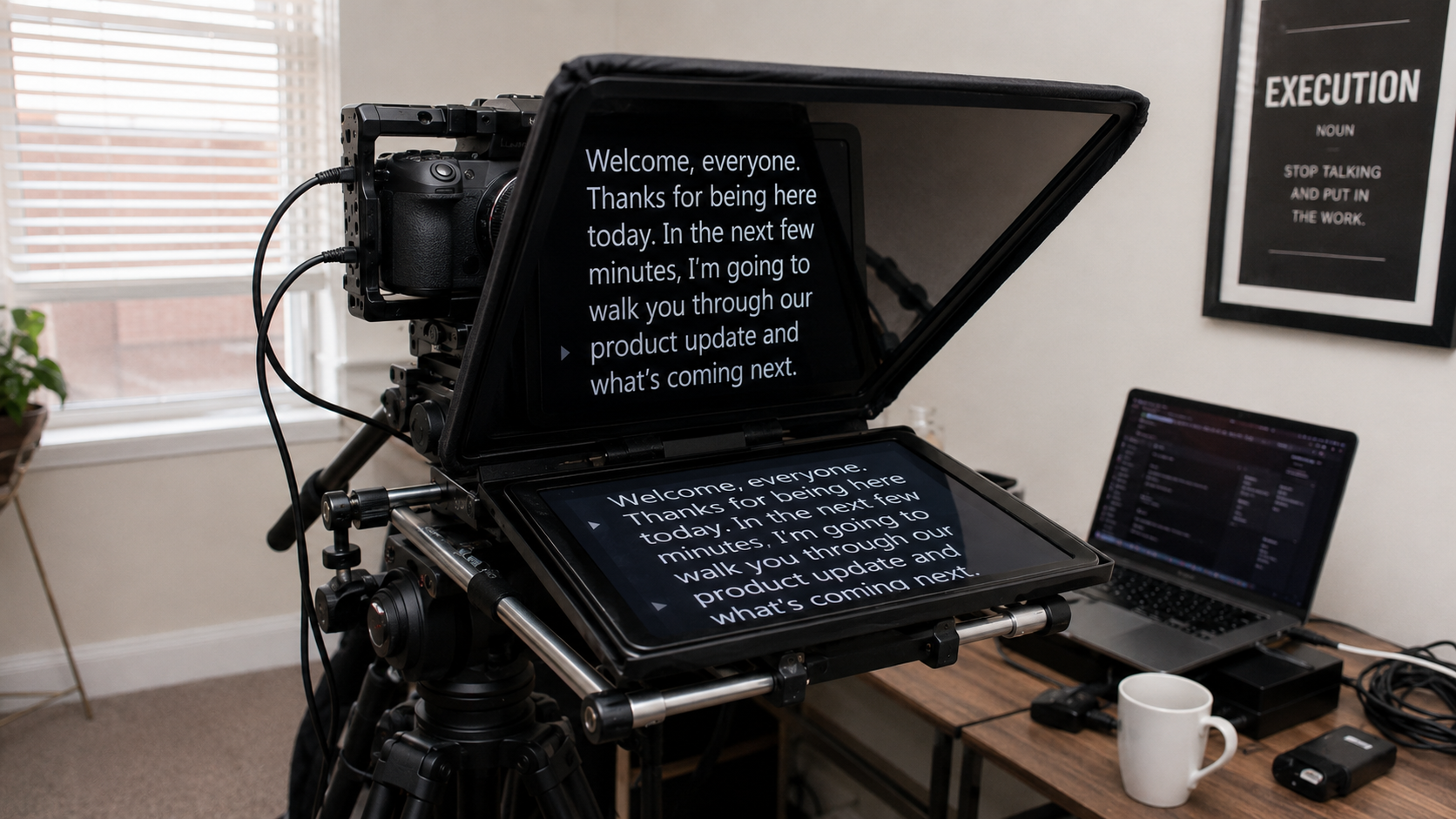
Many people think an "AI teleprompter" just displays text on a screen. How is that different from a notes app?
The difference is: voice tracking.
Traditional teleprompters are blind. They scroll at whatever speed you set. They don't know what you're saying, where you are in the script, or whether you've stalled.
Voice following listens for speech-recognition results and matches them to the script. CueBuddy uses Apple's Speech framework:
- Processing and network behavior vary by device, language, OS version, and recognizer support
- Speech and microphone permission are required
- Important recordings should be tested with the actual script and environment
- Data handling follows the current privacy policy
The workflow: You say your first word → the app recognizes it → finds it in the script → highlights it green → you keep speaking → the highlight follows → you speed up → scroll speeds up → you pause → scroll pauses → you jump back to redo → highlight moves back with you.
Zero buttons. Zero parameter adjustments. You talk. It follows.
Three Core Changes
Change 1: From Memorizer to Storyteller
Without an AI teleprompter, your internal monologue during recording is: "What's next? Don't forget. Don't forget." All attention is on recall. Expression, tone, body language get the scraps — and the scraps aren't much.
With an AI teleprompter, nothing needs memorizing. Words are on screen, AI tracks your place. Your brain is freed for one thing: how to say this well. Inflection, pauses, emphasis, gestures — they finally get the mental bandwidth they need.
Change 2: Recording Goes from a Gamble to a Process
Without a prompter, filming feels like running a gauntlet. You never know how many attempts it'll take. That uncertainty is what drains you.
After preparing a script, use CueBuddy to record and repeat a take when needed. The number of attempts depends on the script, practice and recording environment.
Change 3: Improvisation Becomes Safe
A script can support both prepared lines and spontaneous remarks. Their balance depends on the content and speaker; there is no universal percentage.
Workflow changes
| Metric | Change |
|---|---|
| Recording time | Varies with script, device and experience |
| Post-production | Editing and checking the recording are still needed |
| Recording mindset | From "need to psych myself up" to "script's done, let's go" |
Efficiency is the result, not the goal. The real change is that recording becomes enjoyable — like having a patient partner turning pages for you. That's not efficiency. That's comfort.
CueBuddy is an iOS teleprompter with voice following based on Apple's Speech framework. It supports recording and multiple prompting modes. No CueBuddy account is required and the app has no ads; see the privacy policy for current data-handling details.
Try the free online teleprompter first
If you are solving script, pacing, line-memory, or filming workflow issues, open the browser teleprompter first and test the script there. Use the CueBuddy app when you need a stronger mobile recording workflow.
Start your next recording with CueBuddy
Try the free teleprompter workflow first, then open CueBuddy if you need stronger recording and camera workflows.